Amicus: bringing collaboration, status tracking and documentation into a unified workflow with GanttPRO
“We needed something that was simple to use. Previously, we tried different tools, but none of them combined good collaboration, status tracking, attachments and commentary support. GanttPRO solved this issue.”
A story about moving from fragmented tools and manual coordination to unified workflow where collaboration, status tracking, and documentation are brought together in one place.

Company overview
Company: Amicus
Roles interviewed: Amit Mendiratta, Vice President
Project types: strategic sourcing, supplier onboarding, cost optimization, supply chain setup with multiple stakeholders involved
External pressures: dependency on timelines and vendor coordination, need of prioritization due to varying levels of urgency
Tool history: MS Project, Excel, Monday
Problems hinted at: limited collaboration capabilities, weak status tracking, and inadequate support for attachments in previous tools.
Summary
Company Background
What does your company focus on?
Amicus is a procurement and supply chain services company that helps organizations source materials, manage suppliers, and optimize purchasing processes across complex multi-stakeholder operations. The project on average runs up to 6 months, involves close client coordination, and requires ongoing prioritization as urgent initiatives may arise.
“Our work is quite nuanced: we deal with different project types, each requiring its own approach, with many activities running in parallel, extensive documentation, and close team collaboration. Depending on the project, we still use various platforms, but the majority of the scope has been moved to GanttPRO.”
We needed something that was simple to use. Previously, we tried different tools, but none of them combined good collaboration, status tracking, attachments and commentary support. GanttPRO solved this issue.
Struggle
How did your approach look before GanttPRO?
Before GanttPRO was implemented, the team had tried a range of tools, from Excel to Monday, Asana, and MS Project. But dependency on a single project manager, too much manual work, and lack of crucial functionality were still remaining.
“We had been managing projects within a structured framework for some time but certain elements were still handled manually and required additional sync meetings, creating unnecessary workload for one person. GanttPRO helped remove this overload by creating a system where everyone can contribute, update their status, and keep the project manager informed before discussions.”
“We needed something that was simple to use. Previously, we tried different tools, but none of them combined good collaboration, status tracking, attachments and commentary support. GanttPRO solved this issue.”
Solution
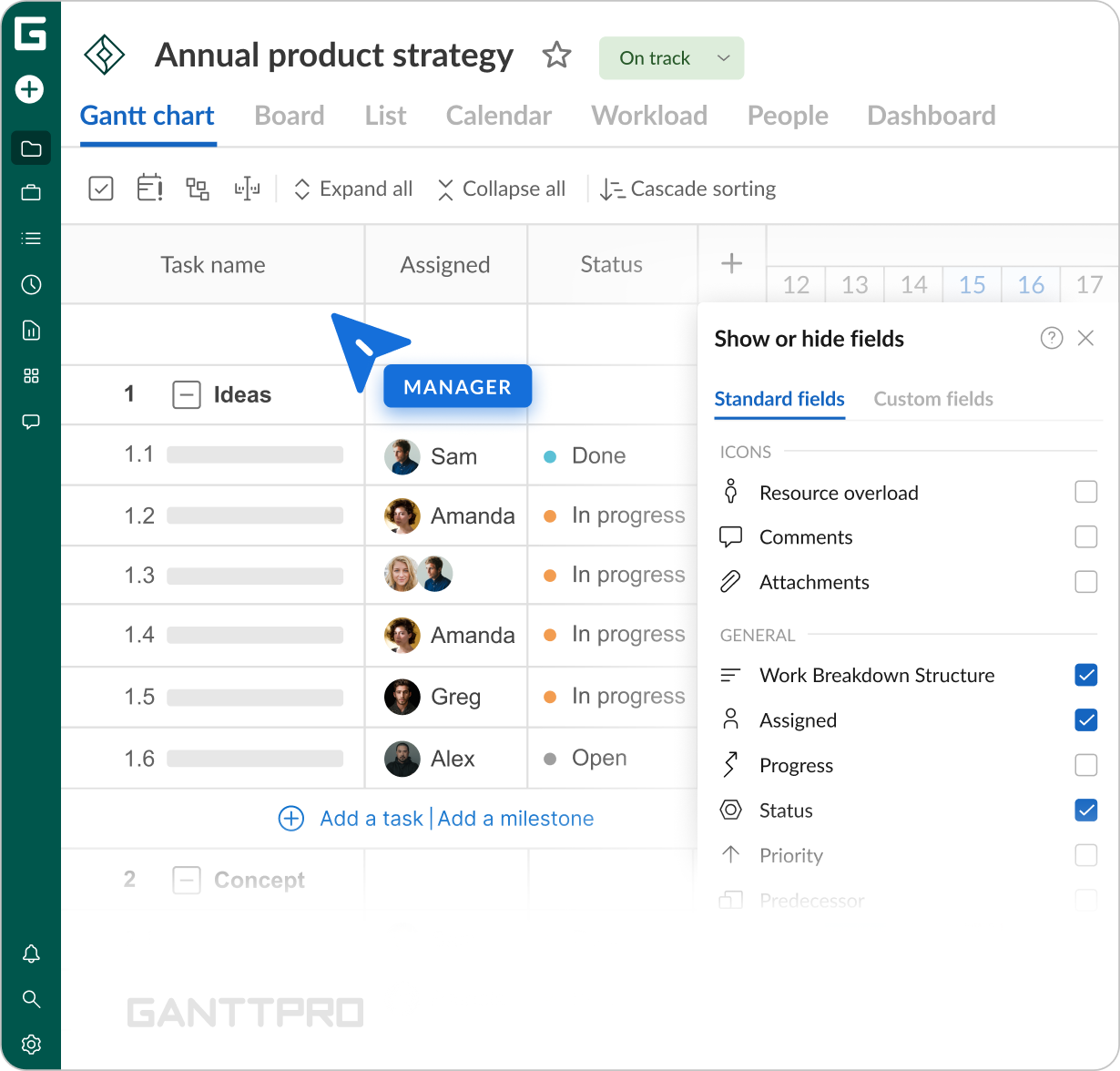
“What really worked for our specifics was custom fields. They allow us to organize project and client details, prioritize which items should be taken care of first and assign resources based on those priorities. That is usually followed by structuring projects into portfolios based on similarities in project type for internal reporting. The ability to do both project and portfolio management, and to do it so simply, that is the best part.”
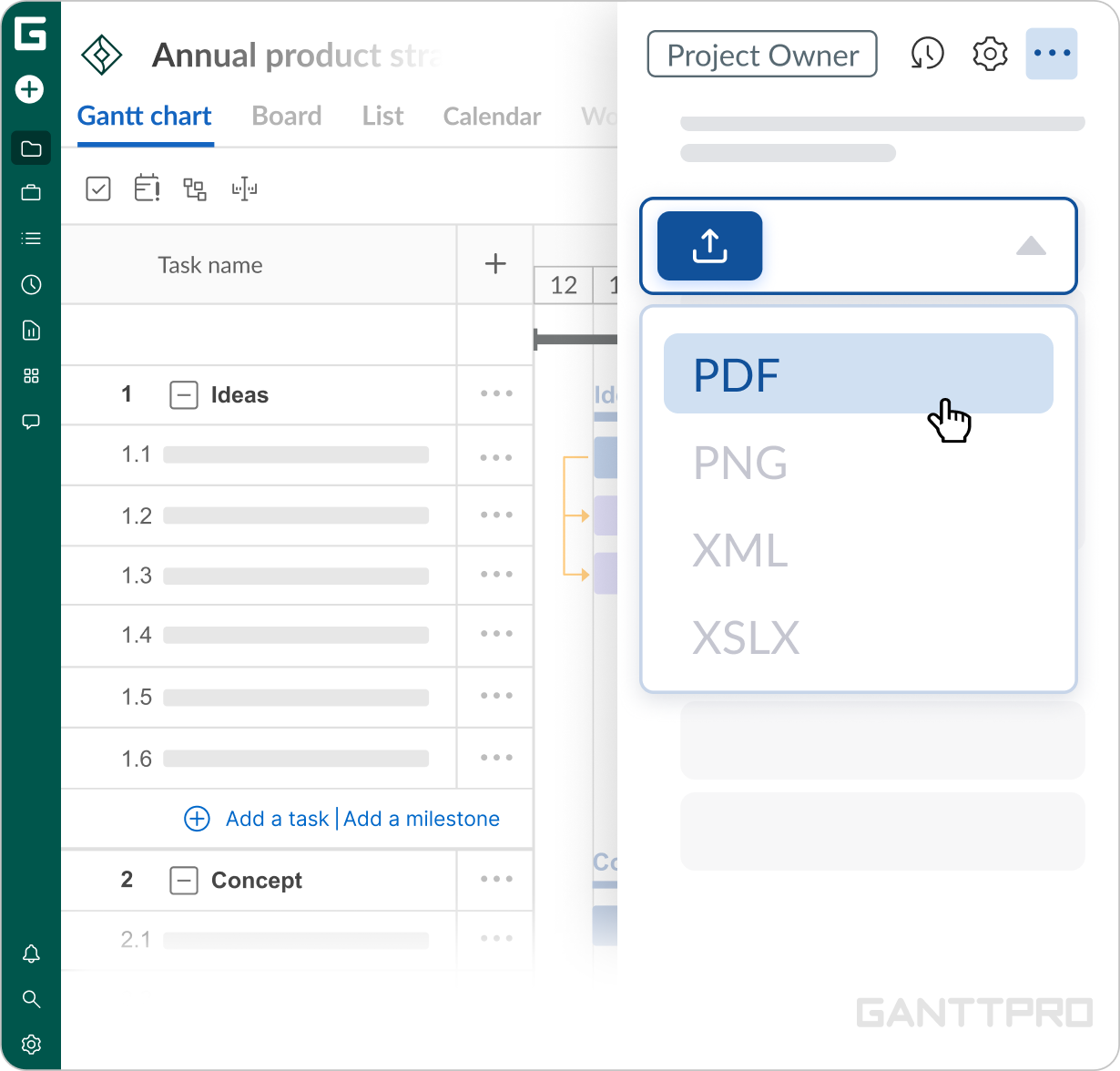
Export is another important side of internal processes, contributing to analytics and growing databases. “The way we use it is that we export data in the XML format, and then either store it for archiving purposes or upload the required information back into our ERP or any other application.”
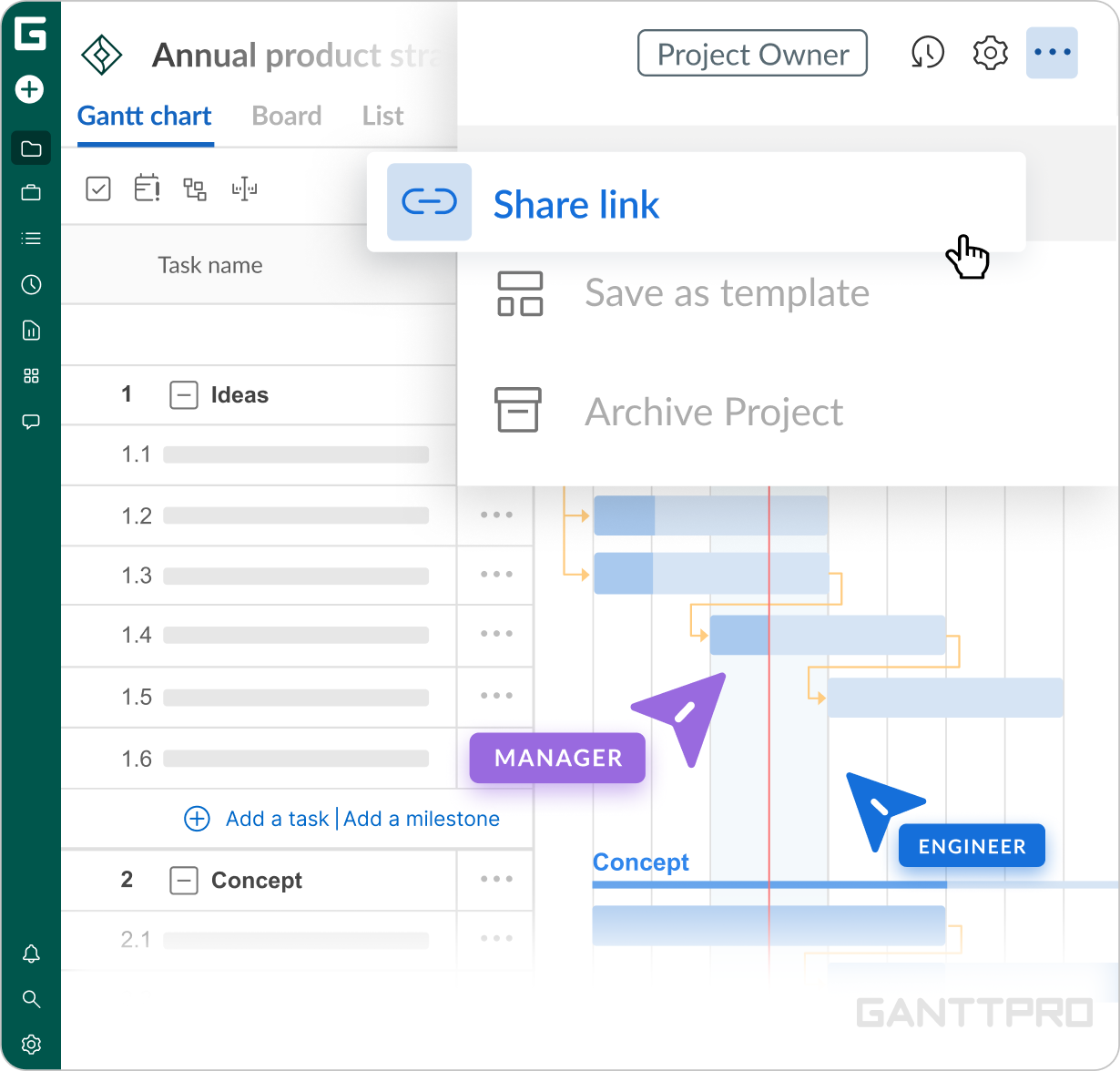
One of the reasons the previous tools weren't a perfect match was limited collaboration. With GanttPRO, it was improved both internally and externally: “Besides export, we do use the collaboration feature so that our client can stay in context with status tracking.”
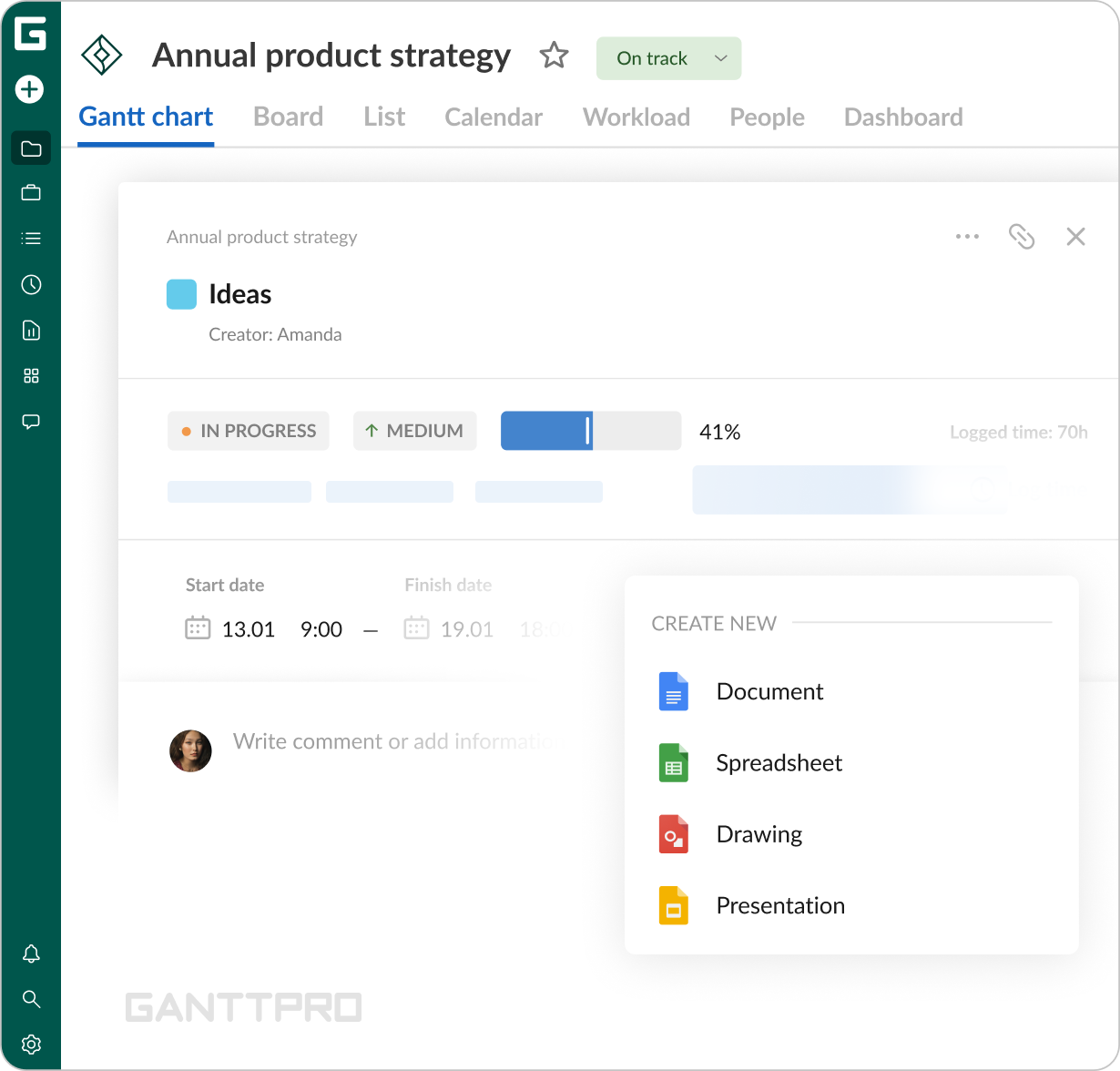
For Amit personally, the standout aspect was collaboration with other team members on a task level: “One of the most valuable features for me is the ability to keep documents and track responses as they come in. Each task now includes comments, so the team can easily go back and see exactly what’s happening. And if something is delayed, we can clearly see the status, the assignee, and the actions being taken, all within a simple interface.”
Impact
What does your work look like now with GanttPRO?
“What a tool should do is to make people quickly understand where things stand without spending time piecing information together. When returning after a break, they should be able to easily pick up where they left off by narrowing down their tasks and project context within seconds.”
Now, GanttPRO represents the way the team approaches project management. Used by around 20 members, its simplicity combined with a range of features have transformed collaboration from chaos into a structured data environment, where work is easy to navigate, responsibilities are clear, and progress is instantly visible.