AI Project Planner
AI Project Planner
Create professional project management plans with AI.
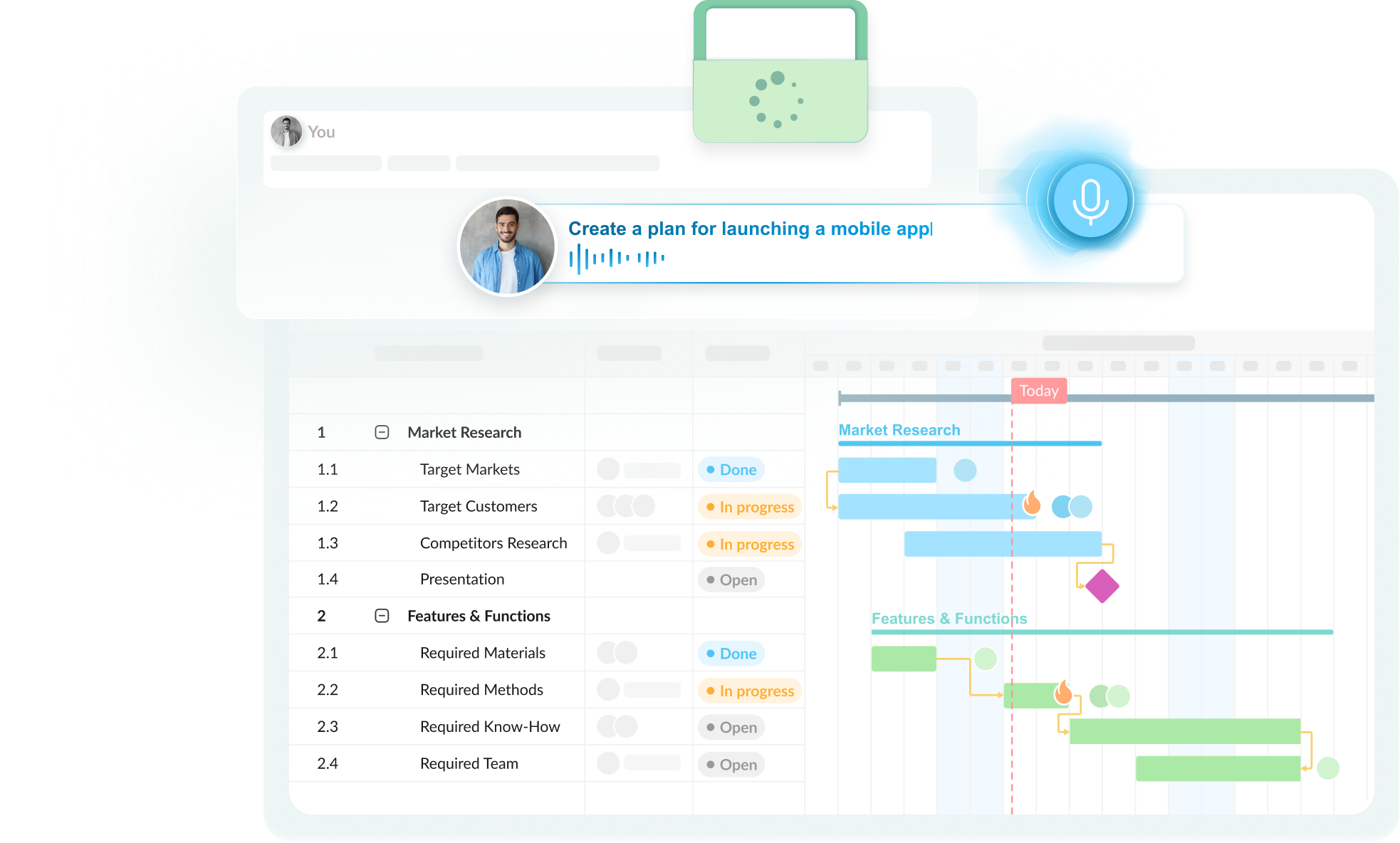
Provide GanttPRO with any information you already have, in any form you have it - text, voice, or files - and get an editable project plan with phases and subtasks, tasks dependencies, milestones, and project roles.
Get free 14-day trial to premium features. No credit card required

based on 1000+ reviews


1M+ project managers build and
manage Gantt charts with GanttPRO
How to create a project plan with AI
- Step 1
Describe your project
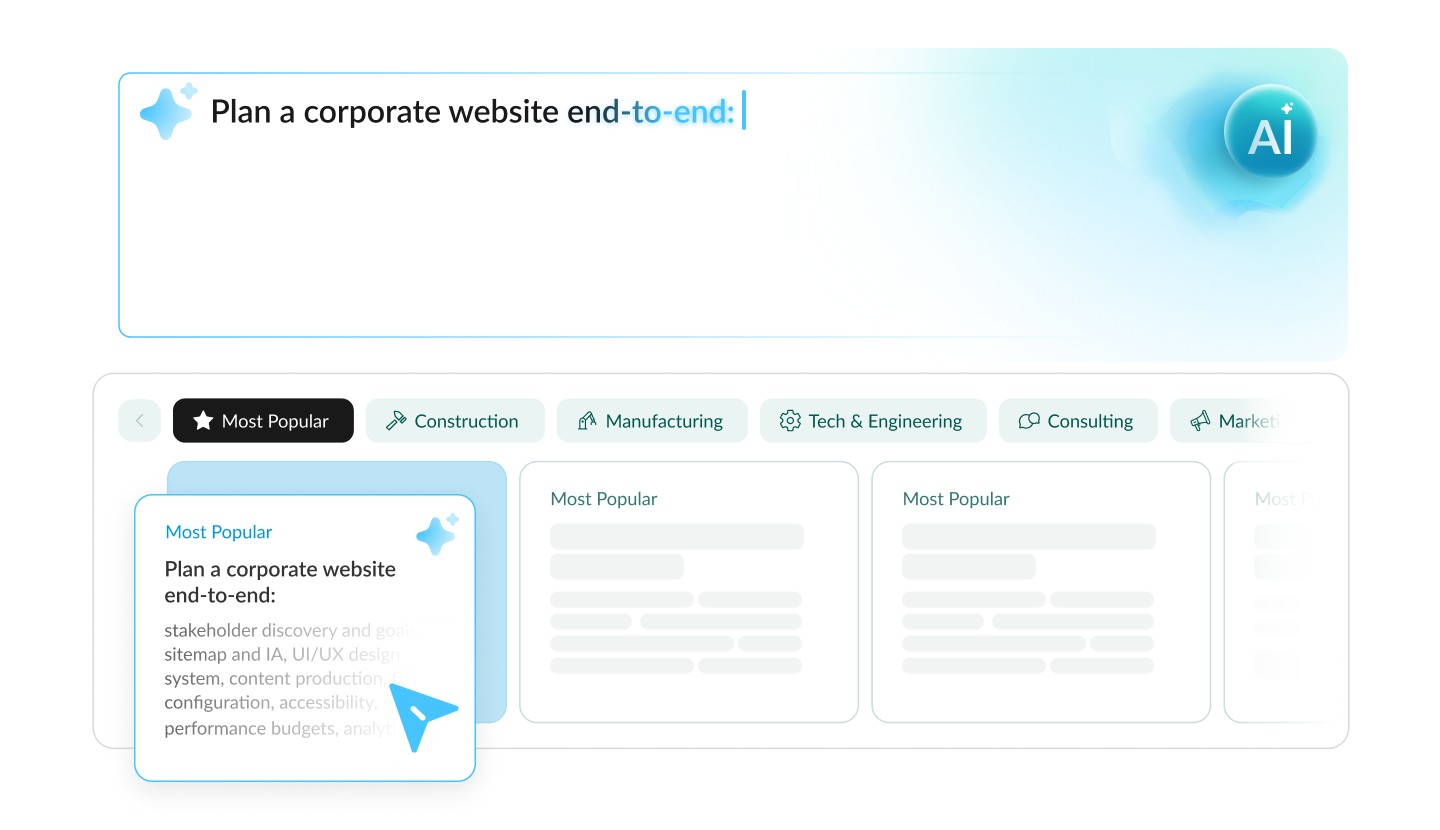
Describe your project however you like - by text, voice, or file - and AI generates a ready-to-use project timeline.
- Step 2
Get a plan
Use AI to receive a ready-to-use but an editable plan which is fully under your control.
- Step 3
Refine as you go
Make follow-up edits, browse version history, and change any part of your project - AI adjusts only that piece.
What you get with GanttPRO’s AI-powered project planner
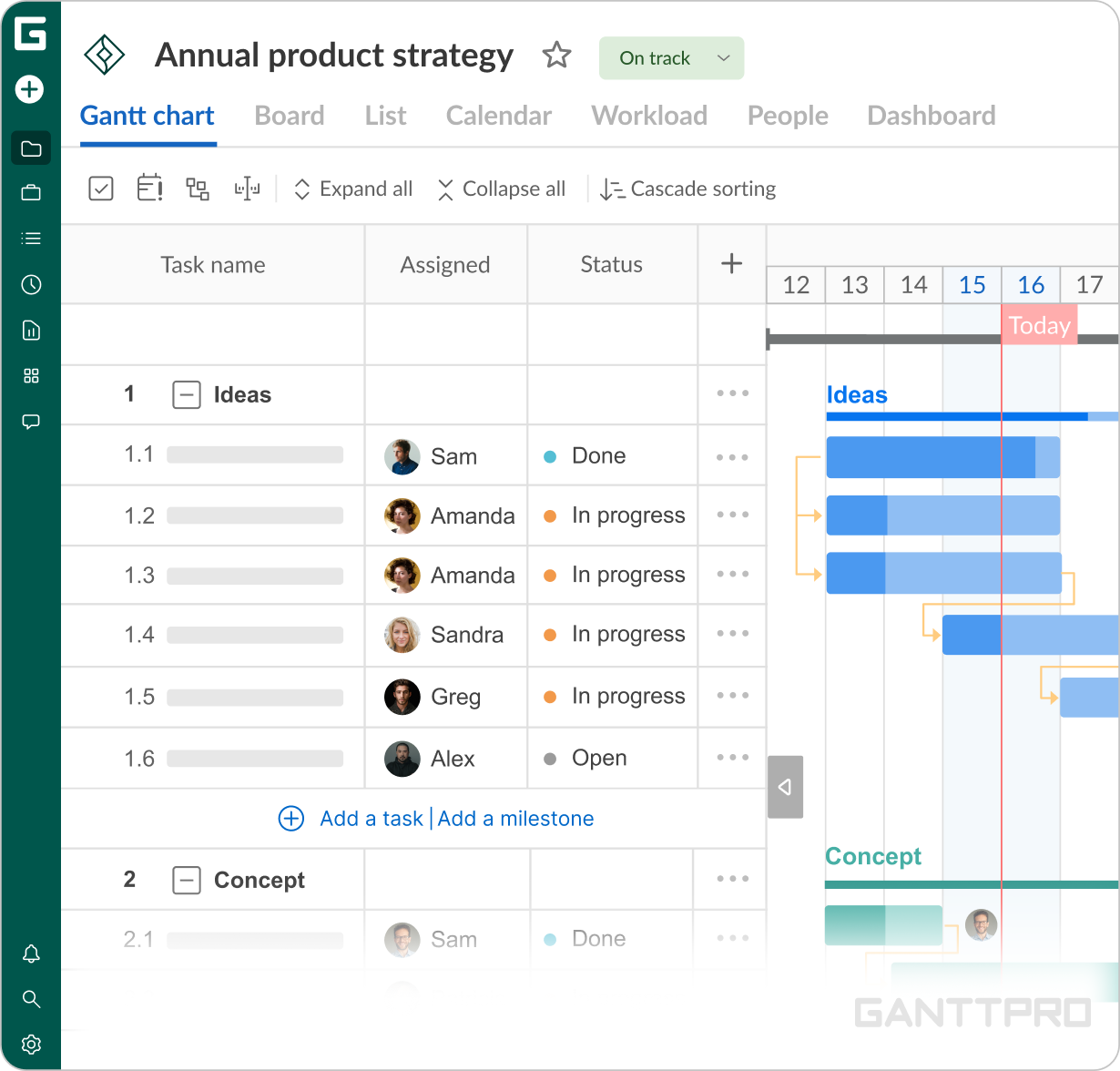
AI project timeline planner identifies your industry and creates specific plans. You get a project setup that is ready to implement but it is still under your control.
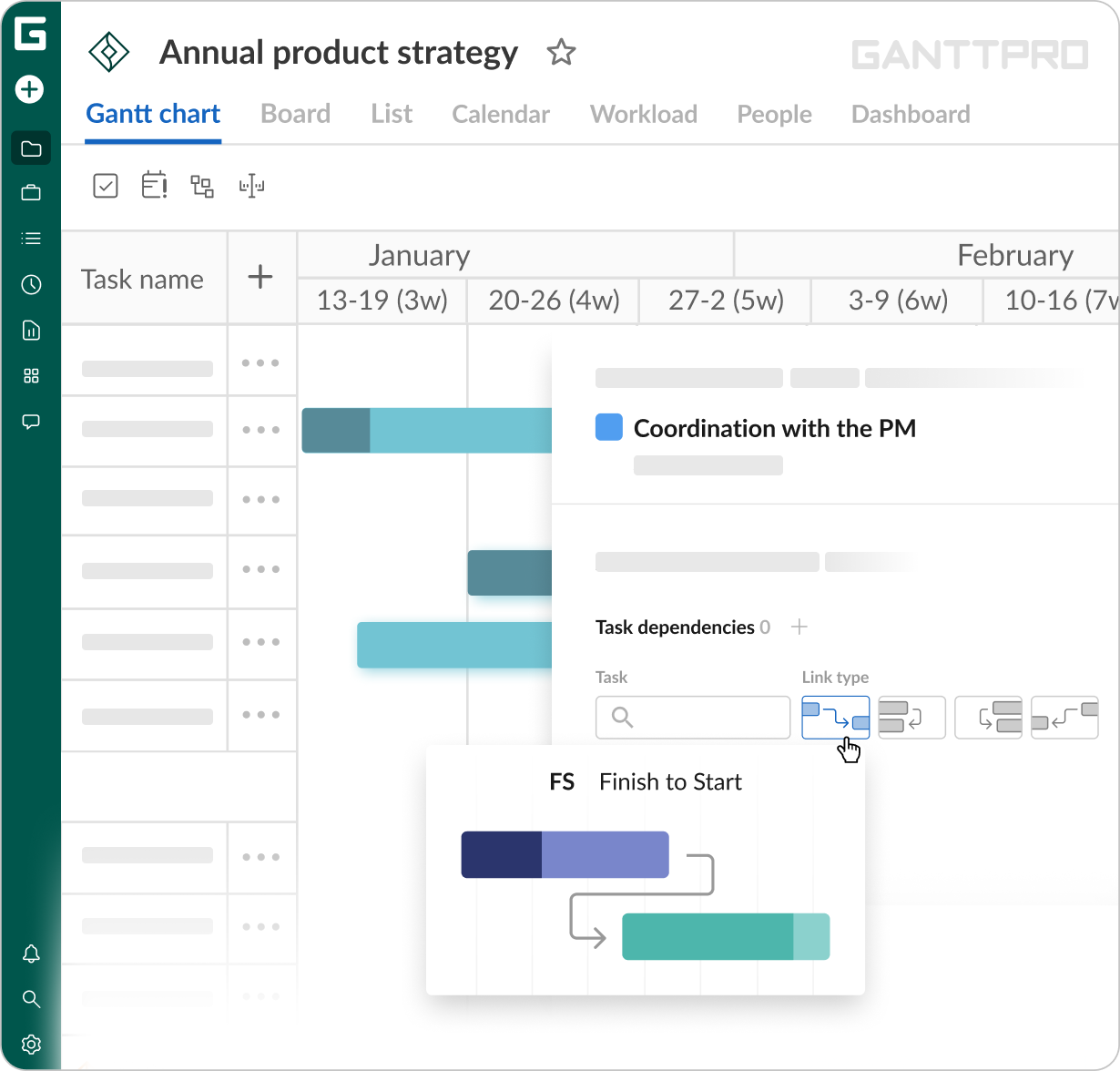
The AI project planner online clearly determines parallel and sequential tasks. You get a structure where tasks are arranged in a realistic order.
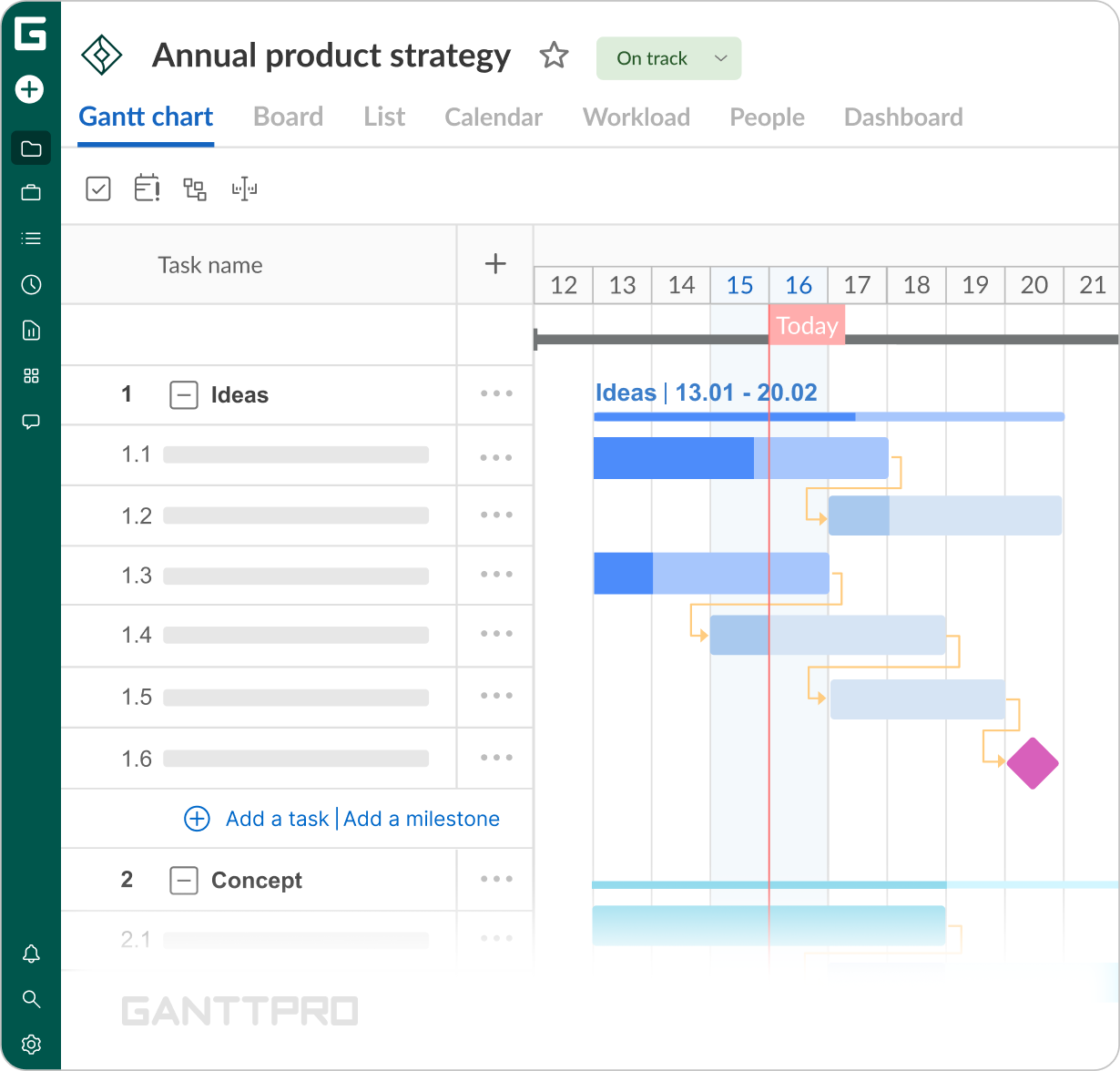
GanttPRO adds milestones where they naturally sit. You get industry-specific key points which help you track your progress.
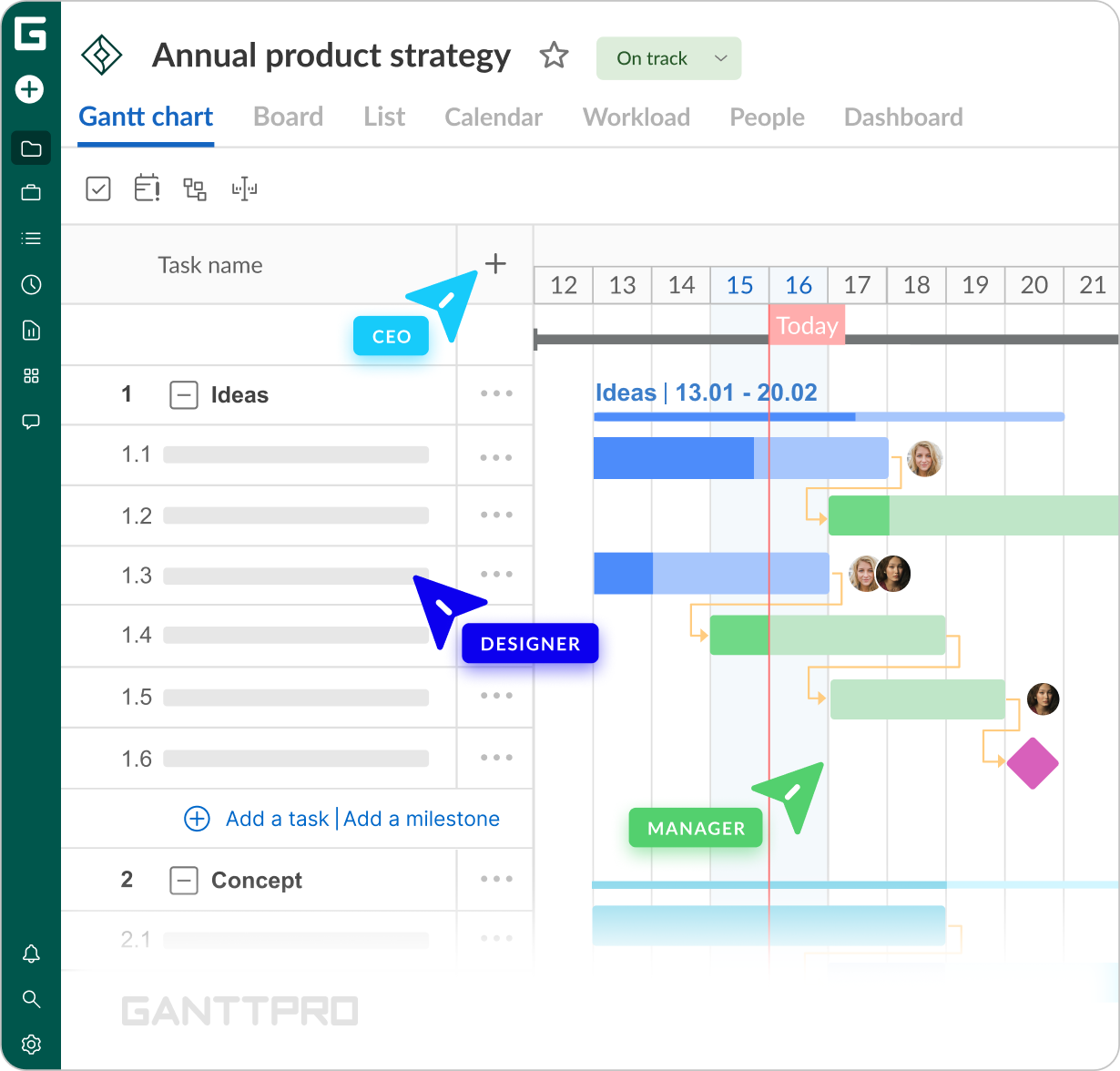
The planner uses realistic roles from your professional sphere. You get a plan where roles are distributed as your industry requires, not general “project manager”.
How GanttPRO’s AI project planner works
See how it works and start planning in just 3 minutes.
Other GanttPRO’s AI tools
AI Gantt chart maker
Create a timeline in a few seconds to visualize and manage your work.
Frequently asked questions about the AI project planner
- An AI project planner is a tool that turns a description of your project into a structured plan you can use right away. Just describe it in your own words, using text or voice input, or even attach files.
As a result, GanttPRO produces a project schedule with planning phases, tasks, start and end dates, dependencies, milestones, and roles.
You get a working Gantt chart that you can edit and collaborate on. - Yes. The AI project planner online is free to use for creating plans during the 14-day trial. After the trial ends, it stays available on all paid plans.
- You will find the AI project planner tool inside the app. It is available when creating new projects.
- The AI project planner is built for a desktop. The page opens on a phone or tablet, but the layout is designed for a larger screen.
For the best results, use GanttPRO on a desktop. - Describe your project the way you'd explain it to a colleague. For this, you have options. For example, you can type it in plain language or use sophisticated terms. Also, you can say it out loud just like it is an ordinary conversation. Attachments work as well: briefs, spreadsheets, or photos.
GanttPRO reads what you gave it, works out the planning phases, tasks with their durations, dependencies, and milestones your project needs, and builds the schedule.
The key part is that you can watch the steps it's taking. Then you can ask for changes whenever they are needed and refine your plan. - As detailed as you like. There is no minimum, and even one line works. Provide your goal, deliverables, a field, and a rough timeframe, and this is enough. In any case, GanttPRO builds a full plan.
You can use prose, bulleted lists, numbered lists, tables with columns, hierarchies created by indentation or 1.1.1 numbering, headed sections, and even text-based diagrams. Add more and it keeps what you give: your task names, dates, and dependencies are carried over exactly.
If something is missing, the planner fills it in, no inventions are made. - You can enter up to 20,000 characters. It makes roughly eight pages of text. There's no minimum, so a single line works just as well. Voice recording runs up to 60 seconds at a time. Attach up to 5 files totalling 10 MB.
In any case, this should be enough as in practice, most project descriptions sit well under these limits. - Don’t worry, you will get a working plan. Because that's the case the AI project planner is built for.
Enter the goal, the sphere, and a timeframe. They can be even rough. For the tool to create a plan, that’s really enough. GanttPRO works out the tasks the project needs, places them on the timeline with proper start and end dates, links them logically, and adds milestones between phases.
You give one sentence and afterwards, get a plan with industry-appropriate tasks, dates, and project roles.
When the plan is ready, the planner isn’t silent, and this is its key differentiator. It asks questions that really matter with one goal - to tailor it for your needs. - No. All you need to do is to describe your project in simple terms, just like you would do it to a colleague.
The rest belongs to GanttPRO: it handles the structure, determines parallel and sequential tasks, their duration, and where milestones go. It also tells you what it assumes and asks about anything that affects your timeline, so you don’t need to know a thing about project management methodologies. - Generating a plan takes moments. While it runs, you can see what GanttPRO is doing for you: how it is working through planning steps for your project, particularly, how it is mapping out phases and what phases, connecting dependent tasks, estimating durations, and assigning roles.
When it finishes, the plan opens as a normal project you can edit as you like. - All three, and in any combination. Type or paste your project description, record speech, or attach files - all works and GanttPRO understands them all. What is more, you don’t need to accompany the upload with text as a file on its own is a sufficient request.
- Documents in PDF, DOC, DOCX, XLS, and XLSX, plus images in PNG, JPG, WEBP, including a photo of a whiteboard or a screenshot of a table, and GIF. You can upload up to 5 files and 10 MB in total.
Here is the thing: GanttPRO doesn’t just attach your files. It reads what’s inside them. It pulls out task names, dates, durations, and work breakdown structure (WBS), and you’ll get a ready-to-use editable project structure. - Yes. Attach photos, and the AI project planner tool reads the content straight from the image. All important information is transferred line for line. It includes task names, start and end dates, and structure. Nothing is invented.
And as the cherry on the cake, add one spoken sentence like "make this a two-month plan starting Monday". You get a plan and you've typed nothing at all. - Yes. You can do it in two ways. Ask for changes in plain language in a particular part of your project, for example, "make the phase four months instead of six". Only that part gets rebuilt.
Or you can edit the plan directly on the Gantt chart like any other project: drag tasks, adjust dates, etc.
Every AI edit is saved as a new version, so earlier plans stay available. - No. You can ask for one change and the AI project planner adjusts exactly that. Everything else will be left in place. Add two milestones and existing task dates don't move. Or ask to rename your sprints to iterations. As a result, the names change and durations and dependencies stay the same.
However, GanttPRO understands consequences as some edits should really move other tasks. For example, you need to extend testing by a month. Obviously that this change does affect the project timeline. In this scenario, the tool shifts what follows and leaves what came before alone. - Yes. Every change creates a new version and it doesn’t overwrite the last one. Previous plans stay in the conversation and you can even switch between them or compare.
The conversations are saved too. If something went wrong in your project schedule or you simply don’t like the way it goes, you can return to a discussion from, say, last week and pick up where you left off.
You can experiment as you simply can’t break anything. Trying things out is absolutely safe: a good version can't be lost. - Yes. GanttPRO understands the processes rather than simply chains tasks in order. It clearly distinguishes parallel and sequential tasks. For example, marketing can run alongside development. But all work connected with testing only starts once development is done.
Milestones are added naturally: it could be stage handovers, client sign-offs, launches, acceptance, etc.
What is important is that all the placement is reasoned, not guessed. You can adjust any of it afterwards, but the logic is in place before you start. - Yes. Every task gets start and end dates and their durations. Estimations are based on the type of work. They are not picked at random. If these are short steps, they run one to three days. Mid-sized work takes five to fifteen, and larger blocks up to thirty.
But if you specify durations yourself, don’t worry, they are kept exactly as you wrote them. - It assigns roles, not real team members. Each task is assigned an appropriate role for your industry. It can be a QA engineer in software development, a site foreman in the construction field, etc. GanttPRO chooses them by understanding what the work actually requires. There is no default “project manager” or “team member” everywhere.
But if you name people in your description, they are kept as you wrote them. Assigning specific team members happens afterwards in GanttPRO. - They are accurate enough to start from. GanttPRO builds a realistic project structure for your field. It makes assumptions and you will know about them as the tool directly tells that.
Also, the planner asks you about anything that affects your project timeline.
However, it keeps whatever you specified exactly as you wrote it. Treat the plan as a solid first draft. But this draft is under your control and the decisions stay yours. - No. Anything you specify is kept exactly, word by word and date by date. Task names aren’t changed and dates aren’t recalculated. If you write 2036, the plan has 2036. If you give a closed list of seven tasks, you get seven. The tool doesn't rewrite your decisions.
- If there are any assumptions, the AI-powered project planner tells you, unprompted. GanttPRO says what it assumed and asks about it directly. You can get something like this: "I set the start date to 1 September. When does the project actually begin?"
In general, it may ask you at most three questions and only about things that genuinely affect your dates. If your description covered everything, there are no questions at all. - Sixteen fields, and it uses the actual vocabulary of each. A construction manager gets a plan with such tasks as surveys, permits, and handover. A product manager in software development gets activities like sprints, QA, and staging. A research project gets a literature review and a defense.
It can also be marketing campaigns, product launches, events, manufacturing, and consulting.
All of them get structure and terminology that match the work. You do not get a generic template. - Any language. You don’t even have to choose one as GanttPRO detects the language from your description and replies in it. It then builds the whole project in the same one. You get task names, phases and subtasks, and milestones in the language you wrote.
- No. The tool builds the schedule and you get activities, dates, dependencies, and roles. It doesn't produce cost estimates. Mentioning the budget in your project description provides context, that’s it. It won’t appear as figures in your plan.
However, once the project is created, you can edit it and set up costs with the following budget tracking yourself. GanttPRO allows you to set cost per task and per resource. - Not at the planning stage. The AI project planner sets up a project plan with work breakdown structure, tasks, dates, dependencies, and roles.
Afterwards, you can track the progress of the project in general and each separate task as well as balance the workload in GanttPRO itself. You can assign real team members or create virtual resources and level their workload.