What's new in GanttPRO
Discover new features, the latest product updates, improvements, and see what's coming soon to make GanttPRO the best solution for your project management needs.

All updates & releases
September, 2025

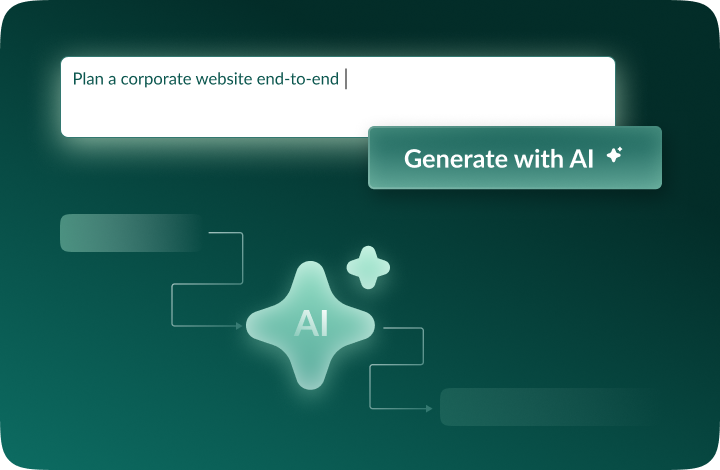
Meet the new AI project planner
Describe your project however you like - by text, voice, or file - and get a complete plan, ready to work with. Need changes? Just say what to adjust, and it reshapes only that piece. Every edit is saved as a new version, so nothing is lost. Available when creating new projects.

Create project plans with AI
Meet the AI Gantt chart maker that turns a brief description into a ready-to-use project - in just seconds. Available when creating new projects.

New currencies added
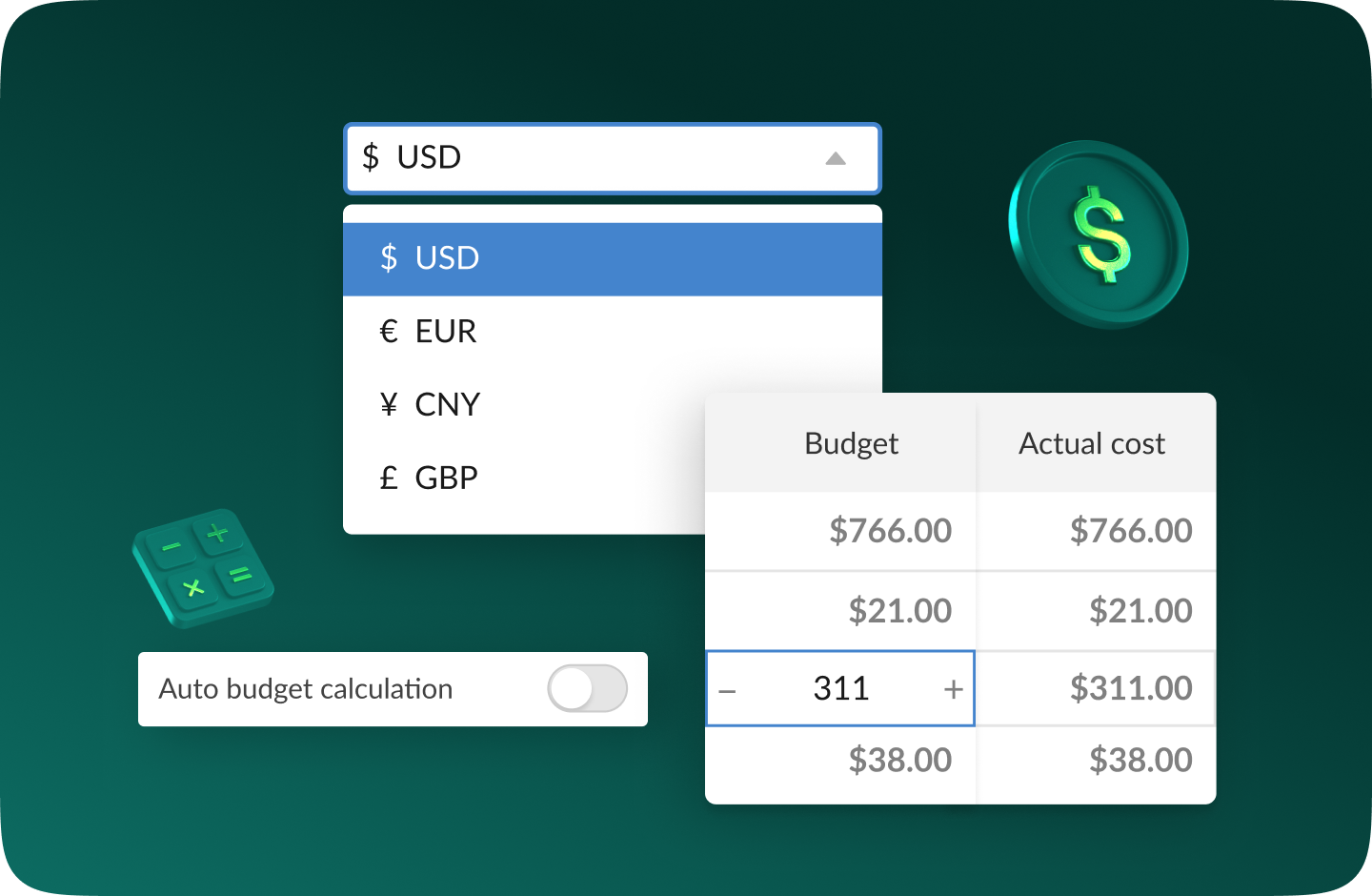
We've expanded the list of currencies available for budget tracking. You can now use AED, SEK, DKK, INR, CHF, KZT, and ISK. Missing a currency? Let us know at support@ganttpro.com or via live chat - we're happy to help!

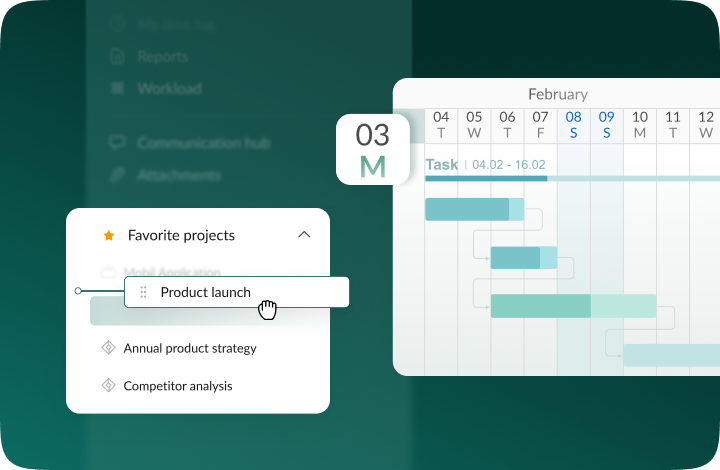
Weekday labels on the Gantt chart
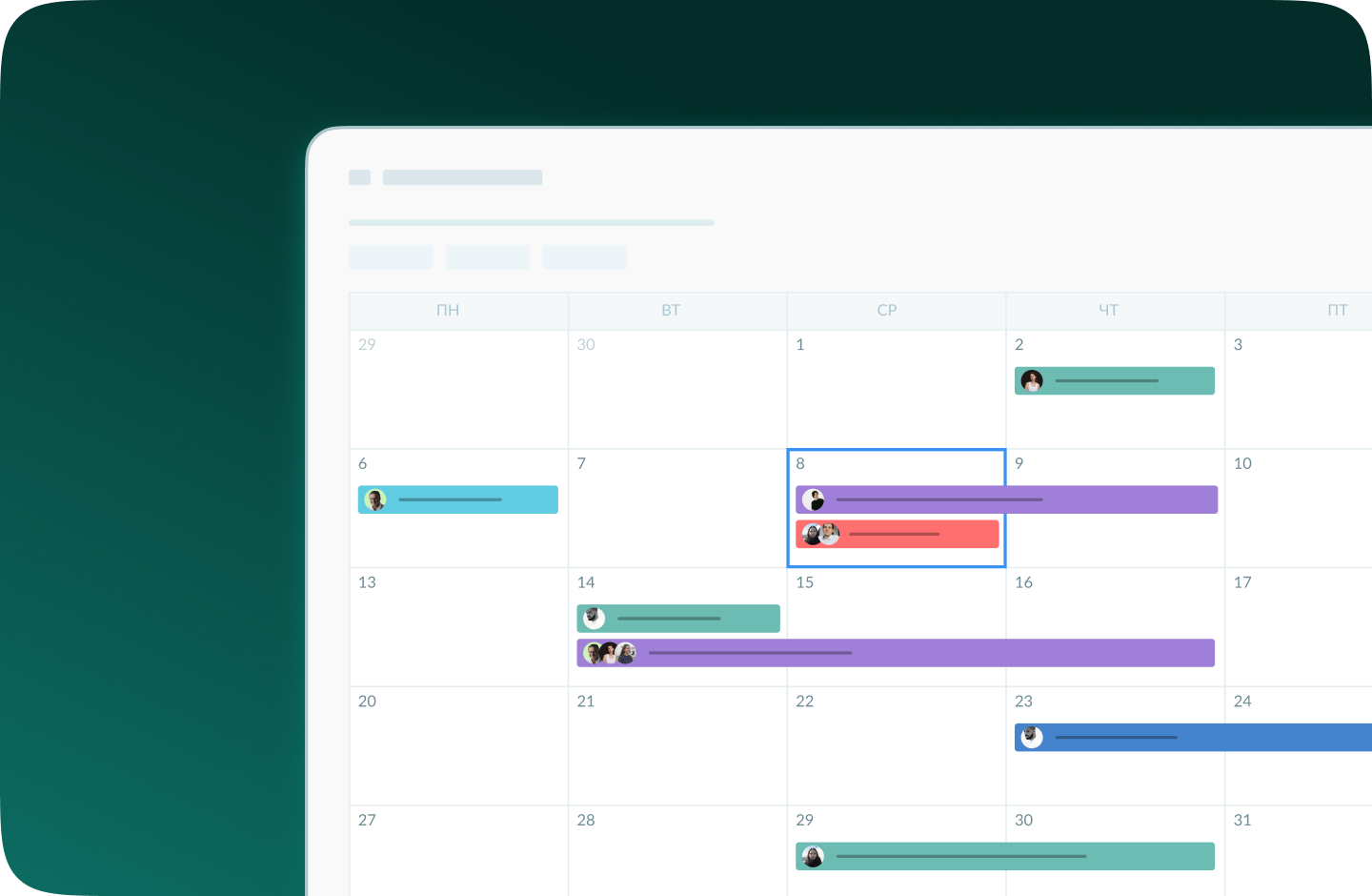
We've added one-letter weekday labels on the Gantt chart for improved readability and navigation. Displayed with Days on in Zoom.

Custom ordering for favorite projects and sidebar updates
You can now reorder favorite projects in the left sidebar via drag and drop to arrange them in the order that works best for you, with faster access. We've also moved footer sections into the same sidebar. You'll get a more streamlined layout and cleaner in-app experience.

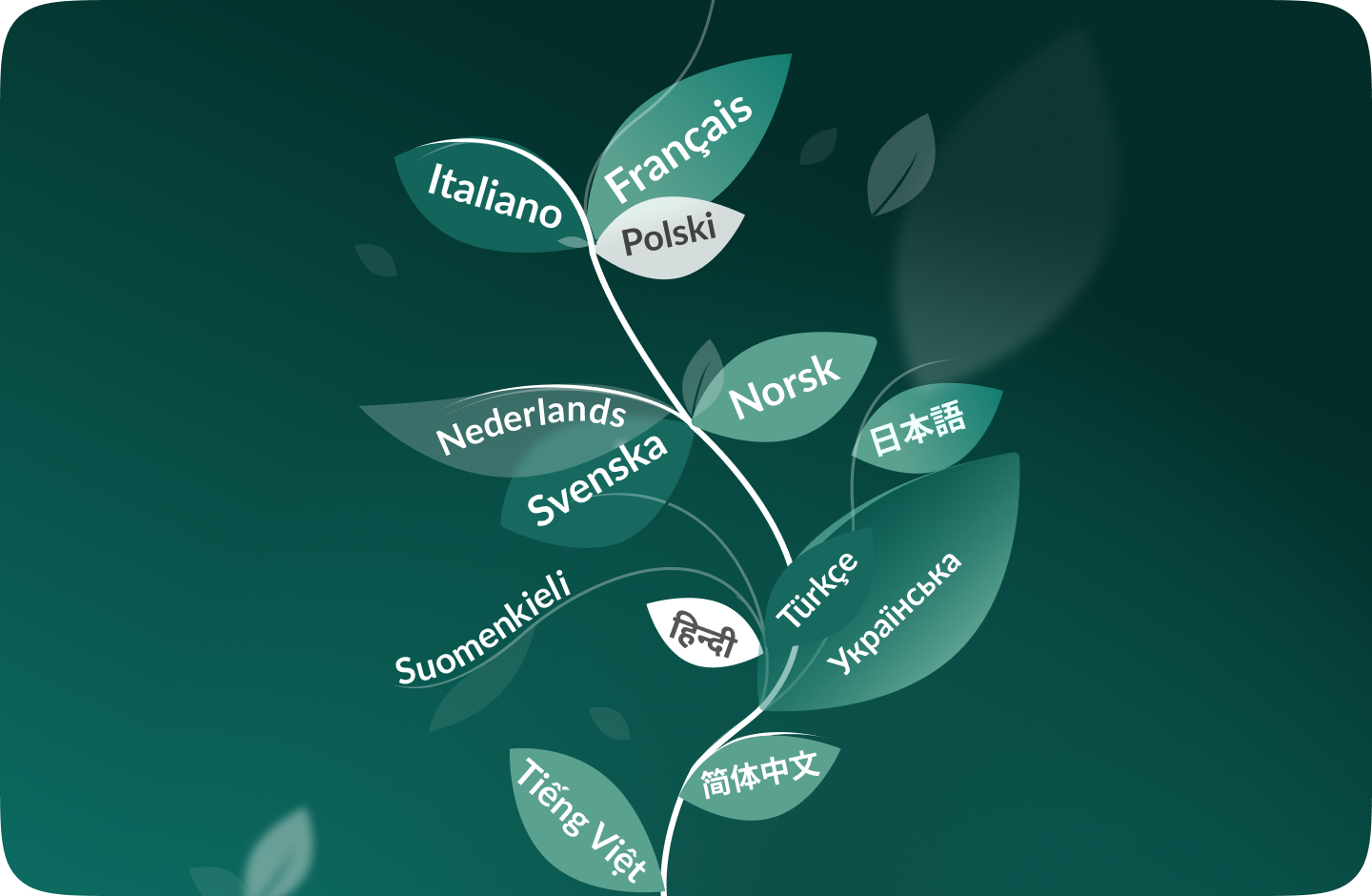
New languages added
We've added 13 new languages in beta: French, Italian, Polish, Dutch, Swedish, Norwegian, Finnish, Ukrainian, Turkish, Hindi, Chinese, Japanese, and Vietnamese. Change them in your profile settings. As we are testing them, we'd love to hear your feedback. If you spot any inconsistencies, please, reach out to us at support@ganttpro.com.
Policy and Terms Update
We have updated our Terms of Use, Privacy Policy, and Data Processing Addendum.

Introducing new improvements
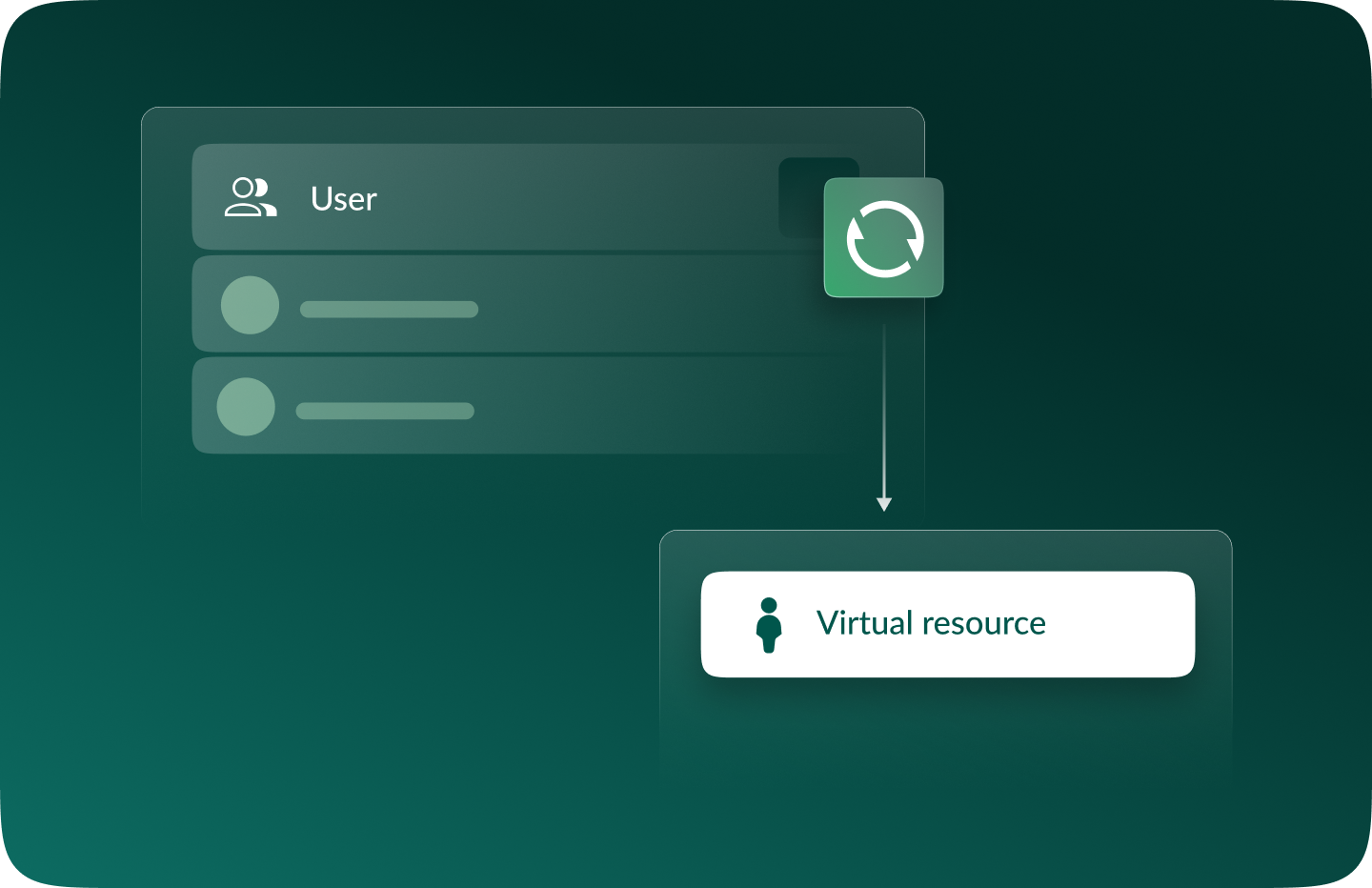
Additional description field in resource's cards so that you can provide extra details. Ability to change avatar color of virtual resources for their visual differentiation.

Introducing new improvements
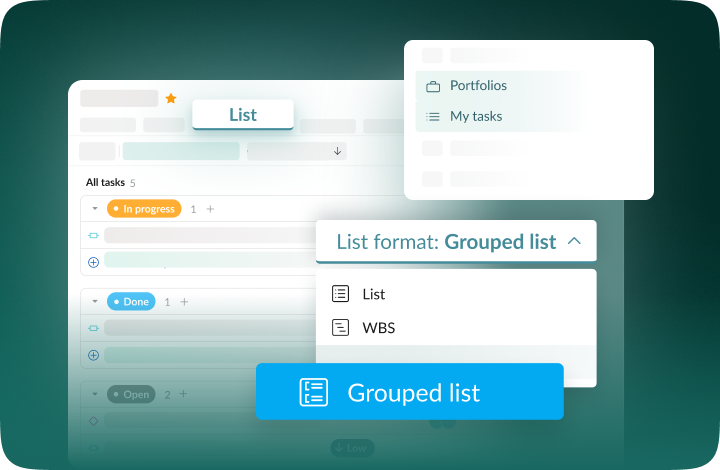
The header and project grid redesign. This will make it much easier for you to navigate and read data. An improved and redesigned drag-and-drop feature in the project grid will bring you a new user-friendly experience. The Select action in the context menu for faster interaction with the bulk change. Improved collaboration and performance for large teams and projects.

Introducing new improvements
We've eliminated the risks of assigning simultaneous tasks to resources working on multiple projects. Now, you can see the workload on all of their projects and prevent dangerous resource overload scenarios.

October GanttPRO update
Greatly improved and updated the "Team & Resources" section that has moved to the Profile settings. You can now manage team members and resources from their personal cards. Find more details here. Bulk change in the List view. Apply changes to multiple tasks - just like you do in the Gantt chart view. Find more details here. Updated sidebar for your simpler and more convenient navigation. Ability to pin an unlimited number of favorite projects in the sidebar. Three new API requests. Get timelogs, comments, or attachments with one request for the whole project.

August GanttPRO update
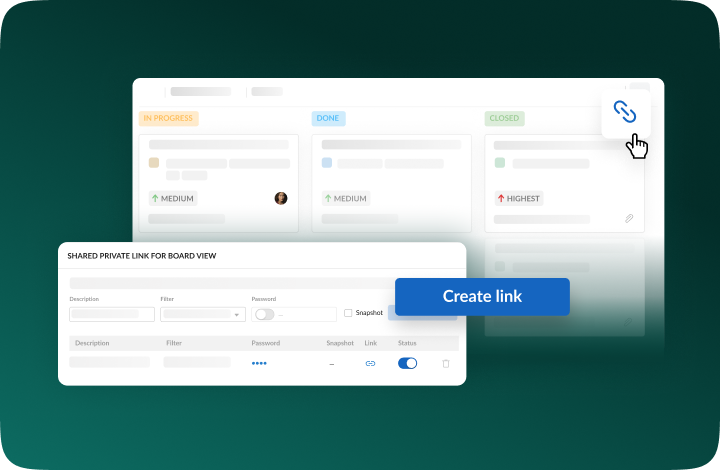
Password-protected Public URL. Be sure that your shared project can only be viewed by those for whom it is intended. Improved comments. Any text written by members deleted from the team will not be deleted with them. Comments remain in place with a note that the user has been deleted.

What's new in the July GanttPRO update:
Project statuses. Use the default statuses or create your own for even more transparent and efficient project management. Improvements in the List view. Create tasks right inside the list, visualize overdue and closed tasks, and use the familiar tabular view – just like in the Gantt chart mode.

Introducing new features and improvements
Project structure. We have removed subprojects as units, so you don't get lost in tasks. The structure became more transparent: Projects – Tasks – Subtasks. Task field. We have improved the UX design, so that you can go directly to the task settings for data entry faster. Performance improvements.

Introducing new features and improvements!
Custom fields import from Excel: Text, Number, and Date. Recalculation of task duration after changes in resource's calendar. API update: now, you can create parent tasks. Integration with JIRA has been improved. Overall performance has been improved.

Help us make GanttPRO better!
We work hard on new rights, roles, and groups. If you have encountered any inconvenience in making your workflow in GanttPRO, drop us a line at stas@ganttpro.com. We are looking forward to your feedback.

Introducing new features!
Expanding/Collapsing tasks on a project and project portfolio levels. Possibility to choose "Do not display" task names on the chart. Possibility to choose a way to depict closed tasks: strikethrough or grayed out. Redesign of project and group of tasks bars. Manual date entry in the grid.

Introducing the "Predecessor" column!
Meet Predecessor, a new column that will help you quickly create, manage, and navigate through dependencies right from the grid.

We improved GanttPRO in the December release!
Filters by overdue tasks. Quick jump to specific projects from project portfolios. Project color customization in project portfolios.

We improved GanttPRO in the November release!
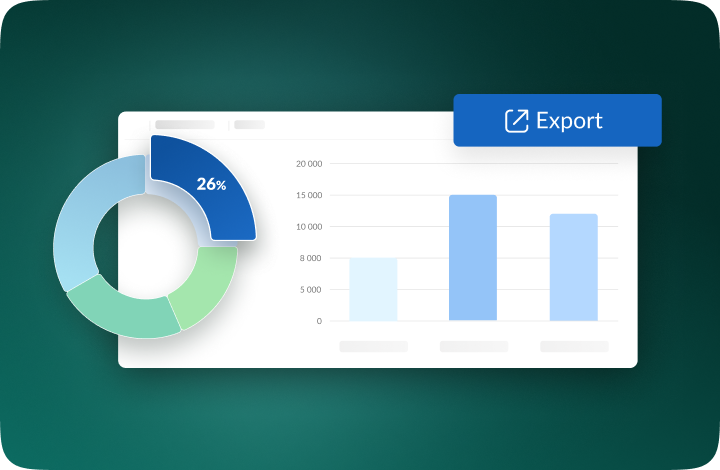
Portfolio export. Portfolio sharing with Public URL. The Korean language.

We improved GanttPRO in the July release!
Auto scheduling improvement. Real-time collaboration improvement. Ability to change the columns order with drag & drop in the project grid except for the "Task name" column. Your templates save most of the project settings except for calendars and skins. Ability to export resource workload to xlsx. Overall performance improvement.

Undo with Ctrl+Z, Cmd+Z

Updated integration with Jira

New custom field Formula

Updated project import from Excel

Split tasks

Recurring tasks