Cosa c'è di nuovo in GanttPRO
Scopra nuove funzionalità, gli ultimi aggiornamenti del prodotto, miglioramenti e scopra cosa sta per arrivare per rendere GanttPRO la migliore soluzione per le Sue esigenze di gestione dei progetti.

Tutti gli aggiornamenti e versioni
September, 2025
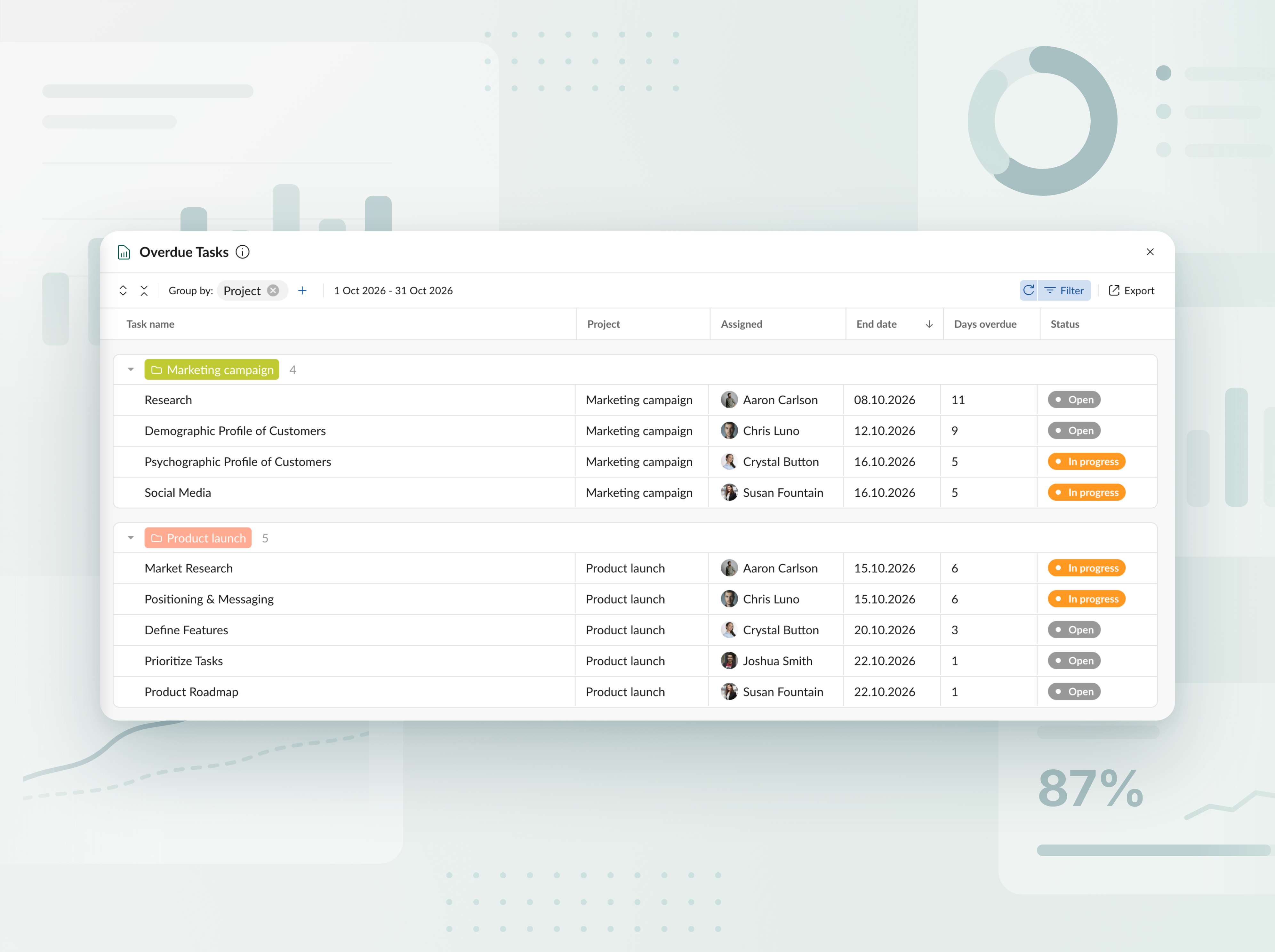
Report delle attività scadute
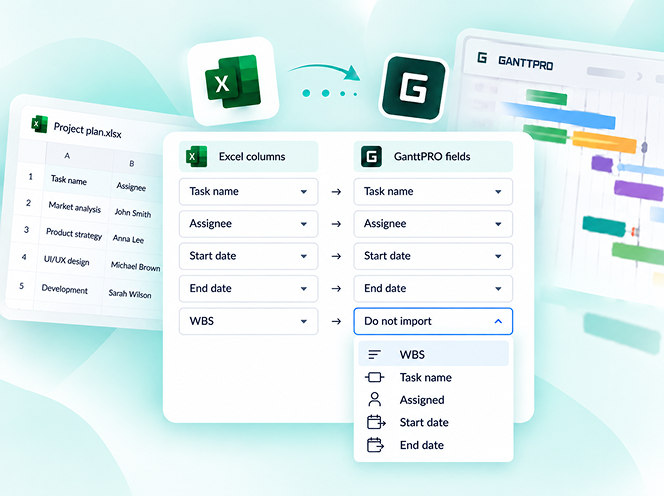
Monitora le attività in ritardo in tutti i progetti e i portafogli. Consulta in una tabella chiara di quanti giorni ogni attività è in ritardo rispetto alla pianificazione e chi ne è responsabile, quindi esporta il report in Excel con pochi clic.
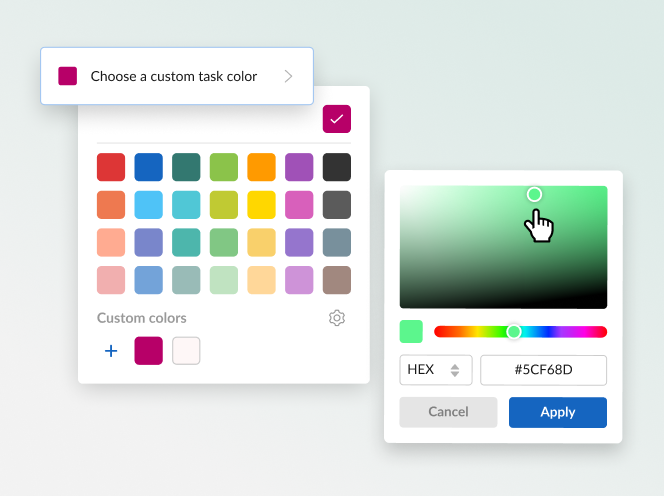


Scopri il nuovo pianificatore di progetti con IA
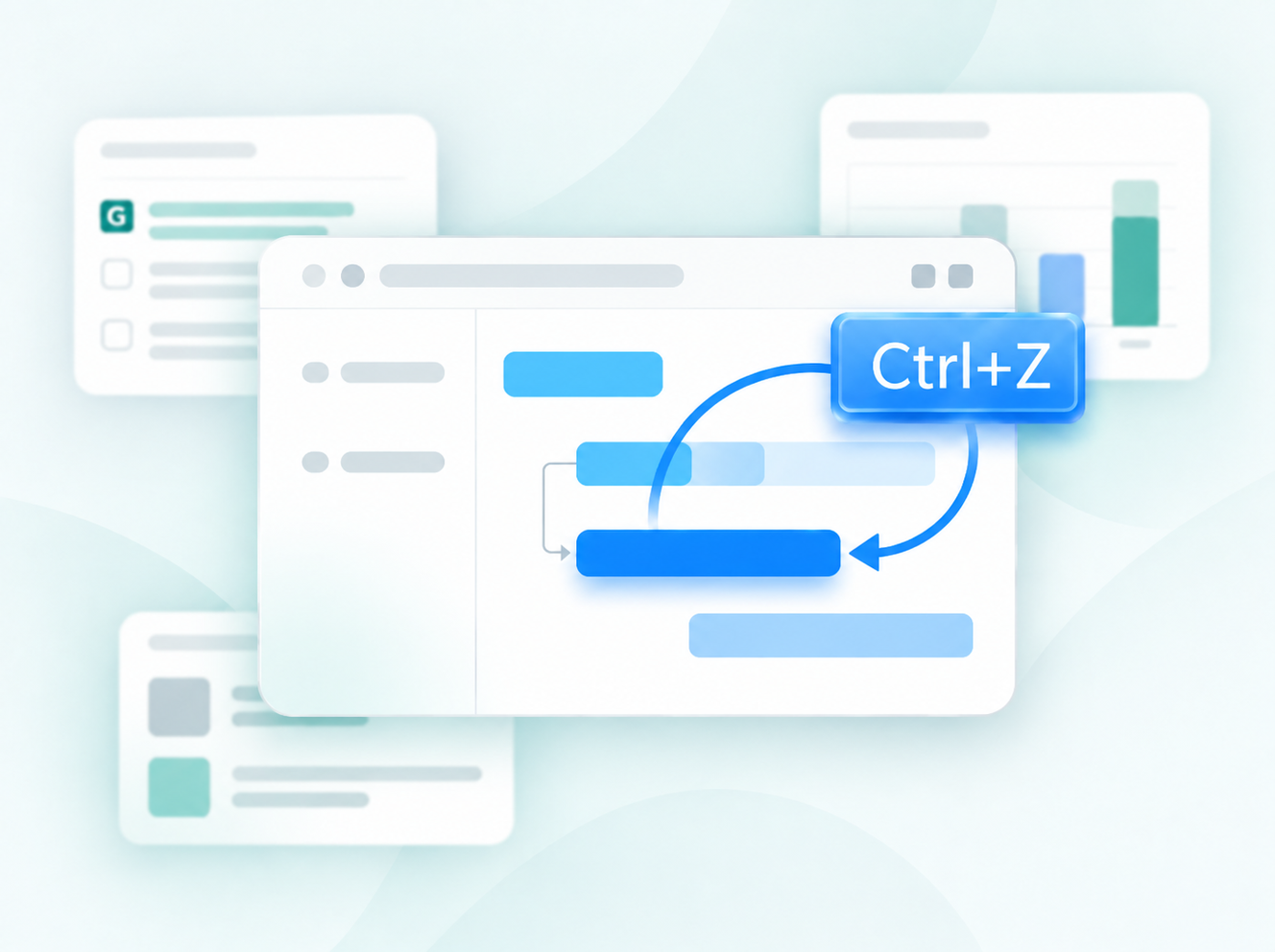
Descrivi il tuo progetto come preferisci: con testo, voce o file, e ottieni un piano completo, pronto per iniziare a lavorare. Hai bisogno di modifiche? Indica semplicemente cosa regolare e verrà modificata solo quella parte. Ogni modifica viene salvata come una nuova versione, quindi non si perde nulla. Disponibile quando crei nuovi progetti.


Crea piani di progetto con l’IA
Ecco il generatore di diagrammi di Gantt con IA che trasforma una breve descrizione in un progetto pronto all’uso, in pochi secondi. Disponibile quando crei progetti nuovi.

Aggiunte nuove valute
Abbiamo ampliato l’elenco delle valute disponibili per il tracciamento del budget. Ora puoi usare AED, SEK, DKK, INR, CHF, KZT e ISK. Manca una valuta? Faccelo sapere all’indirizzo support@ganttpro.com oppure tramite la chat dal vivo: saremo felici di aiutarti.


Etichette dei giorni della settimana nel diagramma di Gantt
Abbiamo aggiunto etichette dei giorni della settimana di una sola lettera nel diagramma di Gantt per migliorare la leggibilità e la navigazione. Visualizzate con Giorni attivati in Zoom.

Ordinamento personalizzato per i progetti preferiti e aggiornamenti della barra laterale
Ora puoi riorganizzare i progetti preferiti nella barra laterale sinistra trascinandoli per impostarli nell’ordine che funziona meglio per te, con accesso più rapido. Abbiamo anche spostato le sezioni del footer nella stessa barra laterale. Otterrai un layout più snello e un’esperienza in-app più pulita.


Nuove lingue aggiunte
Abbiamo aggiunto 13 nuove lingue in versione beta: francese, italiano, polacco, olandese, svedese, norvegese, finlandese, ucraino, turco, hindi, cinese, giapponese e vietnamita. Puoi modificarle nelle impostazioni del tuo profilo. Poiché le stiamo testando, ci piacerebbe ricevere il tuo feedback. Se noti delle incongruenze, contattaci a support@ganttpro.com.


Aggiornamento di policy e termini
Abbiamo aggiornato i nostri Termini di utilizzo, Informativa sulla privacy e Addendum per il trattamento dei dati.


Introducing new improvements
Additional description field in resource's cards so that you can provide extra details. Ability to change avatar color of virtual resources for their visual differentiation.


Introducing new improvements
The header and project grid redesign. This will make it much easier for you to navigate and read data. An improved and redesigned drag-and-drop feature in the project grid will bring you a new user-friendly experience. The Select action in the context menu for faster interaction with the bulk change. Improved collaboration and performance for large teams and projects.

Introducing new improvements
We've eliminated the risks of assigning simultaneous tasks to resources working on multiple projects. Now, you can see the workload on all of their projects and prevent dangerous resource overload scenarios.

October GanttPRO update
Greatly improved and updated the "Team & Resources" section that has moved to the Profile settings. You can now manage team members and resources from their personal cards. Find more details here. Bulk change in the List view. Apply changes to multiple tasks - just like you do in the Gantt chart view. Find more details here. Updated sidebar for your simpler and more convenient navigation. Ability to pin an unlimited number of favorite projects in the sidebar. Three new API requests. Get timelogs, comments, or attachments with one request for the whole project.

August GanttPRO update
Password-protected Public URL. Be sure that your shared project can only be viewed by those for whom it is intended. Improved comments. Any text written by members deleted from the team will not be deleted with them. Comments remain in place with a note that the user has been deleted.

What's new in the July GanttPRO update:
Project statuses. Use the default statuses or create your own for even more transparent and efficient project management. Improvements in the List view. Create tasks right inside the list, visualize overdue and closed tasks, and use the familiar tabular view – just like in the Gantt chart mode.

Introducing new features and improvements
Project structure. We have removed subprojects as units, so you don't get lost in tasks. The structure became more transparent: Projects – Tasks – Subtasks. Task field. We have improved the UX design, so that you can go directly to the task settings for data entry faster. Performance improvements.


Introducing new features and improvements!
Custom fields import from Excel: Text, Number, and Date. Recalculation of task duration after changes in resource's calendar. API update: now, you can create parent tasks. Integration with JIRA has been improved. Overall performance has been improved.


Help us make GanttPRO better!
We work hard on new rights, roles, and groups. If you have encountered any inconvenience in making your workflow in GanttPRO, drop us a line at stas@ganttpro.com. We are looking forward to your feedback.

Introducing new features!
Expanding/Collapsing tasks on a project and project portfolio levels. Possibility to choose "Do not display" task names on the chart. Possibility to choose a way to depict closed tasks: strikethrough or grayed out. Redesign of project and group of tasks bars. Manual date entry in the grid.


Introducing the "Predecessor" column!
Meet Predecessor, a new column that will help you quickly create, manage, and navigate through dependencies right from the grid.


We improved GanttPRO in the December release!
Filters by overdue tasks. Quick jump to specific projects from project portfolios. Project color customization in project portfolios.

We improved GanttPRO in the November release!
Portfolio export. Portfolio sharing with Public URL. The Korean language.


We improved GanttPRO in the July release!
Auto scheduling improvement. Real-time collaboration improvement. Ability to change the columns order with drag & drop in the project grid except for the "Task name" column. Your templates save most of the project settings except for calendars and skins. Ability to export resource workload to xlsx. Overall performance improvement.



Integrazione aggiornata con Jira
Nuovo campo personalizzato Formula
Dividi attività
Attività ricorrenti