GanttPRO 有什么新功能
探索全新功能、最新产品更新与优化改进,并了解即将推出的内容,让GanttPRO成为满足您项目管理需求的最佳解决方案。

所有更新和发布
September, 2025


认识新的 AI 项目规划器
用你喜欢的方式描述你的项目——用文本、语音或文件——并获取一份完整的计划,随时可投入工作。 需要调整吗?直接说要改哪里,它只会重塑对应的那一部分。 每次编辑都会保存为新的版本,因此不会丢失任何内容。 创建新项目时可用。


使用 AI 创建项目计划
了解使用 AI 的甘特图制作工具:把简短描述在几秒内转换为可直接使用的项目。 创建新项目时可用。

新增货币
我们已扩展预算跟踪可用的币种列表。现在你可以使用 AED、SEK、DKK、INR、CHF、KZT 和 ISK。 缺少某种币种吗?请通过 support@ganttpro.com 或在线聊天告诉我们——我们很乐意帮你。


甘特图中的星期标签
我们在甘特图中添加了一字母的星期标签,以提升可读性和导航体验。 在 Zoom 中启用“Days(天)”时显示。

收藏项目的自定义排序及侧边栏更新
现在你可以在左侧边栏中通过拖放重新排列收藏项目,并按最适合你的顺序进行整理,从而更快地访问。 我们还把页脚的各个部分移到了同一个侧边栏中。你将获得更精简的布局,以及更清爽的应用内体验。


新增语言
我们已在测试版中新增 13 种语言:法语、意大利语、波兰语、荷兰语、瑞典语、挪威语、芬兰语、乌克兰语、土耳其语、印地语、中文、日语和越南语。 你可以在个人资料设置中切换它们。 由于我们正在测试,期待你的反馈。如果你发现任何不一致之处,请联系我们:support@ganttpro.com。


政策与条款更新
我们已更新 服务条款 、 隐私政策 以及 数据处理补充协议 。


Introducing new improvements
Additional description field in resource's cards so that you can provide extra details. Ability to change avatar color of virtual resources for their visual differentiation.


Introducing new improvements
The header and project grid redesign. This will make it much easier for you to navigate and read data. An improved and redesigned drag-and-drop feature in the project grid will bring you a new user-friendly experience. The Select action in the context menu for faster interaction with the bulk change. Improved collaboration and performance for large teams and projects.

Introducing new improvements
We've eliminated the risks of assigning simultaneous tasks to resources working on multiple projects. Now, you can see the workload on all of their projects and prevent dangerous resource overload scenarios.

October GanttPRO update
Greatly improved and updated the "Team & Resources" section that has moved to the Profile settings. You can now manage team members and resources from their personal cards. Find more details here. Bulk change in the List view. Apply changes to multiple tasks - just like you do in the Gantt chart view. Find more details here. Updated sidebar for your simpler and more convenient navigation. Ability to pin an unlimited number of favorite projects in the sidebar. Three new API requests. Get timelogs, comments, or attachments with one request for the whole project.

August GanttPRO update
Password-protected Public URL. Be sure that your shared project can only be viewed by those for whom it is intended. Improved comments. Any text written by members deleted from the team will not be deleted with them. Comments remain in place with a note that the user has been deleted.

What's new in the July GanttPRO update:
Project statuses. Use the default statuses or create your own for even more transparent and efficient project management. Improvements in the List view. Create tasks right inside the list, visualize overdue and closed tasks, and use the familiar tabular view – just like in the Gantt chart mode.

Introducing new features and improvements
Project structure. We have removed subprojects as units, so you don't get lost in tasks. The structure became more transparent: Projects – Tasks – Subtasks. Task field. We have improved the UX design, so that you can go directly to the task settings for data entry faster. Performance improvements.


Introducing new features and improvements!
Custom fields import from Excel: Text, Number, and Date. Recalculation of task duration after changes in resource's calendar. API update: now, you can create parent tasks. Integration with JIRA has been improved. Overall performance has been improved.


Help us make GanttPRO better!
We work hard on new rights, roles, and groups. If you have encountered any inconvenience in making your workflow in GanttPRO, drop us a line at stas@ganttpro.com. We are looking forward to your feedback.

Introducing new features!
Expanding/Collapsing tasks on a project and project portfolio levels. Possibility to choose "Do not display" task names on the chart. Possibility to choose a way to depict closed tasks: strikethrough or grayed out. Redesign of project and group of tasks bars. Manual date entry in the grid.


Introducing the "Predecessor" column!
Meet Predecessor, a new column that will help you quickly create, manage, and navigate through dependencies right from the grid.


We improved GanttPRO in the December release!
Filters by overdue tasks. Quick jump to specific projects from project portfolios. Project color customization in project portfolios.

We improved GanttPRO in the November release!
Portfolio export. Portfolio sharing with Public URL. The Korean language.


We improved GanttPRO in the July release!
Auto scheduling improvement. Real-time collaboration improvement. Ability to change the columns order with drag & drop in the project grid except for the "Task name" column. Your templates save most of the project settings except for calendars and skins. Ability to export resource workload to xlsx. Overall performance improvement.



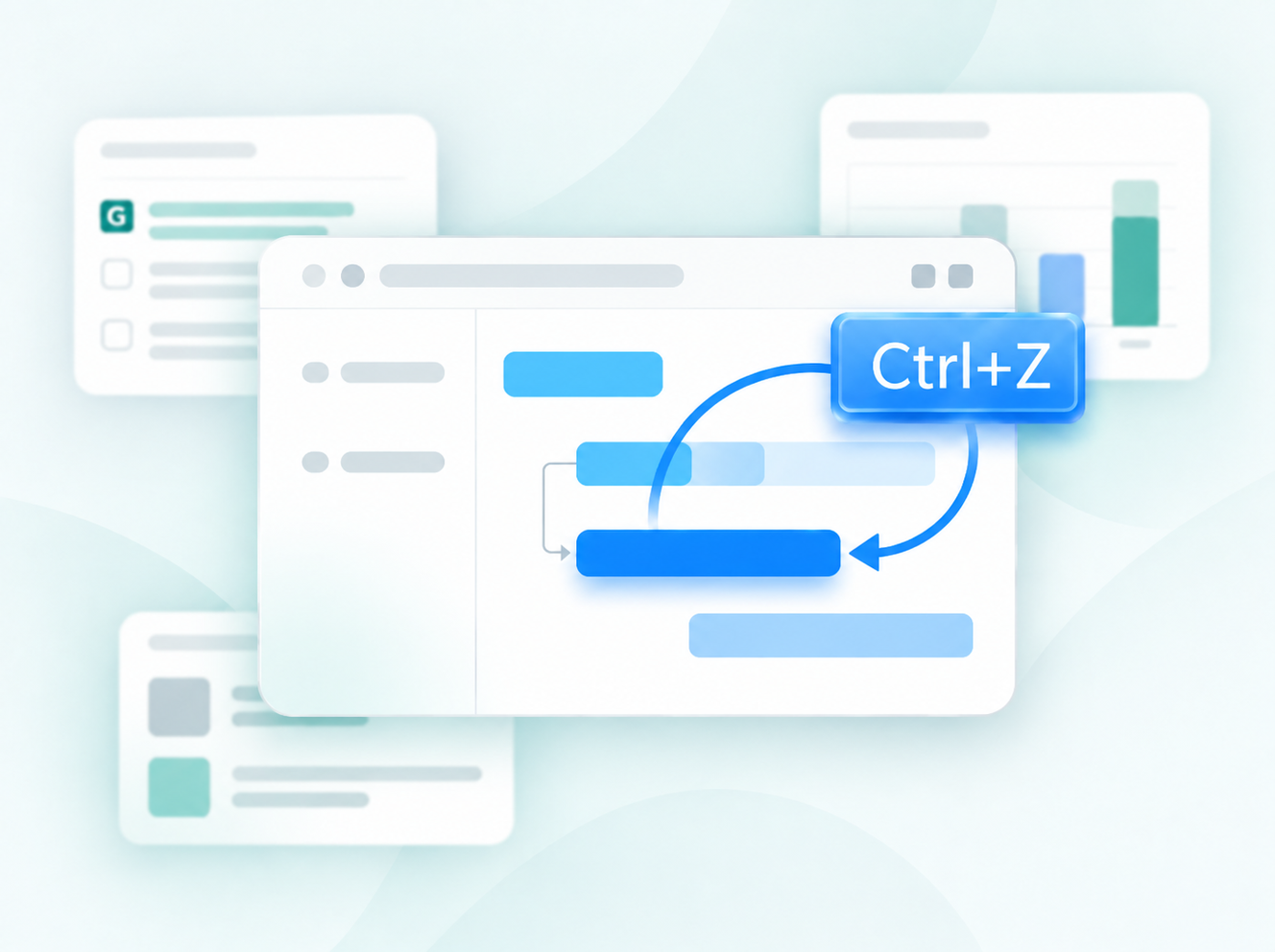
使用 Ctrl+Z、Cmd+Z 撤消
与Jira的更新集成
新的自定义字段公式
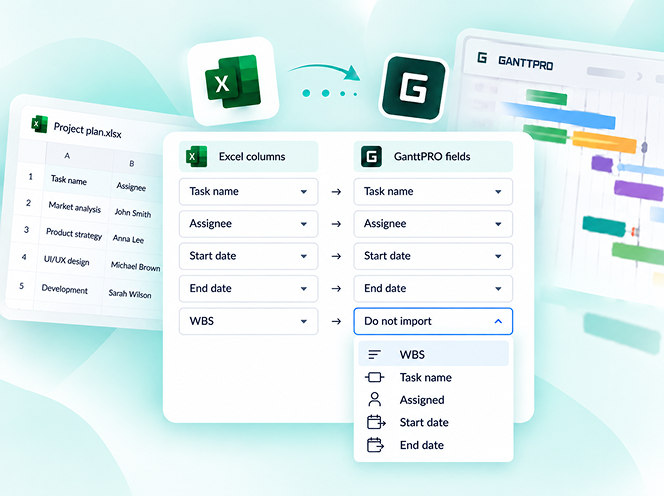
从Excel更新的项目导入
拆分任务
重复任务