GanttPRO’da Yenilikler
Yeni özellikleri, en son ürün güncellemelerini, iyileştirmeleri keşfedin ve GanttPRO'yu proje yönetimi ihtiyaçlarınız için en iyi çözüm haline getirmek için yakında gelecek olanları görün.

Tüm güncellemeler ve sürümler
September, 2025
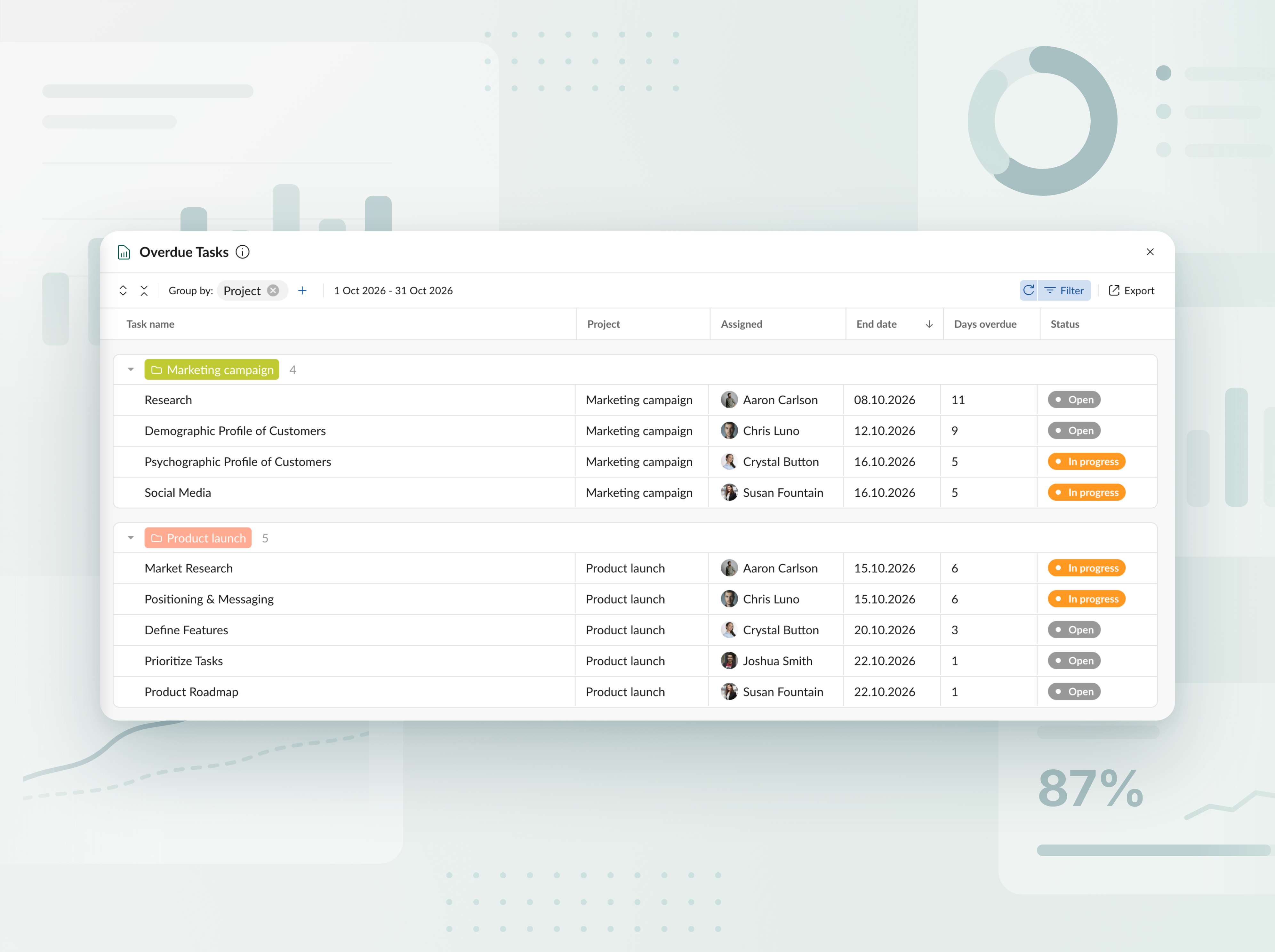
Gecikmiş görevler raporu
Tüm projelerde ve portföylerde geciken görevleri takip edin. Her görevin programın gerisinde kaç gün kaldığını ve kimin sorumlu olduğunu net bir tabloda görün; ardından raporu birkaç tıklamayla Excel’e aktarın.


Yeni yapay zekâ proje planlayıcısıyla tanışın
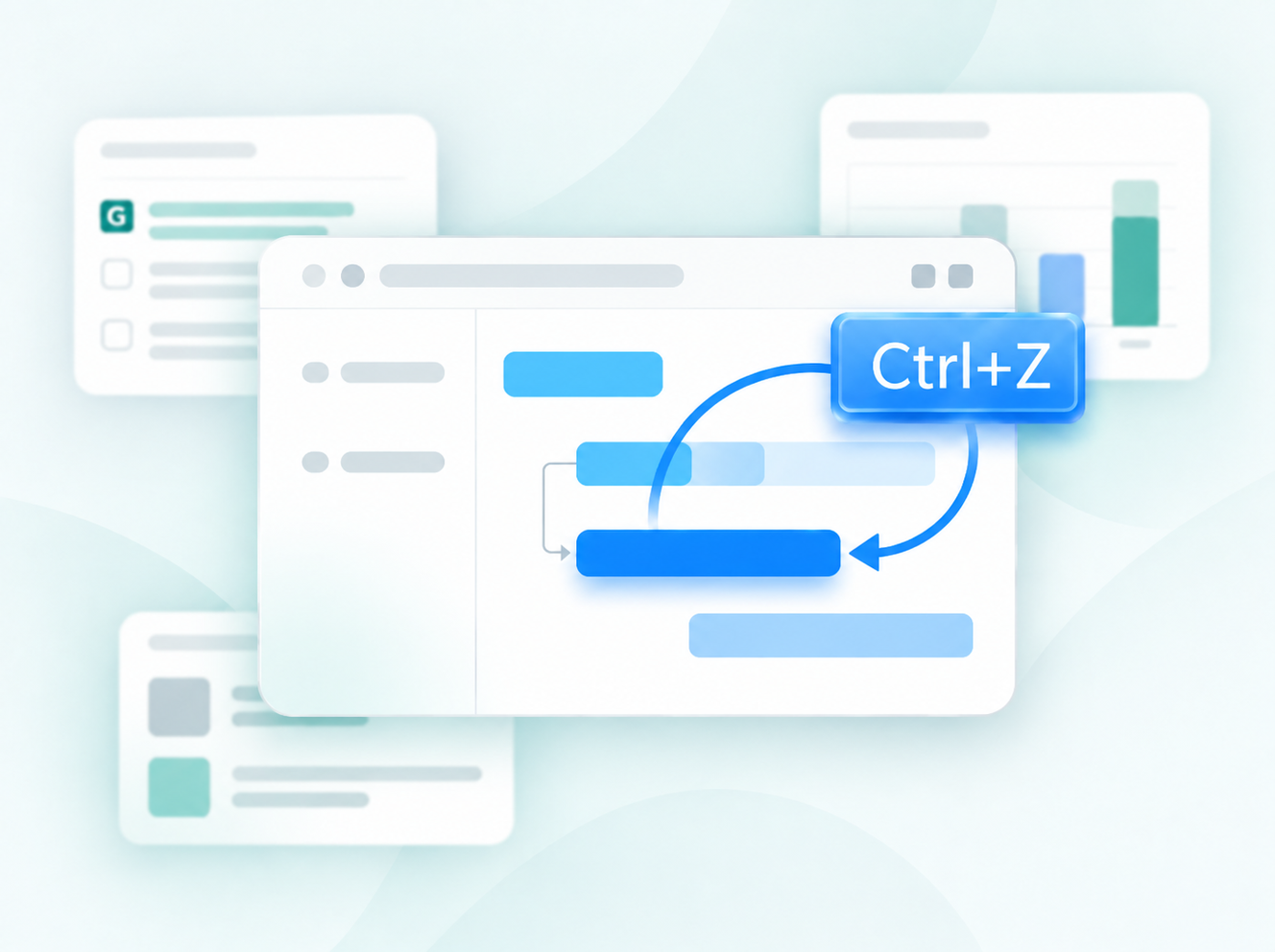
Projenizi istediğiniz gibi anlatın; metin, ses veya dosya ile ve çalışmaya hazır eksiksiz bir plan elde edin. Değişiklik mi gerekiyor? Ne ayarlanacağını söyleyin; yalnızca ilgili bölüm yeniden şekillenir. Her düzenleme yeni bir sürüm olarak kaydedilir, böylece hiçbir şey kaybolmaz. Yeni projeler oluştururken kullanılabilir.


Yapay zekayla proje planları oluşturun
Kısa bir açıklamayı birkaç saniye içinde kullanıma hazır bir projeye dönüştüren yapay zeka destekli Gantt diyagramı oluşturucuyu keşfedin. Yeni projeler oluştururken kullanılabilir.

Yeni para birimleri eklendi
Bütçe takibi için kullanılabilen para birimleri listesini genişlettik. Artık AED, SEK, DKK, INR, CHF, KZT ve ISK para birimlerini kullanabilirsiniz. Bir para birimi eksik mi? support@ganttpro.com adresinden ya da canlı sohbet üzerinden bize yazın; yardımcı olmaktan memnuniyet duyarız.


Gantt diyagramında haftanın günleri etiketleri
Okunabilirliği ve gezinmeyi iyileştirmek için Gantt diyagramına tek harfli hafta içi gün etiketleri ekledik. Zoom’da Günler etkinleştirildiğinde görüntülenir.

Favori projeler için özel sıralama ve kenar çubuğu güncellemeleri
Artık sol kenar çubuğunda sürükle bırak yöntemiyle favori projelerinizi yeniden sıralayabilir; böylece size en uygun sırada düzenleyebilir ve daha hızlı erişim sağlayabilirsiniz. Ayrıca alt bilgi (footer) bölümlerini de aynı kenar çubuğuna taşıdık. Daha sade bir düzen ve uygulama içi daha temiz bir deneyim elde edeceksiniz.


Yeni diller eklendi
Beta sürümünde 13 yeni dil ekledik: Fransızca, İtalyanca, Lehçe, Hollandaca, İsveççe, Norveççe, Fince, Ukraynaca, Türkçe, Hintçe, Çince, Japonca ve Vietnamca. Bunları profil ayarlarınızdan değiştirebilirsiniz. Test ediyor olduğumuz için geri bildiriminizi duymak isteriz. Herhangi bir tutarsızlık görürseniz lütfen support@ganttpro.com adresinden bize ulaşın.


Politika ve Şartlar Güncellemesi
Kullanım Şartlarımızı, Gizlilik Politikamızı ve Veri İşleme Eki güncelledik.


Introducing new improvements
Additional description field in resource's cards so that you can provide extra details. Ability to change avatar color of virtual resources for their visual differentiation.


Introducing new improvements
The header and project grid redesign. This will make it much easier for you to navigate and read data. An improved and redesigned drag-and-drop feature in the project grid will bring you a new user-friendly experience. The Select action in the context menu for faster interaction with the bulk change. Improved collaboration and performance for large teams and projects.

Introducing new improvements
We've eliminated the risks of assigning simultaneous tasks to resources working on multiple projects. Now, you can see the workload on all of their projects and prevent dangerous resource overload scenarios.

October GanttPRO update
Greatly improved and updated the "Team & Resources" section that has moved to the Profile settings. You can now manage team members and resources from their personal cards. Find more details here. Bulk change in the List view. Apply changes to multiple tasks - just like you do in the Gantt chart view. Find more details here. Updated sidebar for your simpler and more convenient navigation. Ability to pin an unlimited number of favorite projects in the sidebar. Three new API requests. Get timelogs, comments, or attachments with one request for the whole project.

August GanttPRO update
Password-protected Public URL. Be sure that your shared project can only be viewed by those for whom it is intended. Improved comments. Any text written by members deleted from the team will not be deleted with them. Comments remain in place with a note that the user has been deleted.

What's new in the July GanttPRO update:
Project statuses. Use the default statuses or create your own for even more transparent and efficient project management. Improvements in the List view. Create tasks right inside the list, visualize overdue and closed tasks, and use the familiar tabular view – just like in the Gantt chart mode.

Introducing new features and improvements
Project structure. We have removed subprojects as units, so you don't get lost in tasks. The structure became more transparent: Projects – Tasks – Subtasks. Task field. We have improved the UX design, so that you can go directly to the task settings for data entry faster. Performance improvements.


Introducing new features and improvements!
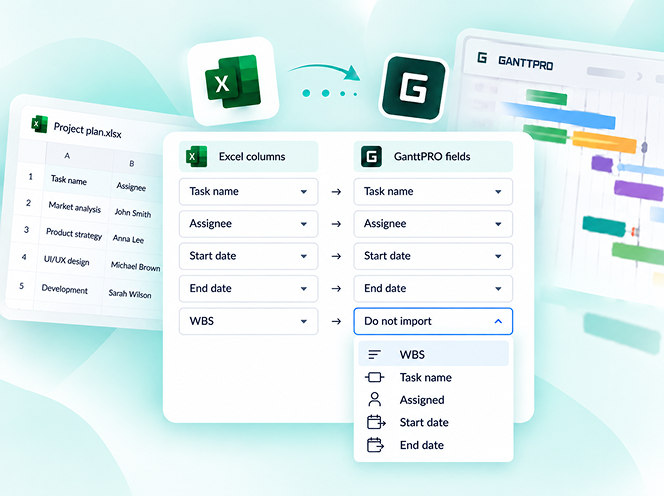
Custom fields import from Excel: Text, Number, and Date. Recalculation of task duration after changes in resource's calendar. API update: now, you can create parent tasks. Integration with JIRA has been improved. Overall performance has been improved.


Help us make GanttPRO better!
We work hard on new rights, roles, and groups. If you have encountered any inconvenience in making your workflow in GanttPRO, drop us a line at stas@ganttpro.com. We are looking forward to your feedback.

Introducing new features!
Expanding/Collapsing tasks on a project and project portfolio levels. Possibility to choose "Do not display" task names on the chart. Possibility to choose a way to depict closed tasks: strikethrough or grayed out. Redesign of project and group of tasks bars. Manual date entry in the grid.


Introducing the "Predecessor" column!
Meet Predecessor, a new column that will help you quickly create, manage, and navigate through dependencies right from the grid.


We improved GanttPRO in the December release!
Filters by overdue tasks. Quick jump to specific projects from project portfolios. Project color customization in project portfolios.

We improved GanttPRO in the November release!
Portfolio export. Portfolio sharing with Public URL. The Korean language.


We improved GanttPRO in the July release!
Auto scheduling improvement. Real-time collaboration improvement. Ability to change the columns order with drag & drop in the project grid except for the "Task name" column. Your templates save most of the project settings except for calendars and skins. Ability to export resource workload to xlsx. Overall performance improvement.



Jira ile güncellenmiş entegrasyon
Yeni özel alan Formül
Görevleri böl
Tekrarlayan görevler