GanttPRO의 새로운 소식
프로젝트 관리 요구 사항에 맞는 최고의 솔루션을 만들기 위해 곧 출시될 최신 제품 업데이트, 개선 사항 및 새로운 기능을 확인해 보세요.

모든 업데이트 및 릴리스
September, 2025
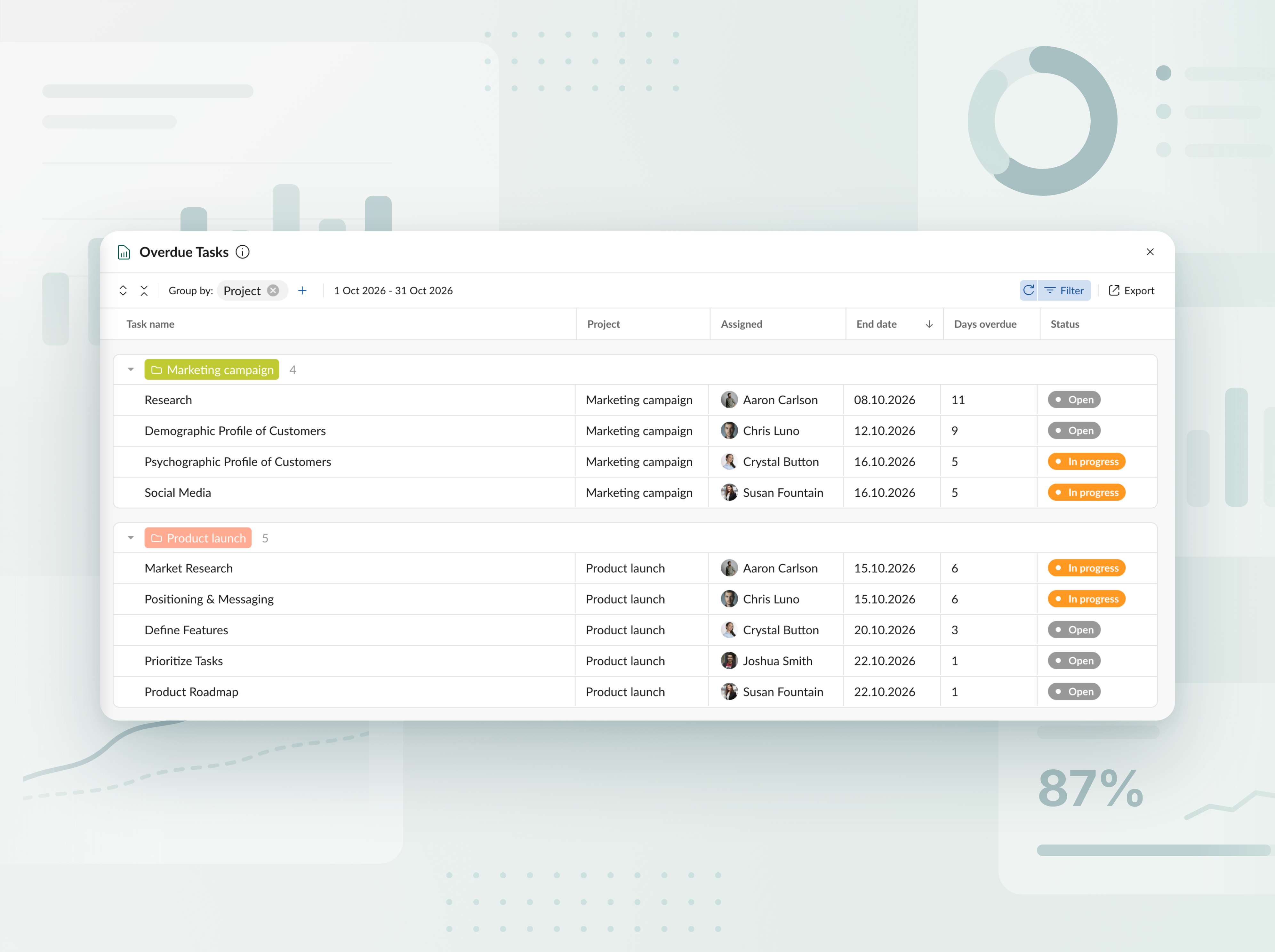
기한이 지난 작업 보고서
모든 프로젝트와 포트폴리오에서 지연된 작업을 추적하세요. 명확한 표에서 각 작업이 일정에 비해 며칠 뒤처졌는지와 담당자가 누구인지 확인한 다음, 몇 번의 클릭으로 보고서를 Excel로 내보내세요.


새 AI 프로젝트 플래너를 만나보세요
텍스트, 음성 또는 파일로 프로젝트를 원하는 방식대로 설명하고, 바로 작업할 수 있는 완전한 플랜을 받아보세요. 변경이 필요하신가요? 무엇을 조정할지 말해주면, 해당 부분만 다시 구성됩니다. 모든 편집은 새 버전으로 저장되므로, 어떤 것도 잃지 않습니다. 새 프로젝트를 만들 때 사용 가능합니다.


AI로 프로젝트 플랜 만들기
간단한 설명을 몇 초 만에 바로 사용할 수 있는 프로젝트로 바꿔주는 AI Gantt 차트 메이커를 만나보세요. 새 프로젝트를 만들 때 사용할 수 있습니다.

새 통화 추가됨
예산 추적에 사용할 수 있는 통화 목록을 확장했습니다. 이제 AED, SEK, DKK, INR, CHF, KZT 및 ISK를 사용할 수 있습니다. 통화가 없는 경우가 있나요? support@ganttpro.com 또는 실시간 채팅을 통해 알려주세요. 기꺼이 도와드리겠습니다.


간트 차트의 요일 라벨
읽기와 탐색성을 높이기 위해 간트 차트에 요일 한 글자 라벨을 추가했습니다. Zoom에서 ‘Days(일)’가 켜져 있을 때 표시됩니다.

즐겨찾기 프로젝트의 사용자 지정 정렬 및 사이드바 업데이트
이제 왼쪽 사이드바에서 드래그 앤 드롭으로 즐겨찾기 프로젝트의 순서를 바꿔, 가장 편한 순서로 정리할 수 있으며 더 빠르게 액세스할 수 있습니다. 또한 푸터 섹션을 동일한 사이드바로 이동했습니다. 더 간결한 레이아웃과 앱 안에서 더 깔끔한 환경을 제공합니다.


새로운 언어 추가됨
13개의 새로운 언어가 베타 버전에 추가되었습니다: 프랑스어, 이탈리아어, 폴란드어, 네덜란드어, 스웨덴어, 노르웨이어, 핀란드어, 우크라이나어, 터키어, 힌디어, 중국어, 일본어, 베트남어. 프로필 설정에서 변경할 수 있습니다. 현재 테스트 중이므로 피드백을 환영합니다. 불일치를 발견하시면 support@ganttpro.com으로 연락해 주세요.


정책 및 약관 업데이트
저희는 이용 약관, 개인정보 보호정책, 그리고 데이터 처리 부록 을 업데이트했습니다.


Introducing new improvements
Additional description field in resource's cards so that you can provide extra details. Ability to change avatar color of virtual resources for their visual differentiation.


Introducing new improvements
The header and project grid redesign. This will make it much easier for you to navigate and read data. An improved and redesigned drag-and-drop feature in the project grid will bring you a new user-friendly experience. The Select action in the context menu for faster interaction with the bulk change. Improved collaboration and performance for large teams and projects.

Introducing new improvements
We've eliminated the risks of assigning simultaneous tasks to resources working on multiple projects. Now, you can see the workload on all of their projects and prevent dangerous resource overload scenarios.

October GanttPRO update
Greatly improved and updated the "Team & Resources" section that has moved to the Profile settings. You can now manage team members and resources from their personal cards. Find more details here. Bulk change in the List view. Apply changes to multiple tasks - just like you do in the Gantt chart view. Find more details here. Updated sidebar for your simpler and more convenient navigation. Ability to pin an unlimited number of favorite projects in the sidebar. Three new API requests. Get timelogs, comments, or attachments with one request for the whole project.

August GanttPRO update
Password-protected Public URL. Be sure that your shared project can only be viewed by those for whom it is intended. Improved comments. Any text written by members deleted from the team will not be deleted with them. Comments remain in place with a note that the user has been deleted.

What's new in the July GanttPRO update:
Project statuses. Use the default statuses or create your own for even more transparent and efficient project management. Improvements in the List view. Create tasks right inside the list, visualize overdue and closed tasks, and use the familiar tabular view – just like in the Gantt chart mode.

Introducing new features and improvements
Project structure. We have removed subprojects as units, so you don't get lost in tasks. The structure became more transparent: Projects – Tasks – Subtasks. Task field. We have improved the UX design, so that you can go directly to the task settings for data entry faster. Performance improvements.


Introducing new features and improvements!
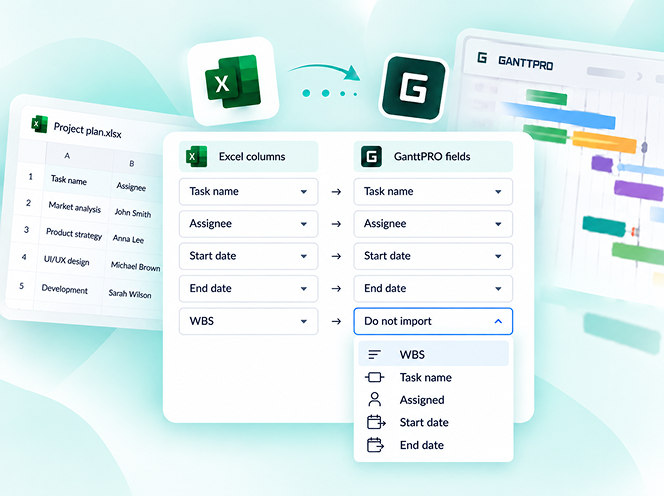
Custom fields import from Excel: Text, Number, and Date. Recalculation of task duration after changes in resource's calendar. API update: now, you can create parent tasks. Integration with JIRA has been improved. Overall performance has been improved.


Help us make GanttPRO better!
We work hard on new rights, roles, and groups. If you have encountered any inconvenience in making your workflow in GanttPRO, drop us a line at stas@ganttpro.com. We are looking forward to your feedback.

Introducing new features!
Expanding/Collapsing tasks on a project and project portfolio levels. Possibility to choose "Do not display" task names on the chart. Possibility to choose a way to depict closed tasks: strikethrough or grayed out. Redesign of project and group of tasks bars. Manual date entry in the grid.


Introducing the "Predecessor" column!
Meet Predecessor, a new column that will help you quickly create, manage, and navigate through dependencies right from the grid.


We improved GanttPRO in the December release!
Filters by overdue tasks. Quick jump to specific projects from project portfolios. Project color customization in project portfolios.

We improved GanttPRO in the November release!
Portfolio export. Portfolio sharing with Public URL. The Korean language.


We improved GanttPRO in the July release!
Auto scheduling improvement. Real-time collaboration improvement. Ability to change the columns order with drag & drop in the project grid except for the "Task name" column. Your templates save most of the project settings except for calendars and skins. Ability to export resource workload to xlsx. Overall performance improvement.



Jira와의 업데이트된 통합
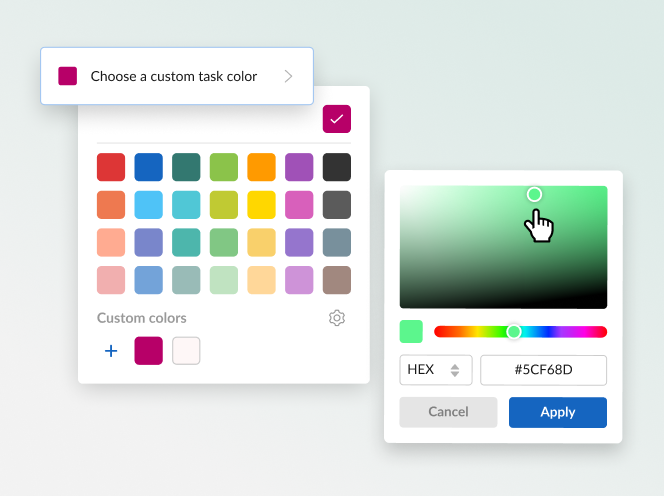
새 사용자 정의 필드 수식
작업 나누기
반복 작업