GanttPRO 製品アップデート情報
新機能、最新の製品アップデート、改善点を発見し、GanttPROをプロジェクト管理ニーズに最適なソリューションにするために、今後リリース予定の新機能を確認してください

すべての更新とリリース
September, 2025
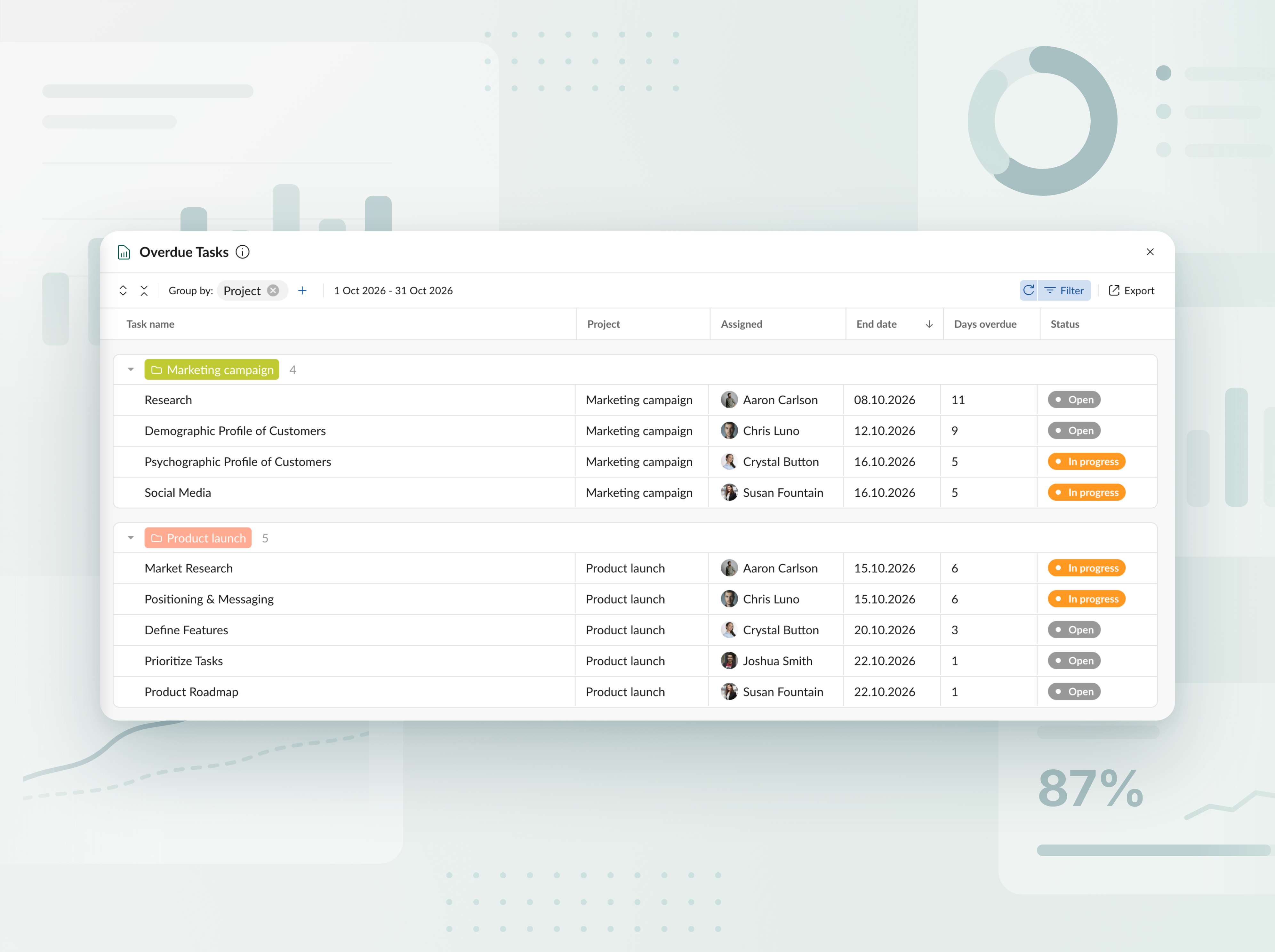
期限超過タスクのレポート
すべてのプロジェクトとポートフォリオで、期限超過のタスクを追跡します。 わかりやすい表で、各タスクが予定より何日遅れているかと担当者を確認し、その後数回クリックするだけでレポートをExcelにエクスポートできます。


新しいAIプロジェクトプランナーをご紹介
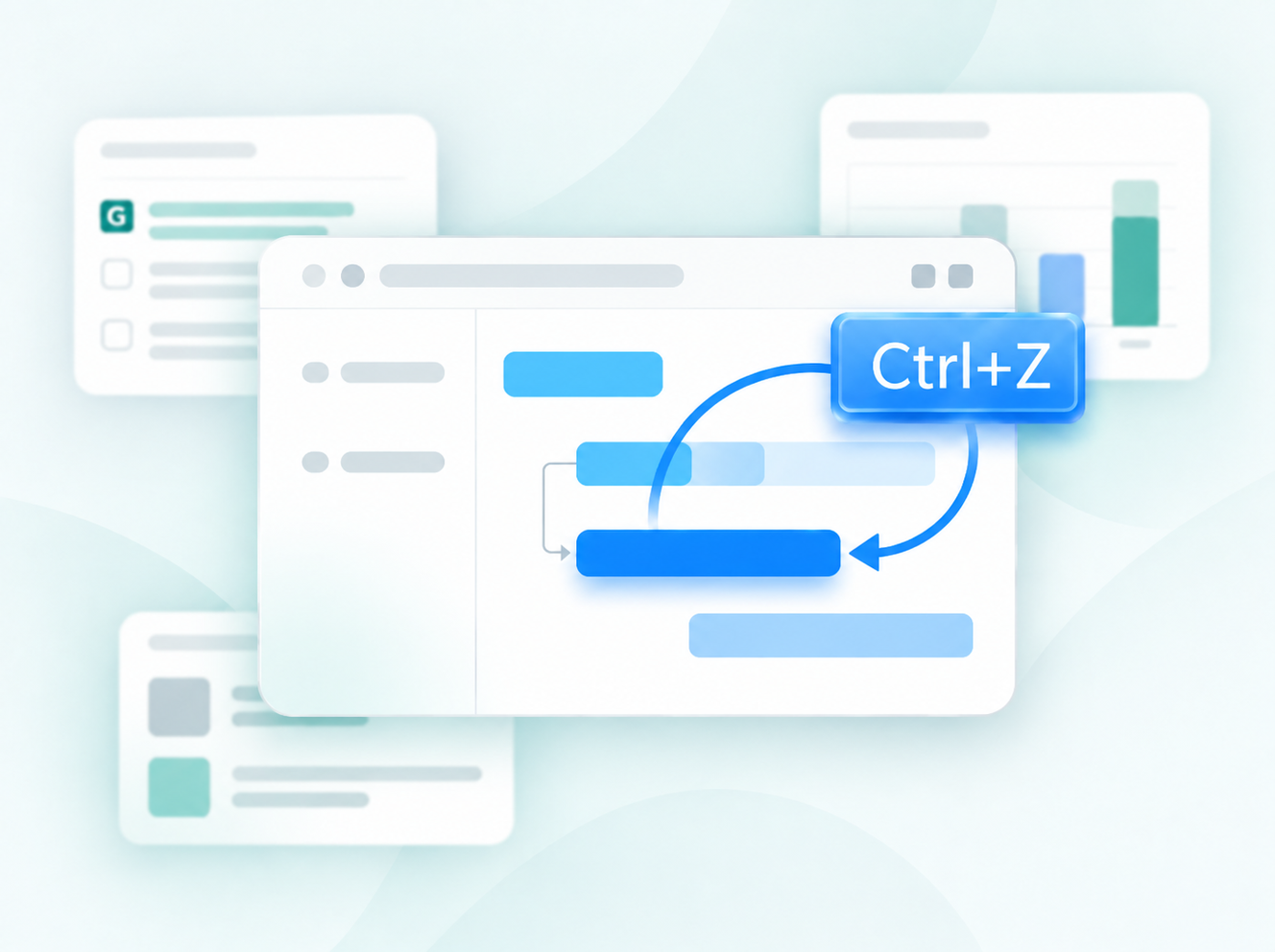
テキスト、音声、またはファイルで、好きな方法でプロジェクトを説明すれば、完成したプランが手に入り、すぐに作業を始められます。 変更が必要ですか?調整したい内容をそのまま伝えるだけで、その部分だけが再構成されます。 編集内容はすべて新しいバージョンとして保存されるため、何も失われません。 新しいプロジェクトを作成するときに利用できます。


AIでプロジェクト計画を作成
短い説明文を、数秒でそのまま使えるプロジェクトに変換するAIのガントチャート作成ツールです。 新しいプロジェクトを作成するときに利用できます。

新しい通貨を追加
予算の追跡で利用できる通貨のリストを拡張しました。これで AED、SEK、DKK、INR、CHF、KZT、ISK を使用できます。 通貨が見つからない場合は、 support@ganttpro.com まで、またはライブチャットでお知らせください。喜んでお手伝いします。


ガントチャートの曜日ラベル
読みやすさと操作性を向上させるため、ガントチャートに曜日を1文字で表示するラベルを追加しました。 Zoomの「Days(日数)」がオンになっていると表示されます。

お気に入りプロジェクトのカスタム順序とサイドバーの更新
左側のサイドバーでドラッグ&ドロップするだけで、お気に入りプロジェクトの順序を入れ替えられるようになりました。自分にとって最適な並びに整理でき、アクセスもより速くなります。 あわせて、フッターの各セクションも同じサイドバーに移動しました。よりスッキリしたレイアウトと、アプリ内での見やすい体験をお楽しみください。


新しい言語を追加
ベータ版で新たに13の言語を追加しました:フランス語、イタリア語、ポーランド語、オランダ語、スウェーデン語、ノルウェー語、フィンランド語、ウクライナ語、トルコ語、ヒンディー語、中国語、日本語、ベトナム語。 プロフィール設定で変更できます。 現在テスト中のため、ぜひご意見をお聞かせください。不整合を見つけた場合は、support@ganttpro.com までご連絡ください。


ポリシーおよび利用規約の更新
弊社は 利用規約 、 プライバシーポリシー 、および データ処理に関する補遺 を更新しました。


Introducing new improvements
Additional description field in resource's cards so that you can provide extra details. Ability to change avatar color of virtual resources for their visual differentiation.


Introducing new improvements
The header and project grid redesign. This will make it much easier for you to navigate and read data. An improved and redesigned drag-and-drop feature in the project grid will bring you a new user-friendly experience. The Select action in the context menu for faster interaction with the bulk change. Improved collaboration and performance for large teams and projects.

Introducing new improvements
We've eliminated the risks of assigning simultaneous tasks to resources working on multiple projects. Now, you can see the workload on all of their projects and prevent dangerous resource overload scenarios.

October GanttPRO update
Greatly improved and updated the "Team & Resources" section that has moved to the Profile settings. You can now manage team members and resources from their personal cards. Find more details here. Bulk change in the List view. Apply changes to multiple tasks - just like you do in the Gantt chart view. Find more details here. Updated sidebar for your simpler and more convenient navigation. Ability to pin an unlimited number of favorite projects in the sidebar. Three new API requests. Get timelogs, comments, or attachments with one request for the whole project.

August GanttPRO update
Password-protected Public URL. Be sure that your shared project can only be viewed by those for whom it is intended. Improved comments. Any text written by members deleted from the team will not be deleted with them. Comments remain in place with a note that the user has been deleted.

What's new in the July GanttPRO update:
Project statuses. Use the default statuses or create your own for even more transparent and efficient project management. Improvements in the List view. Create tasks right inside the list, visualize overdue and closed tasks, and use the familiar tabular view – just like in the Gantt chart mode.

Introducing new features and improvements
Project structure. We have removed subprojects as units, so you don't get lost in tasks. The structure became more transparent: Projects – Tasks – Subtasks. Task field. We have improved the UX design, so that you can go directly to the task settings for data entry faster. Performance improvements.


Introducing new features and improvements!
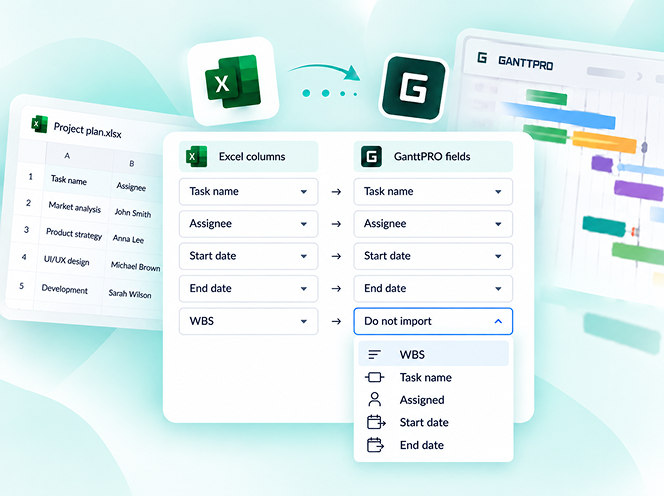
Custom fields import from Excel: Text, Number, and Date. Recalculation of task duration after changes in resource's calendar. API update: now, you can create parent tasks. Integration with JIRA has been improved. Overall performance has been improved.


Help us make GanttPRO better!
We work hard on new rights, roles, and groups. If you have encountered any inconvenience in making your workflow in GanttPRO, drop us a line at stas@ganttpro.com. We are looking forward to your feedback.

Introducing new features!
Expanding/Collapsing tasks on a project and project portfolio levels. Possibility to choose "Do not display" task names on the chart. Possibility to choose a way to depict closed tasks: strikethrough or grayed out. Redesign of project and group of tasks bars. Manual date entry in the grid.


Introducing the "Predecessor" column!
Meet Predecessor, a new column that will help you quickly create, manage, and navigate through dependencies right from the grid.


We improved GanttPRO in the December release!
Filters by overdue tasks. Quick jump to specific projects from project portfolios. Project color customization in project portfolios.

We improved GanttPRO in the November release!
Portfolio export. Portfolio sharing with Public URL. The Korean language.


We improved GanttPRO in the July release!
Auto scheduling improvement. Real-time collaboration improvement. Ability to change the columns order with drag & drop in the project grid except for the "Task name" column. Your templates save most of the project settings except for calendars and skins. Ability to export resource workload to xlsx. Overall performance improvement.



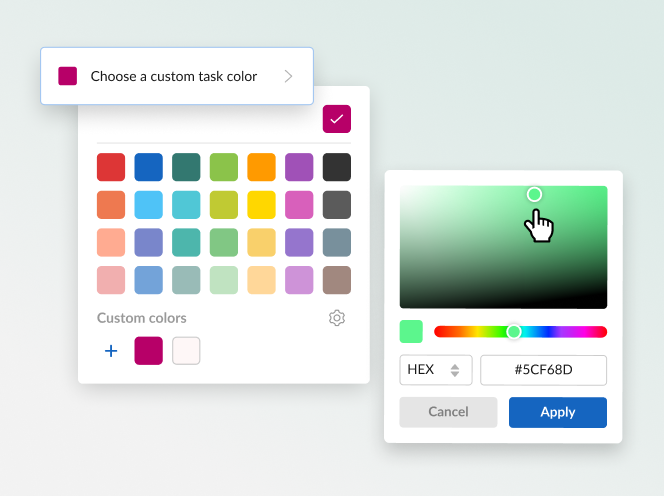
Jiraとの更新された統合
新しいカスタムフィールドの数式
タスクを分割
繰り返しタスク