Wat is er nieuw in GanttPRO
Ontdek nieuwe functies, de laatste productupdates, verbeteringen en zie wat er binnenkort komt om van GanttPRO de beste oplossing voor uw projectmanagementbehoeften te maken.

Alle updates en releases
September, 2025
Rapport met te late taken
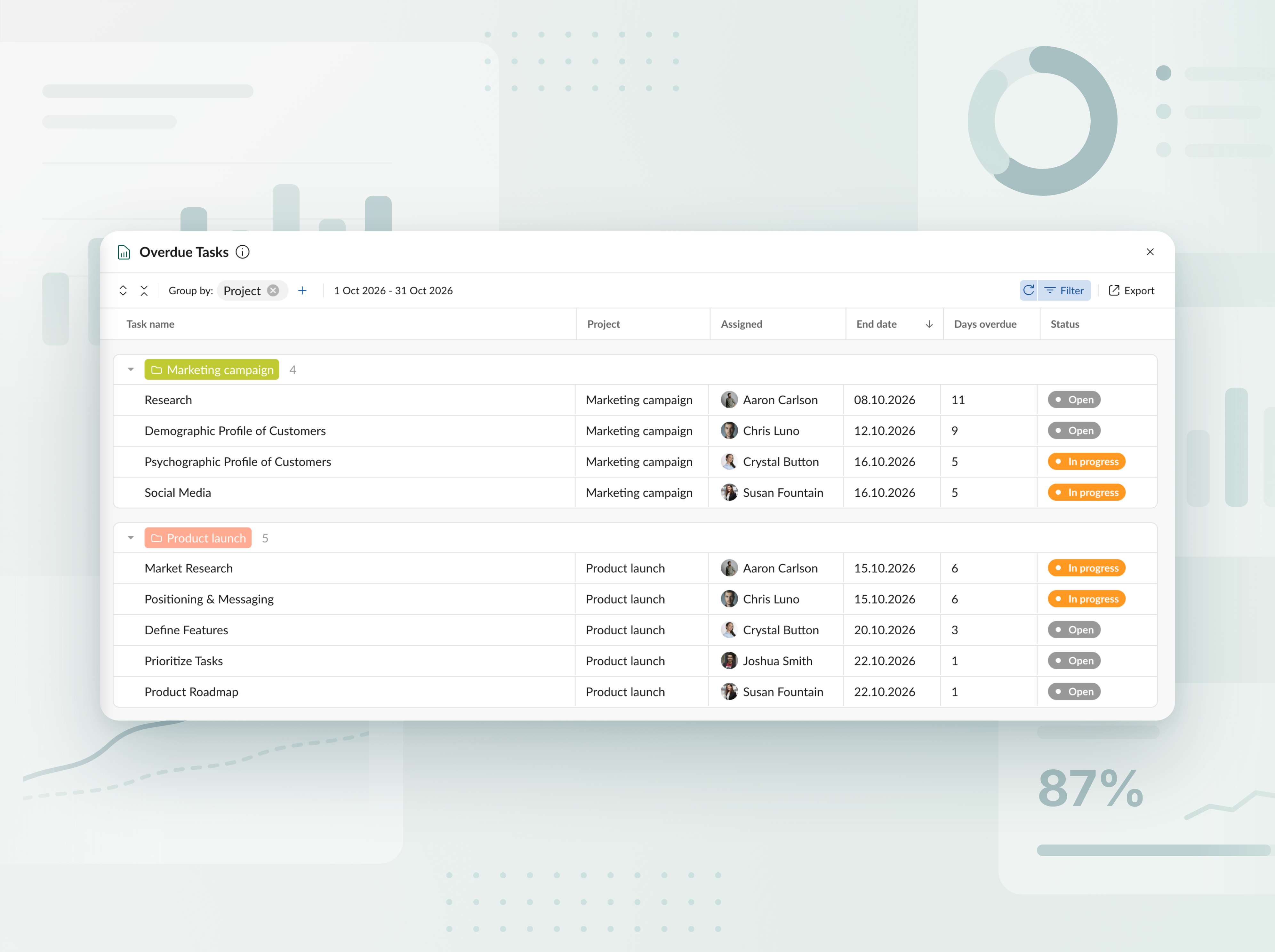
Volg te late taken in alle projecten en portfolio’s. Bekijk in een overzichtelijke tabel hoeveel dagen elke taak achterloopt op de planning en wie hiervoor verantwoordelijk is. Exporteer het rapport vervolgens in een paar klikken naar Excel.


Maak kennis met de nieuwe AI-projectplanner
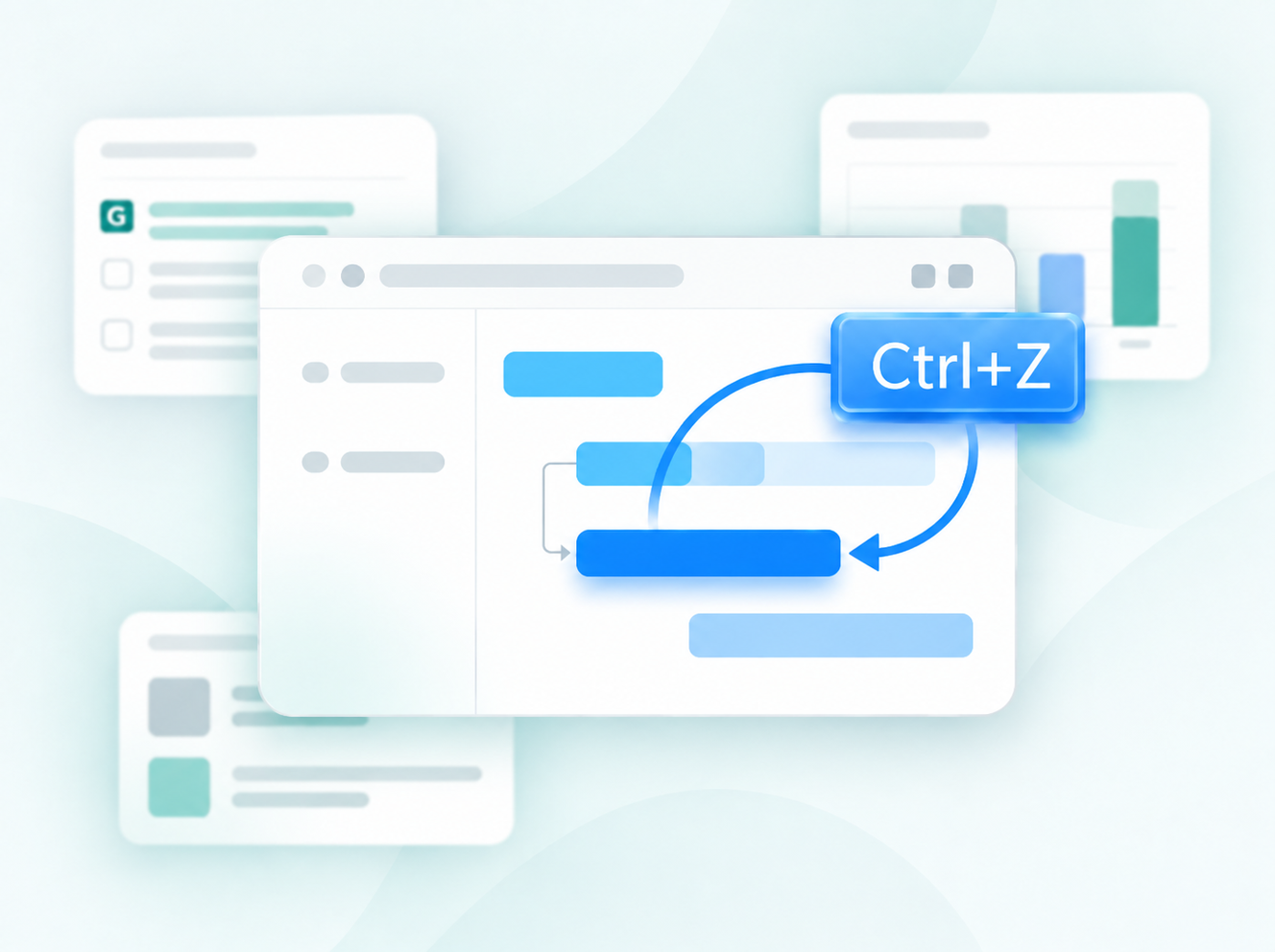
Beschrijf je project zoals je wilt—met tekst, spraak of een bestand—en krijg een volledig plan, klaar om mee te werken. Heb je wijzigingen nodig? Zeg gewoon wat je wilt aanpassen, en het herschikt alleen dat gedeelte. Elke bewerking wordt opgeslagen als een nieuwe versie, zodat er niets verloren gaat. Beschikbaar bij het maken van nieuwe projecten.


Maak projectplannen met AI
Maak kennis met de AI Gantt-diagrammaker die een korte beschrijving omzet in een project dat meteen klaar is om te gebruiken — in slechts enkele seconden. Beschikbaar bij het maken van nieuwe projecten.

Nieuwe valuta toegevoegd
We hebben de lijst met valuta die beschikbaar is voor budgettracking uitgebreid. Je kunt nu AED, SEK, DKK, INR, CHF, KZT en ISK gebruiken. Mist er een valuta? Laat het ons weten via support@ganttpro.com of via de livechat — we helpen je graag.


Dagen-week-labels op de Gantt-grafiek
We hebben eendelige weekdaglabels (één letter) toegevoegd aan de Gantt-grafiek voor een betere leesbaarheid en navigatie. Weergegeven met Dagen ingeschakeld in Zoom.

Aangepaste volgorde voor favoriete projecten en updates in de zijbalk
Je kunt je favoriete projecten nu in de linkerbalk opnieuw rangschikken via slepen en neerzetten, zodat je ze in de volgorde zet die het beste werkt voor jou, met snellere toegang. We hebben ook de secties in de voettekst naar dezelfde zijbalk verplaatst. Je krijgt een overzichtelijker layout en een schonere ervaring in de app.


Nieuwe talen toegevoegd
We hebben in de bèta 13 nieuwe talen toegevoegd: Frans, Italiaans, Pools, Nederlands, Zweeds, Noors, Fins, Oekraïens, Turks, Hindi, Chinees, Japans en Vietnamees. Je kunt ze wijzigen in je profielinstellingen. Omdat we ze testen, horen we graag je feedback. Als je inconsistenties opmerkt, neem dan contact met ons op via support@ganttpro.com.


Update van beleid en voorwaarden
We hebben onze Gebruiksvoorwaarden, Privacybeleid en Aanvulling voor gegevensverwerking bijgewerkt.


Introducing new improvements
Additional description field in resource's cards so that you can provide extra details. Ability to change avatar color of virtual resources for their visual differentiation.


Introducing new improvements
The header and project grid redesign. This will make it much easier for you to navigate and read data. An improved and redesigned drag-and-drop feature in the project grid will bring you a new user-friendly experience. The Select action in the context menu for faster interaction with the bulk change. Improved collaboration and performance for large teams and projects.

Introducing new improvements
We've eliminated the risks of assigning simultaneous tasks to resources working on multiple projects. Now, you can see the workload on all of their projects and prevent dangerous resource overload scenarios.

October GanttPRO update
Greatly improved and updated the "Team & Resources" section that has moved to the Profile settings. You can now manage team members and resources from their personal cards. Find more details here. Bulk change in the List view. Apply changes to multiple tasks - just like you do in the Gantt chart view. Find more details here. Updated sidebar for your simpler and more convenient navigation. Ability to pin an unlimited number of favorite projects in the sidebar. Three new API requests. Get timelogs, comments, or attachments with one request for the whole project.

August GanttPRO update
Password-protected Public URL. Be sure that your shared project can only be viewed by those for whom it is intended. Improved comments. Any text written by members deleted from the team will not be deleted with them. Comments remain in place with a note that the user has been deleted.

What's new in the July GanttPRO update:
Project statuses. Use the default statuses or create your own for even more transparent and efficient project management. Improvements in the List view. Create tasks right inside the list, visualize overdue and closed tasks, and use the familiar tabular view – just like in the Gantt chart mode.

Introducing new features and improvements
Project structure. We have removed subprojects as units, so you don't get lost in tasks. The structure became more transparent: Projects – Tasks – Subtasks. Task field. We have improved the UX design, so that you can go directly to the task settings for data entry faster. Performance improvements.


Introducing new features and improvements!
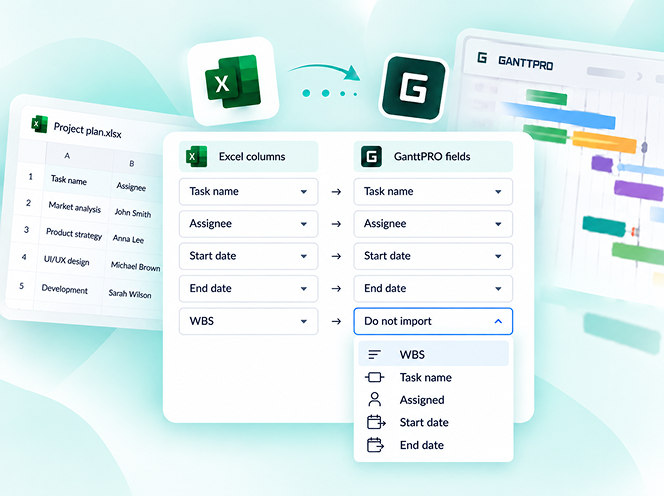
Custom fields import from Excel: Text, Number, and Date. Recalculation of task duration after changes in resource's calendar. API update: now, you can create parent tasks. Integration with JIRA has been improved. Overall performance has been improved.


Help us make GanttPRO better!
We work hard on new rights, roles, and groups. If you have encountered any inconvenience in making your workflow in GanttPRO, drop us a line at stas@ganttpro.com. We are looking forward to your feedback.

Introducing new features!
Expanding/Collapsing tasks on a project and project portfolio levels. Possibility to choose "Do not display" task names on the chart. Possibility to choose a way to depict closed tasks: strikethrough or grayed out. Redesign of project and group of tasks bars. Manual date entry in the grid.


Introducing the "Predecessor" column!
Meet Predecessor, a new column that will help you quickly create, manage, and navigate through dependencies right from the grid.


We improved GanttPRO in the December release!
Filters by overdue tasks. Quick jump to specific projects from project portfolios. Project color customization in project portfolios.

We improved GanttPRO in the November release!
Portfolio export. Portfolio sharing with Public URL. The Korean language.


We improved GanttPRO in the July release!
Auto scheduling improvement. Real-time collaboration improvement. Ability to change the columns order with drag & drop in the project grid except for the "Task name" column. Your templates save most of the project settings except for calendars and skins. Ability to export resource workload to xlsx. Overall performance improvement.



Bijgewerkte integratie met Jira
Nieuw aangepast veld Formule
Taken splitsen
Terugkerende taken