

Peter Communication Systems: planning technician capacity with GanttPRO
“We tested some other tools but they don't have the workload view as we needed.”
A story about a tech company delivering client-focused solutions with GanttPRO’s Workload and virtual resources.

Company overview
Company: Peter Communication Systems
Roles interviewed: Marc Becker, Head of IT & Technical Operations
Project types: short-cycle IT client projects
External pressures: client expectations, short delivery timeframes
Tool history: Microsoft Project
Problems hinted at: limited workload capabilities in previous tools
Summary
Company Background
What does your company focus on?
Peter Communication Systems is a tech company offering a wide range of solutions to support on-site or on an individual project basis in the areas of network technology, cloud-based infrastructures, managed services and components of IT security. The team of around 20 specialists runs projects lasting up to four weeks, helping clients manage tasks outside their core expertise.
Marc Becker, Head of IT & Technical Operations, explains why GanttPRO was chosen and how it’s integrated into their workflow now.
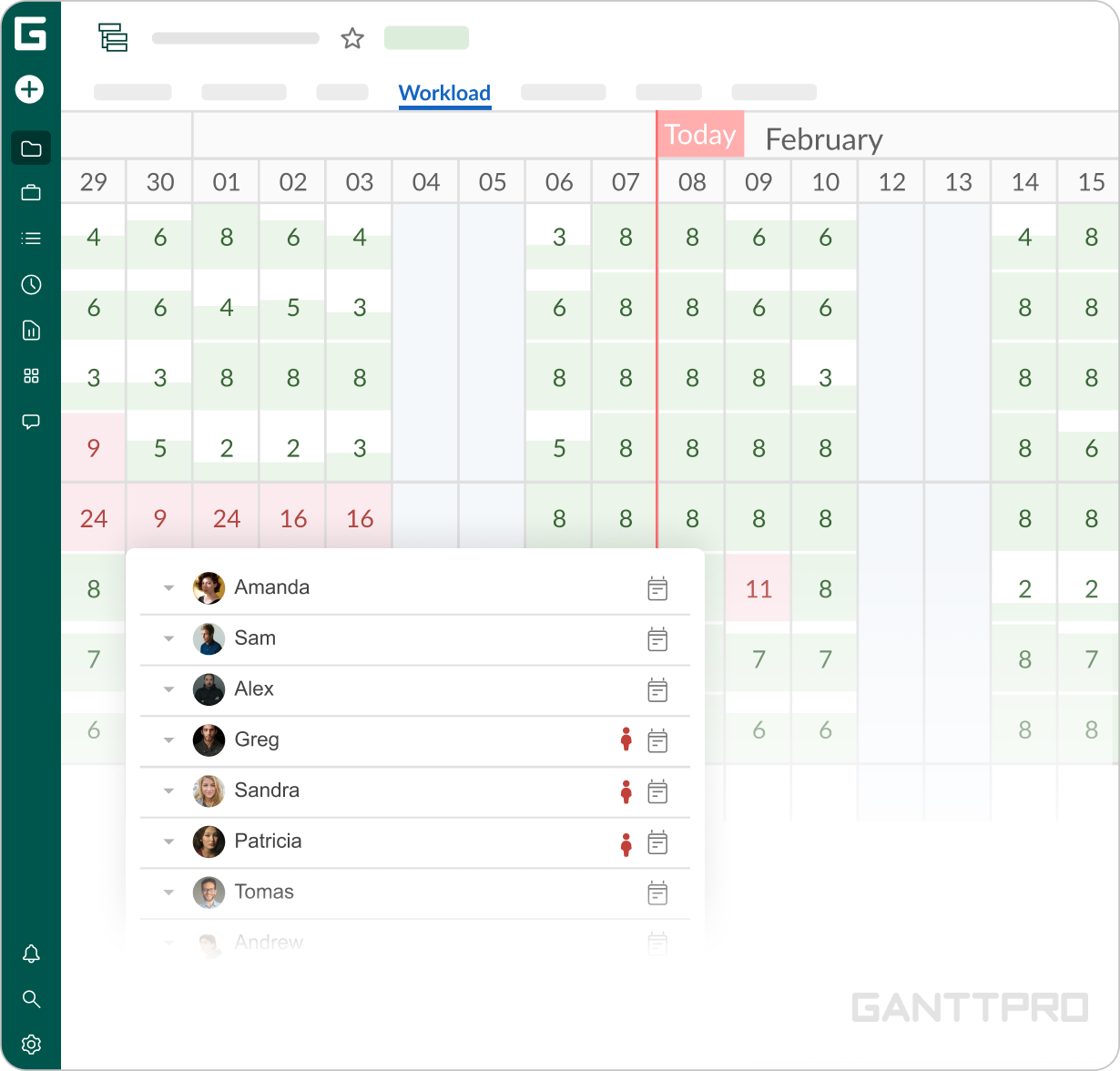
“Our work is very client-based and we need to quickly evaluate if we can accept a new project. Workload helps us understand that effortlessly.”
Struggle
How did your approach look before GanttPRO?
“Before finding GanttPRO, we used Microsoft Project and later switched to Microsoft Planner. Our technical department was growing and we needed a shared environment where everyone could see who was available and whose capacity allowed them to take additional tasks in a short timeframe. Microsoft Planner could not fully meet this requirement.”
Solution
As the team’s workflow is built around client’s requirements, managing short-cycle initiatives while allocating technicians is their number one priority. That’s why Workload was the highlight and main reason for adopting GanttPRO.
“Our work is very client-based and we need to quickly evaluate if we can accept a new project. Workload helps us understand that effortlessly.”
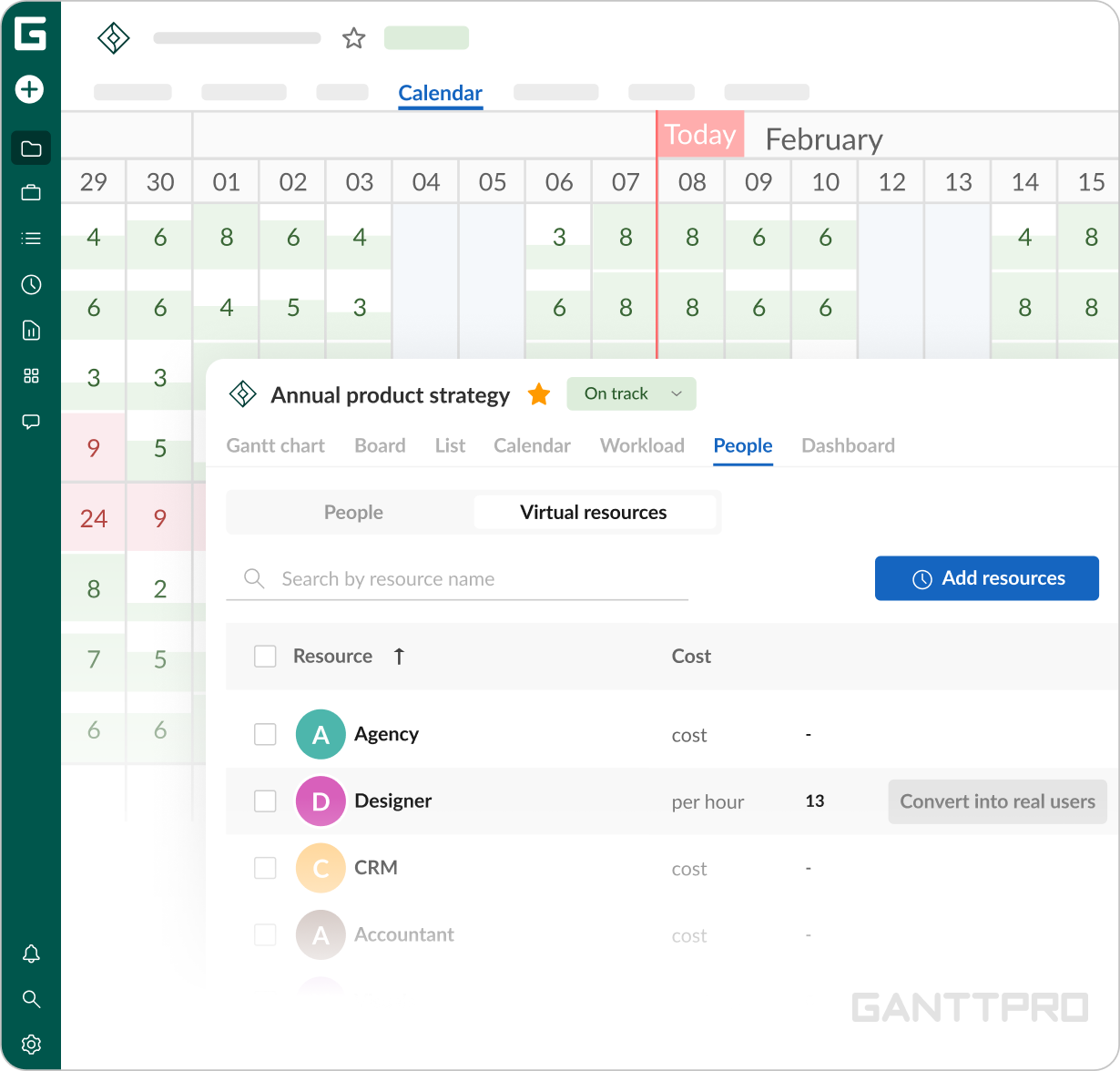
“We tested some other tools but they don't have the Workload view as we needed.”The Workload is supported by virtual resources, all together creating a cohesive structure: “The virtual resources are used for initial capacity planning, as we usually do not know who will ultimately be assigned to a task. We slightly overload our technicians at this stage to help prevent capacity bottlenecks. Once we receive confirmation from the client, these virtual spots are replaced with real team members.”
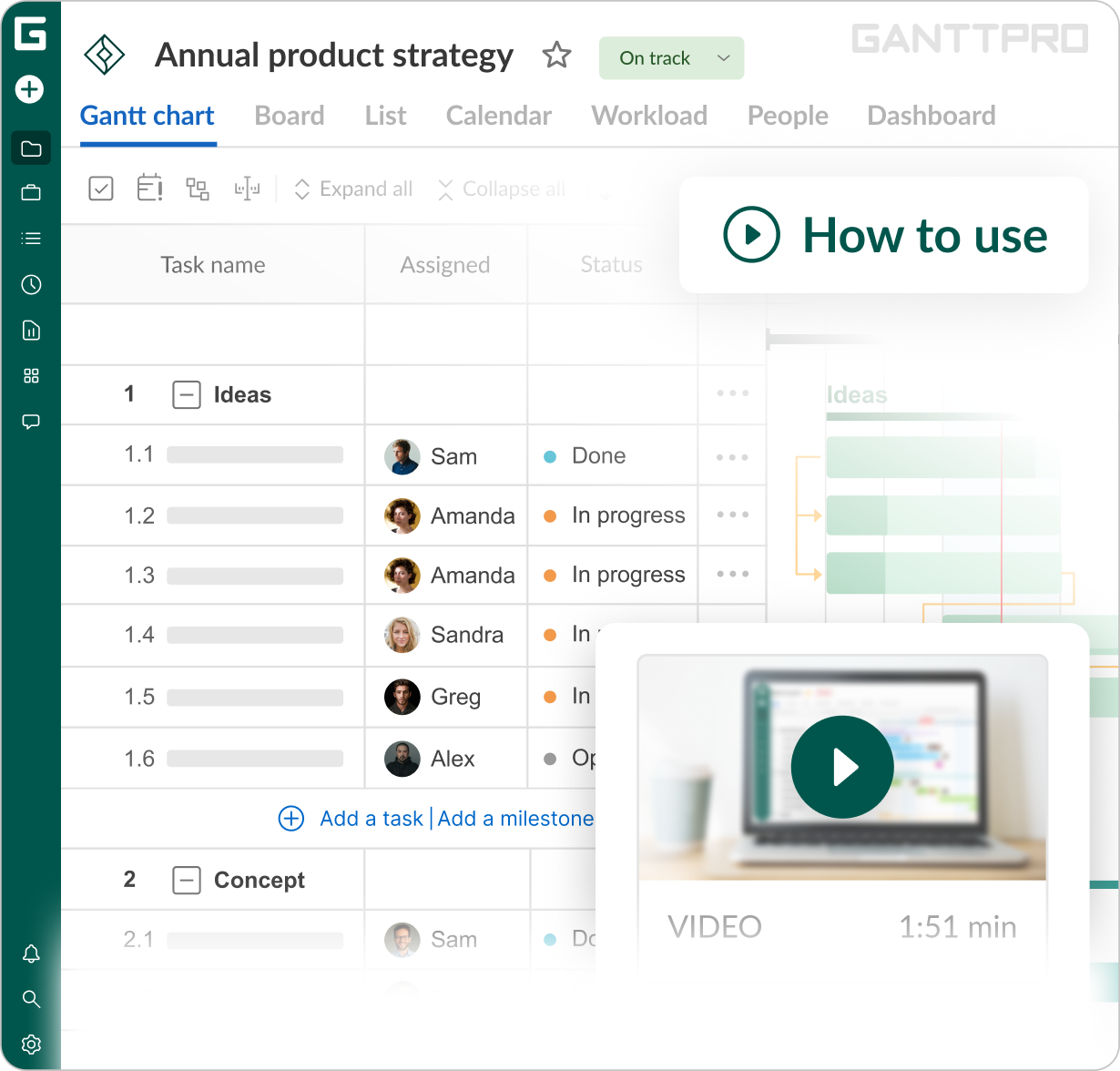
“The integration stage was quite easy. A few team members spent several weeks onboarding, followed by one larger meeting where we introduced the tool to everyone and explained how to use it. Beyond that, GanttPRO was very intuitive.”
Impact
What does your work look like now with GanttPRO?
Currently, GanttPRO serves as the team’s strategic planning mechanism, enabling everyone to understand capacity for the upcoming months and determine whether additional specialists may be needed. The more spontaneous side of work also became easier to manage, allowing to quickly evaluate whether a specialist can take on a new task. At the core of this workflow is the Workload feature, combined with virtual resources, making resource allocation more predictable and staffing decisions more confident.