Airworks Inflatables: keeping multi-department creative production moving with GanttPRO
“The coordination between the departments is crucial and that's where GanttPRO for us comes into the picture.”
A story about a creative production company managing multi-department projects across several-week production cycles.
Company overview
Company: Airworks Inflatables
Roles interviewed: Angelo Lamme, General manager Operations; Kaho To, Senior Sewing Lead from Airworks Sewing Studio
Project types: multi-department, сross-team, public events related projects
External pressures: capacity planning pressure, tight deadlines, client-side and large-scale audience expectations
Tool history: Excel spreadsheets, Trello
Problems hinted at: limited visibility across teams and coordination challenges in previous tools
Summary
Company Background
What does your company focus on?
Airworks Inflatables is a production company with a special focus on designing and creating custom air sculptures for big musical festivals, famous artists and pop stars. Each project is a complex system, running up to 6 weeks, consisting of multiple stages, and involving around 40-50 people. The main layer of complexity lies in the number of departments, which increases coordination challenges.
“We have multiple projects running at the same time for different clients and each goes through different phases. It could be that a project is in the design department, plotting or sewing stages. The coordination between the departments is crucial and that's where GanttPro for us comes into the picture.”
We used a lot of Trello beforehand, tried out different Gantt chart platforms, but GanttPRO was the one that stuck with us.
Struggle
How did your approach look before GanttPRO?
Solution
As many teams, Airworks uses GanttPRO on a daily basis for workflow predictions and capacity bottlenecks. “It's also in terms of prediction as we always look at the capacity that we have available for upcoming projects moving to the next stage. So it's also a forward-looking element that helps us scheduling the right capacity within the diverse workflows that we have.”
Over time, the team came to the conclusion that they needed to narrow their focus instead of trying to implement all the features GanttPRO offers: “We were looking at too many features at first but eventually we focused only on what was necessary.” Right now, the overall logic of the tool, its visual and structural parts are the basics the projects require to function effectively.
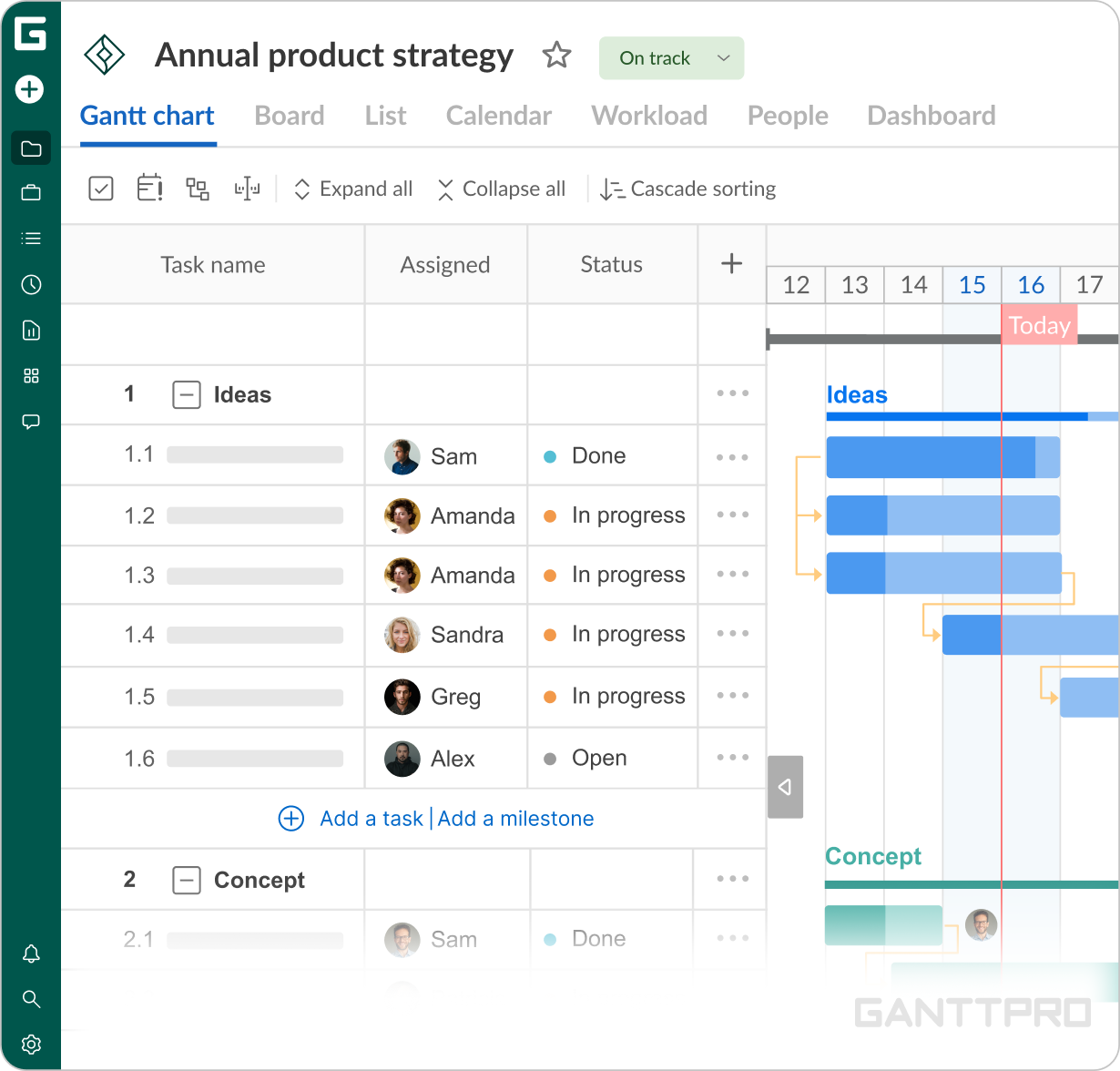
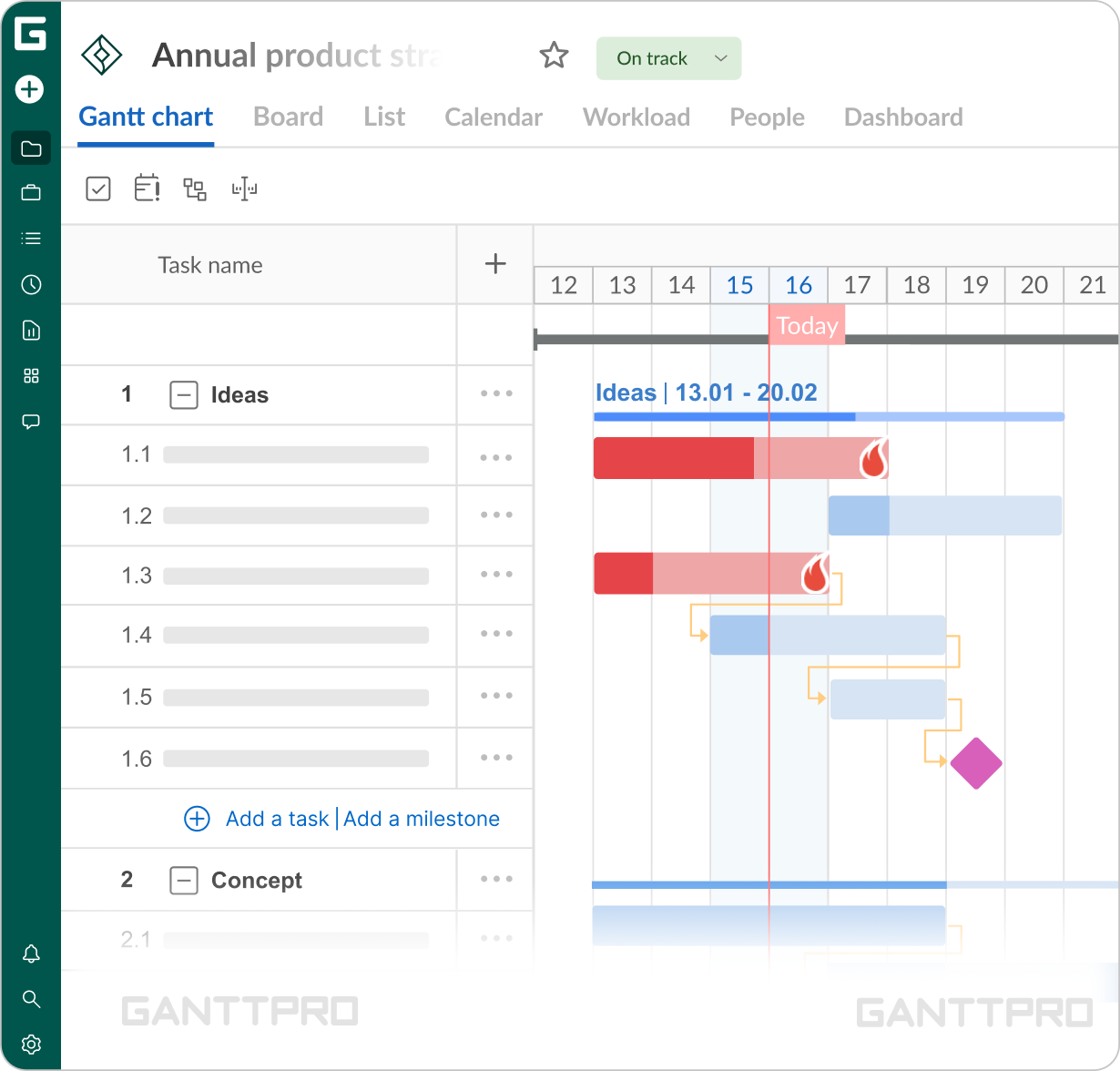
“We use it daily and especially for our daily production meetings. Every day we open the Gantt view and just check each department, where we are at the moment and where we have to troubleshoot.”A large part of the team's work involves coordinating input from different departments and tracking stages as they move. As a result, milestones and deadlines have become irreplaceable for maintaining visibility, reducing the risk of delays, and seeing clearly what comes next.
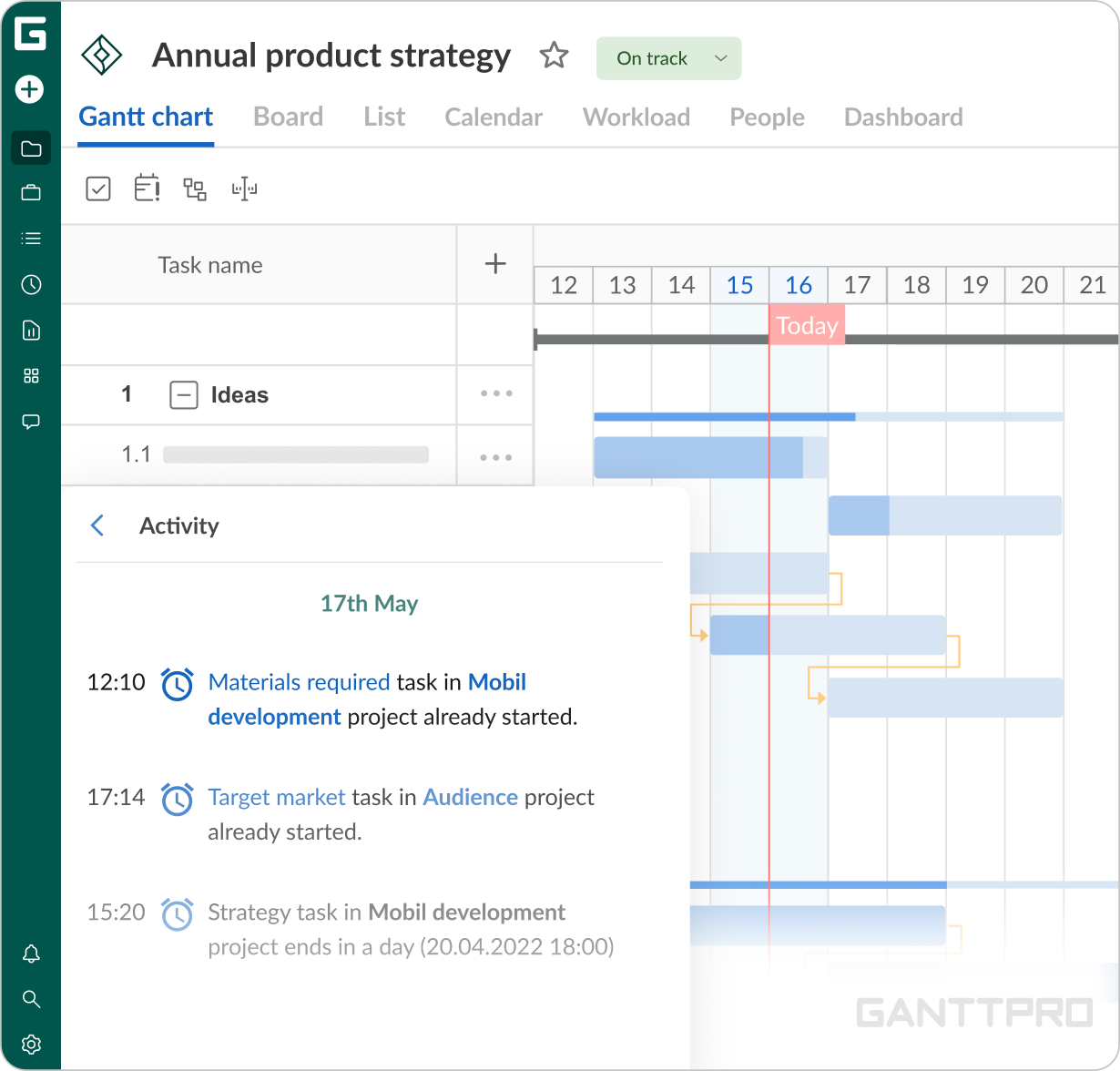
Same goes with notifications: pop-ups keep the team aligned and make missed deadlines unlikely. These small alerts play a big role in reducing the risk of delays and keeping project flow on track.