

NICX: task dependencies and client reporting in one scheduling workflow with GanttPRO
“GanttPRO has significantly improved our customer reporting and communication.”
A story about an infrastructure contractor organizing project schedules through task dependencies and client reporting.

Company overview
Company: NICX
Roles interviewed: Scott Wendland, CEO
Project types: telecommunications infrastructure projects
External pressures: client deadlines and expectations, scheduling standards
Tool history: Excel
Problems hinted at: fewer capabilities for building task dependencies in other tools
Summary
Company Background
What does your company focus on?
NICX is a team of specialists with the expertise in design, construction, and delivery of fiber-optic and broadband infrastructure. With decades of combined experience in telecommunications and public infrastructure, NICX brings an integrated approach to every project, from field engineering and permitting to fiber construction, splicing, and documentation.
Scott Wendland, CEO, shares the role of GanttPRO in managing telecommunications infrastructure projects and supporting client reporting.
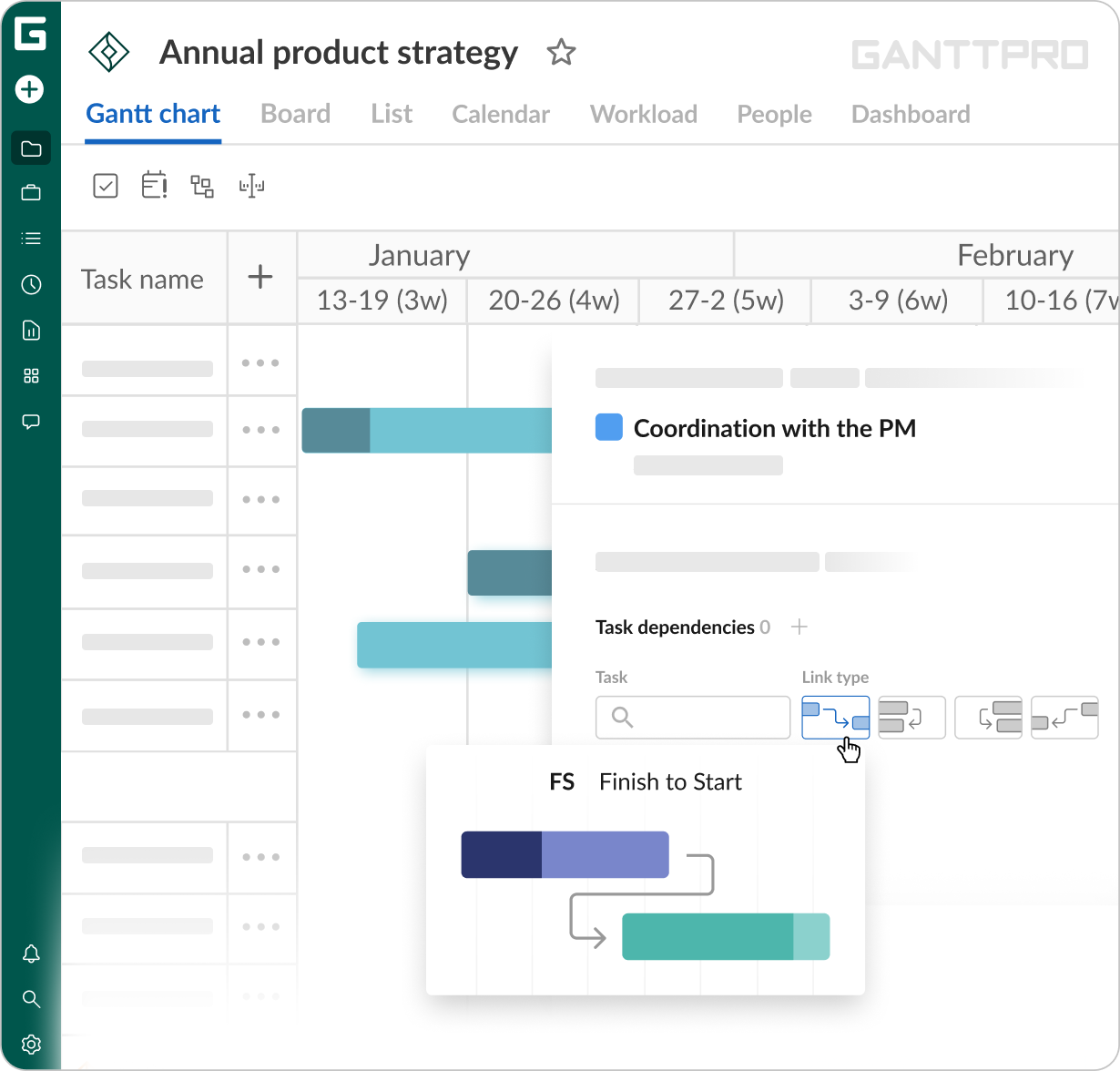
For me, what separates GanttPRO from other tools, including Excel, is the way it builds interdependencies between tasks.
Struggle
How did your approach look before GanttPRO?
Before GanttPRO, the team evaluated several ways to build project schedules, from Excel to other Gantt tools. They also looked at more comprehensive platforms such as Procore, which some of their customers and competitors use. However, NICX needed something more focused that could support the level of planning expected from them.
“I found GanttPRO through an online search, we tested it out, and I thought it was really intuitive and easy to work with. It has more features than we would probably ever use and it does what we need very well.”
Solution
One of the features Scott valued most was GanttPRO’s approach to task dependencies : “For me, what separates GanttPRO from other tools, including Excel, is the way it builds interdependencies between tasks. Being able to connect different tasks or client items, set predecessors, and have the schedule adjust automatically is probably my favorite feature. If one date changes in a 300-line schedule, you don’t have to go through and manually update a whole bunch of dates.”
Beyond project planning, GanttPRO became an important part of how Scott’s team communicates project schedules to clients.
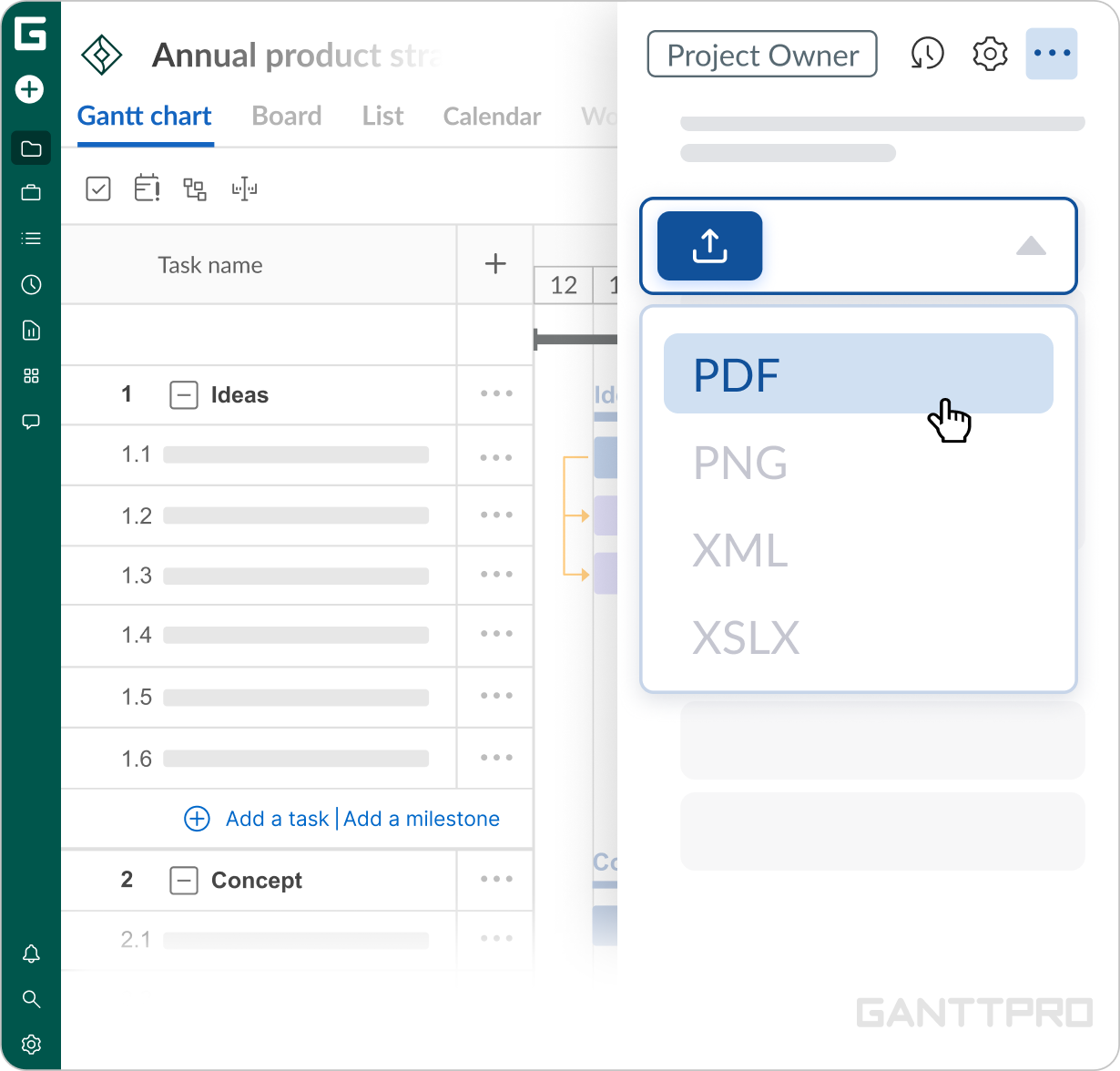
“I’d say GanttPRO is more of a customer-facing planning tool for us. We use it to build and document schedules and then deliver them to customers, rather than as a tool for daily project updates. I mainly use the PDF export to create a well-thought-out schedule that shows how we’re going to execute the project. It hasn’t fundamentally changed how we run projects, but it has significantly improved our customer reporting and communication.”
Impact
What does your work look like now with GanttPRO?
Since 2023, GanttPRO has been the company’s solution thanks to two key capabilities – connecting activities through task dependencies and turning timelines into client-facing project plans. Additionally, since the team doesn’t need an all-in-one project management platform with a wide range of features, this more of a focused approach fits their workflow better.