
Richard Chen: simplifying project planning and stakeholder communication with GanttPRO
“It was very easy to start. I could almost just go right into the program itself, immediately start putting information in, and see exactly how it was being presented. It didn’t take me long to get up to speed with and the team was able to get comfortable with it just as quickly.”
A story about making a complex hospital expansion project clear and easy to communicate.

Company overview
Company: Richard Chen
Roles interviewed: Richard Chen, Consultant Project Manager
Project types: healthcare infrastructure, construction, facility expansion
External pressures: budget and timeline pressure, cross-department stakeholder communication
Tool history: Smartsheet, Microsoft Project
Problems hinted at: lack of visual clarity for presentation purposes in previous tools
Summary
Company Background
What does your company focus on?
Richard Chen is a consultant project manager who started using GanttPRO while working on a major expansion project for the University Hospital of the West Indies, one of Jamaica’s most prominent healthcare institutions.
The initiative focused on expanding the hospital's services by building a number of new facilities to host more treatments and equipment, increase capacity, and support the hospital’s wider development.
“The organization I am working with was already familiar with project management structures and Gantt chart methodology, so what GanttPRO allowed me to do was present the project in much greater detail, showing how it is currently organized and how it will evolve over time as it progresses.”
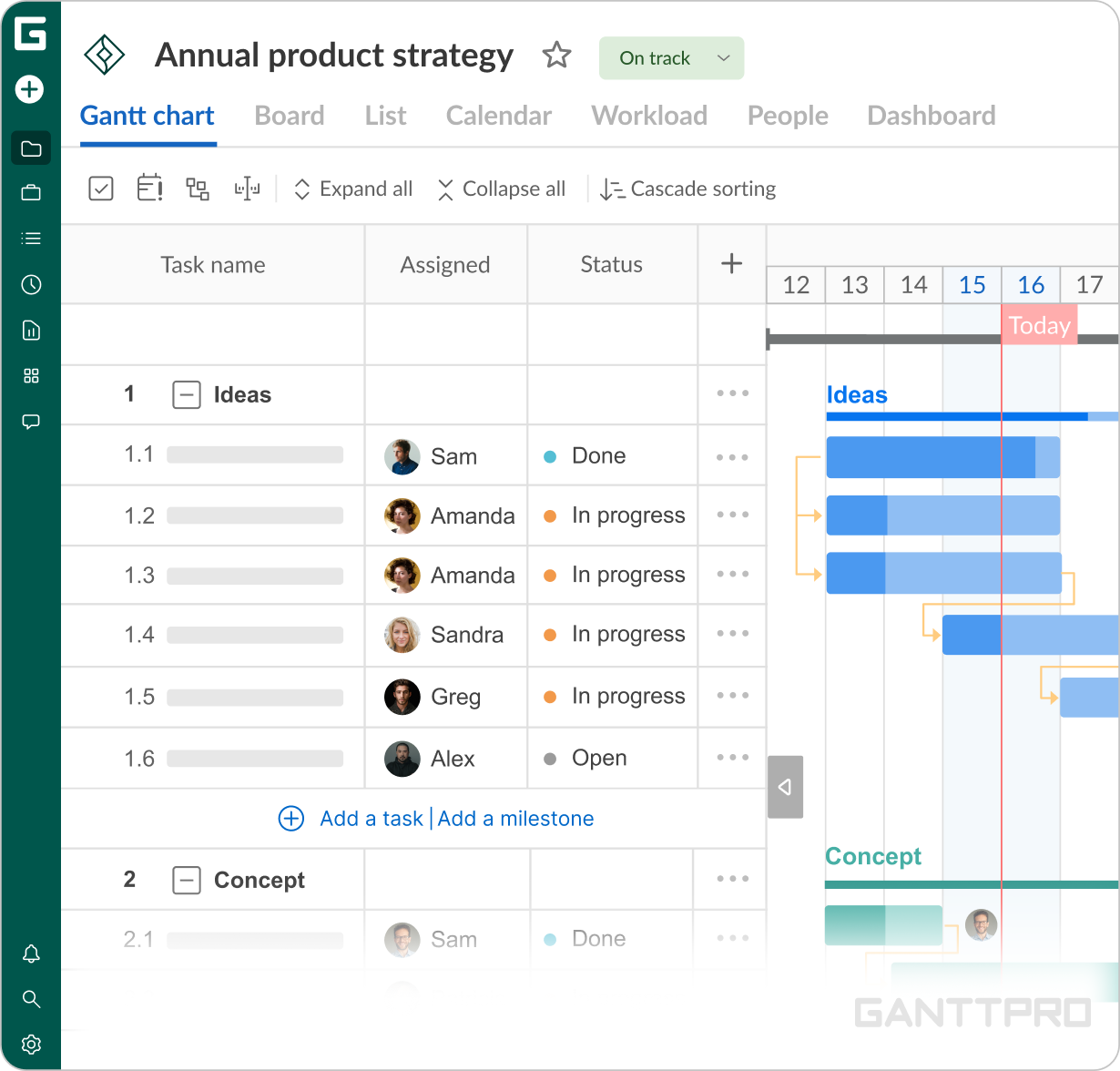
The most useful part of GanttPRO is definitely the Gantt chart. I was able to import and display different aspects and components of the project, so the scope is easy to understand, both for me and for the team members.
Struggle
How did your approach look before GanttPRO?
As an experienced project manager, Richard was already familiar with a range of tools on the market, including Smartsheet, Microsoft Project, and other Microsoft solutions.
“What stood out for me was, again, the ease of use. I tried different things and was more familiar with Smartsheet. I’ve used Microsoft, of course, and other software. But GanttPRO was narrowly focused on the Gantt chart, which was what I needed most.”
Solution
For Richard, GanttPRO’s value lies primarily in the Gantt chart itself, which helps him visualize all project components, present them clearly to colleagues, and better understand the overall scope of the work.
“The most useful part of GanttPRO is definitely the Gantt chart. I was able to import and display different aspects and components of the project, so the scope is easy to understand, both for me and for the team members.”“I appreciate how lightweight the web-based format is and how usable it is regardless of the operating system. It makes the tool very easy to access from anywhere, even for people without prior experience with project management software.”
Another major advantage was how quickly both Richard and his team could get started with the tool.
“It was very easy to start. I could almost just go right into the program itself, and immediately start putting information in, and immediately see exactly how that information was being presented. It didn’t take me long to get up to speed with it and the same was true for the team members.”Another aspect Richard highlighted several times was GanttPRO’s strength as a presentation tool, particularly when communicating with people across different levels and departments.
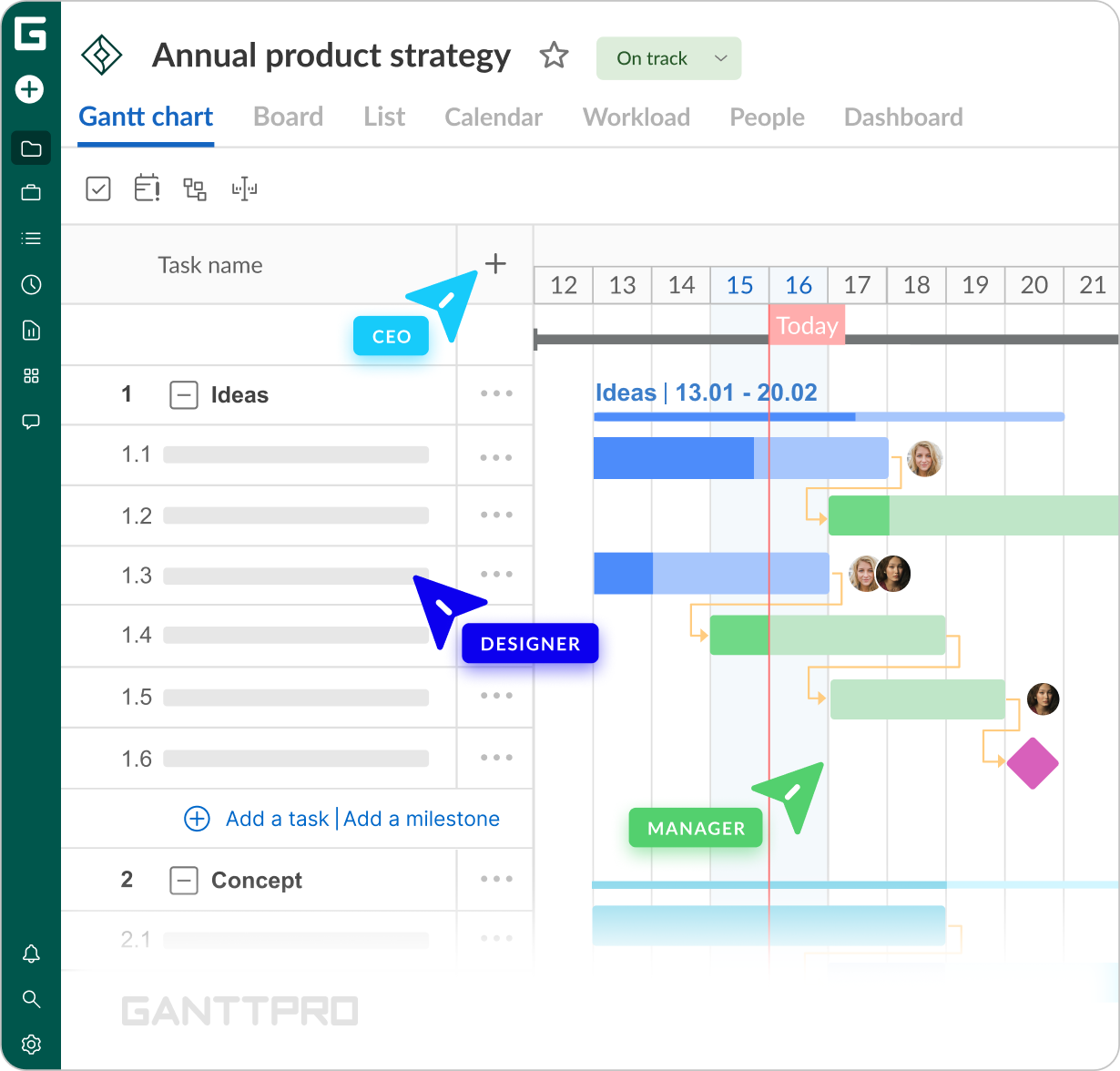
“I thought it was just a wonderful tool for presentations to team members and the client I interacted with in multiple ways – from top management to different departments. These were people who were not necessarily familiar with projects or with initiatives organized in such a format.”
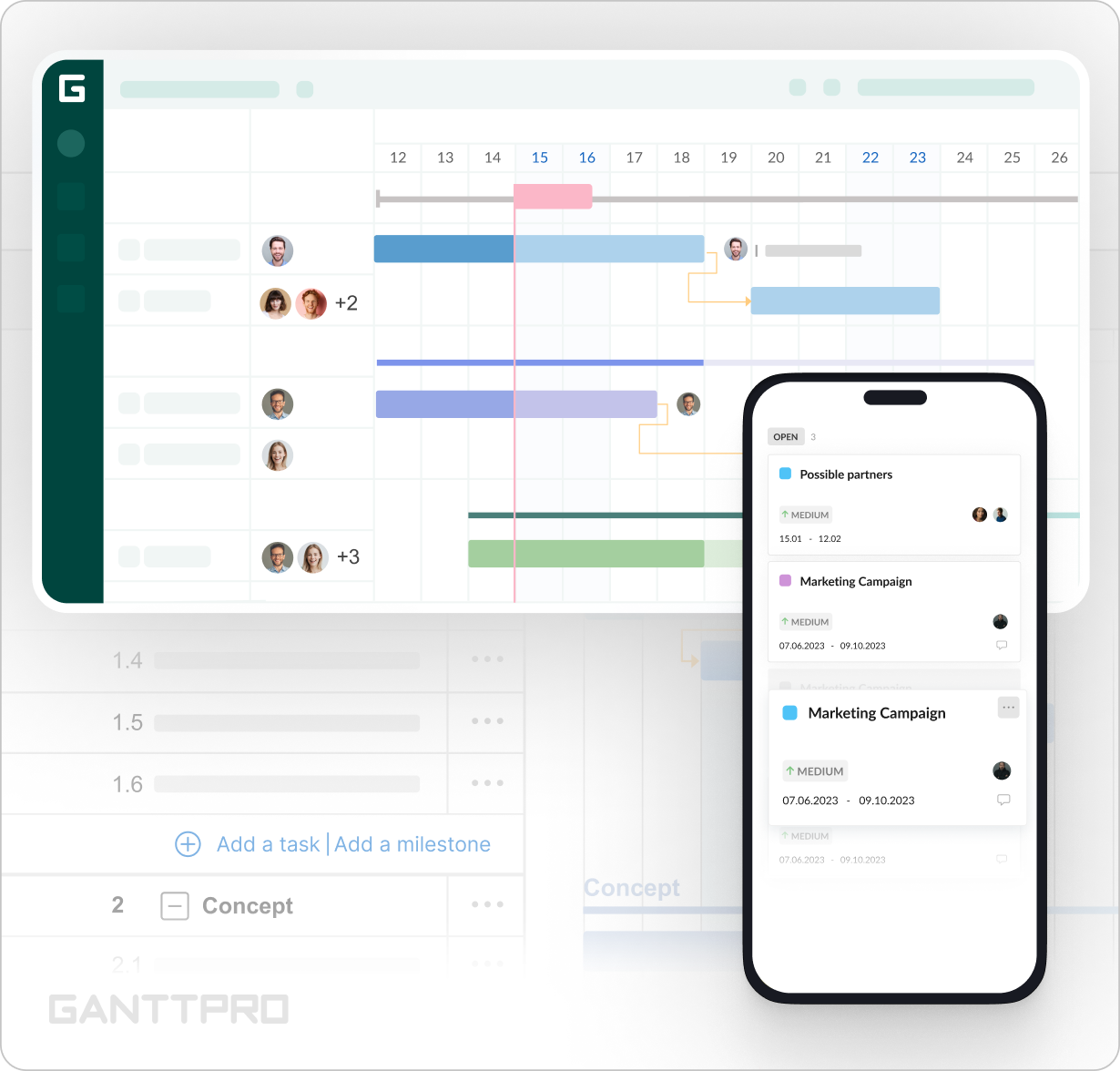
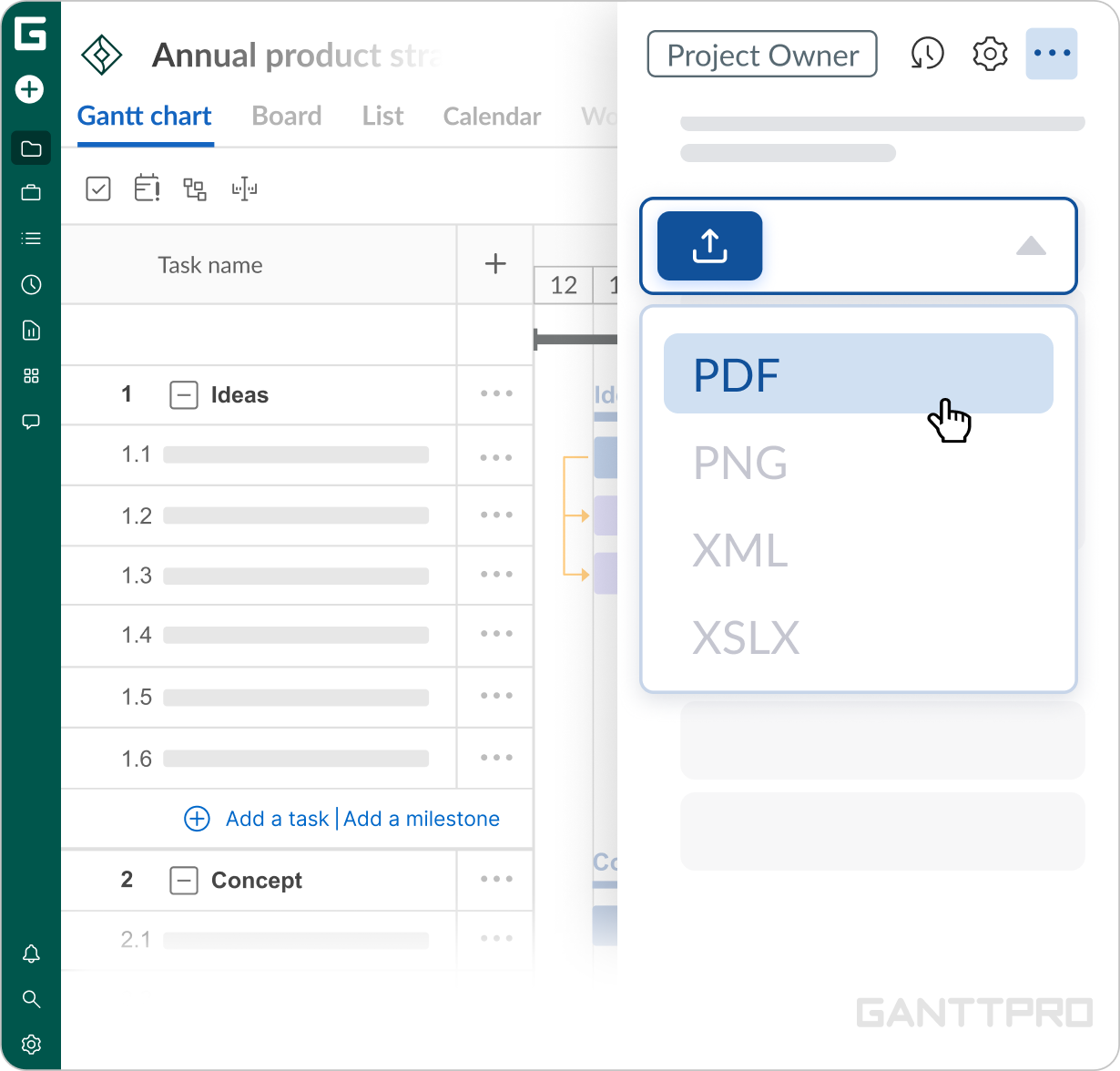
My presentations are done mainly through PDFs and for live updates – through a shared private link . I could make a change live and instantly show what it meant for the critical path, timeline, or budget, so people could clearly see the impact. Since GanttPRO is lightweight and web-based, it was also easy to use for presentations on site, and I could quickly export the relevant parts to PDF for reporting.”
Impact
What does your work look like now with GanttPRO?
“GanttPRO was something I could take on myself, get up to speed with fairly quickly, introduce to my team, and move on from there. It proved very useful in that way.”
Today GanttPRO is an efficient way to approach extensive project information, communicate it with stakeholders, and demonstrate the progress as it changes over time. The level of detail is exactly what he needs without unnecessary complexity, so that all team members regardless of the background can easily stay updated. The short learning curve makes it fast to introduce to new participants and apply across planning, reporting, and presentations.