

Kohn Construction: automating schedule communication through the GanttPRO API
“If I get an emergency call on Sunday night and the schedule changes, I can update it in GanttPRO, and it will already be in our system when the team comes to work the next day.”
A story about connecting GanttPRO to an internal software platform via the API to manage construction and renovation projects more effectively.

Company overview
Company: Kohn Construction
Roles interviewed: Israel David Kohn, Project Manager
Project types: construction and renovation projects
External pressures: deliveries, deadlines, multiple parties involved
Tool history: Microsoft Project
Problems hinted at: complexity and export limitations of Microsoft Project
Summary
Company Background
What does your company focus on?
Kohn Construction is a team of specialists with expertise in development, renovation, and full-cycle construction projects, from design-build to documentation and warranty.
“In construction, with so many deliveries, deadlines, and parties involved, having a visual schedule is a must. GanttPRO creates a structured environment for keeping everything on track.”
Most software have more or less the same structure and logic, but some of them start to fall behind. I always tend to choose the ones that keep up and have the team behind that is constantly improving it.
Struggle
How did your approach look before GanttPRO?
Before GanttPRO, Israel tried Microsoft Project, which brought more mess with its overall complexity and export limitations. Schedules were sometimes difficult to export and the results often looked cluttered.
Solution
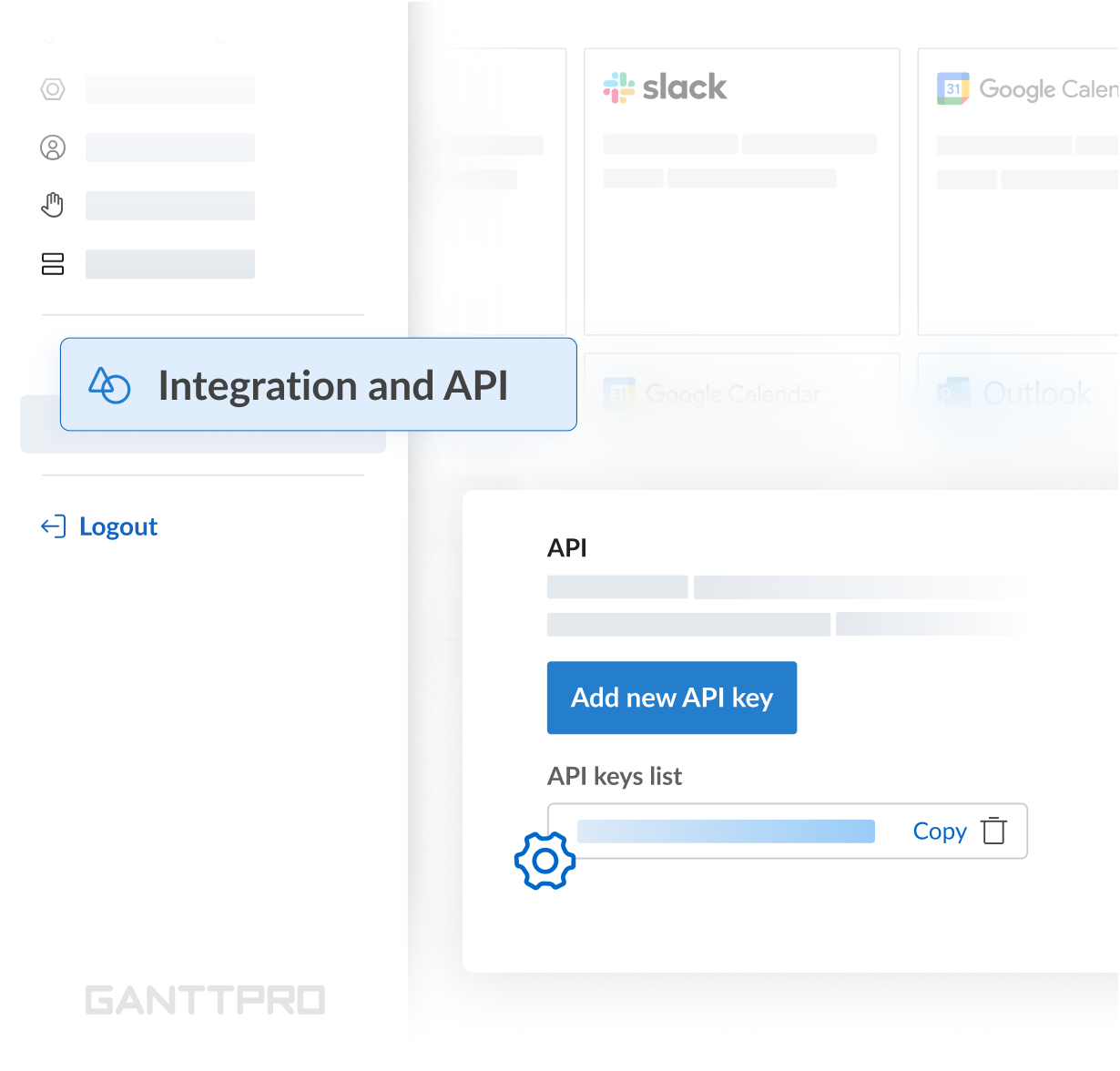
For Israel as the main project manager, the ability to connect their own platform with GanttPRO brought a big difference: “I can create a schedule and it automatically gives my superintendent a two-week look-ahead without me interfering.
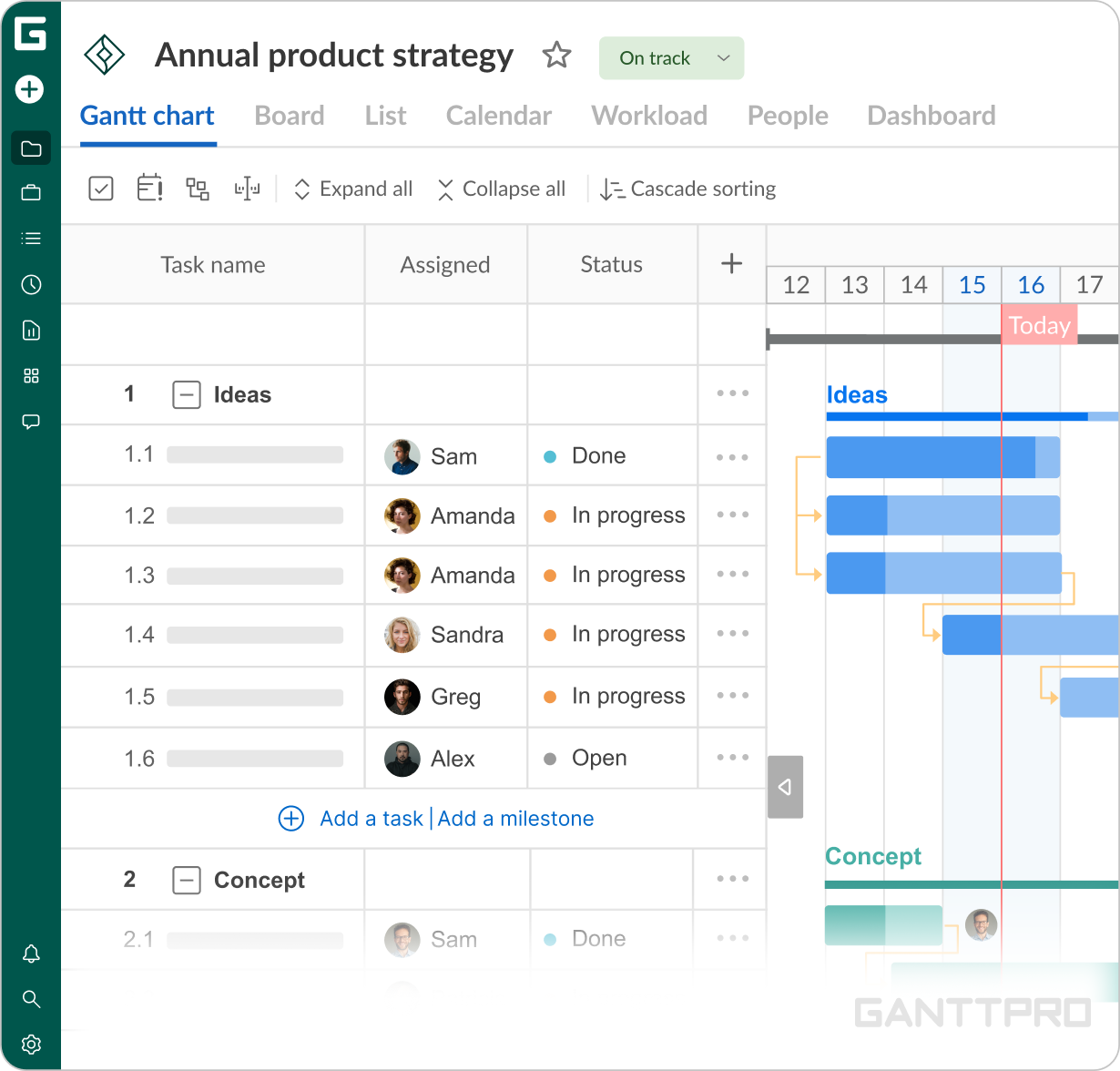
The API connecting our internal system with the external tool was one of the main reasons I chose the software as it lets me make changes quickly without meeting or notifying separately. If I get an emergency call on Sunday night and the schedule changes, I can update it in GanttPRO, and it will already be in the system when the team comes to work the next day. They immediately know what’s happening that week.”GanttPRO’s intuitive design was one of the highlights of the whole experience: “It’s really easy to enter the information. When you add predecessors, you can quickly see how the tasks connect, which is great from a visual perspective. You can also move things around easily, which wasn’t possible in the software I used before.”
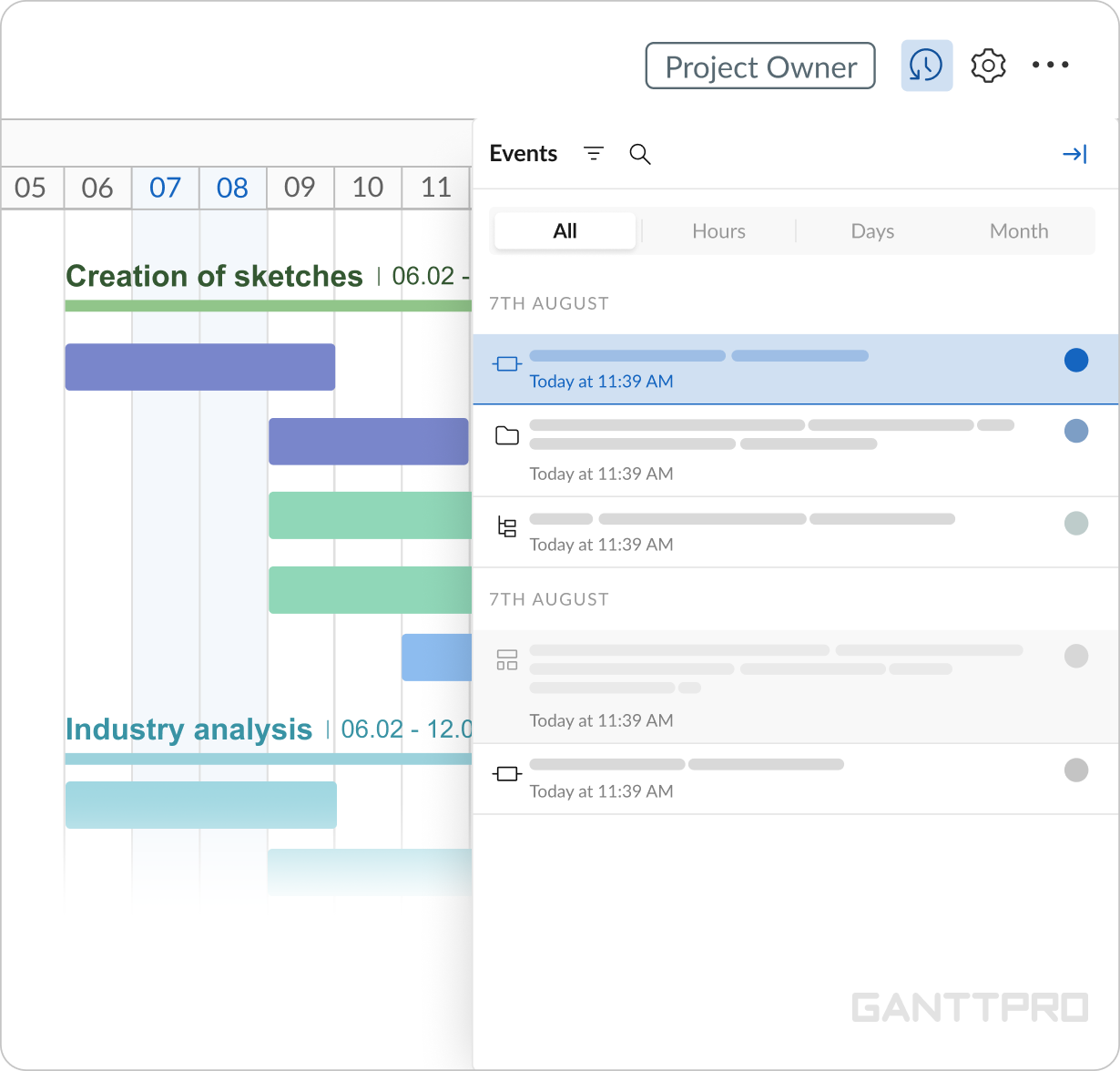
“It’s quite easy to lose track in large projects, so that some changes can be made without realizing it. In this case, the undo button and history of changes save a lot of time. Recovering from unintended changes is really easy without manually rebuilding everything from scratch.”
Impact
What does your work look like now with GanttPRO?
“I like that GanttPRO is web-based and that the work is saved automatically as you go. Setting up the plan is quick, and making changes is just as fast.
Most software have more or less the same structure and logic, but some of them start to fall behind. I always tend to choose the ones that keep up and have the team behind that is constantly improving it.”