
George Tosh: using GanttPRO for light-touch project management and work breakdown structures
“I think I tried a couple of other tools, but GanttPRO felt much more like Microsoft Project and had an interface that was easier for me to get my head around. That’s really why I chose it.”
A story about GanttPRO being a light-touch instrument for WBS plans and client presentations.

Company overview
Company: George Tosh
Roles interviewed: George Tosh, Consultant Project Manager
Project types: individual projects tailored to each client
External pressures: client expectations for clear project timelines and presentations
Tool history: Microsoft Project
Problems hinted at: high cost of Microsoft Project
Summary
Company Background
What does your company focus on?
George Tosh is a consultant leading client project delivery and the co-founder of Solus, a company with a core team of two and a network of associates that delivers individual projects tailored to each client. A typical project runs for six to nine months and includes no more than 30 to 40 tasks in the work breakdown structure.
What I need now is a simple tool that lets me present timelines, task activity, and the WBS to my clients. I use GanttPRO as a light-touch project management tool rather than one of the more in-depth and expensive toolsets like Microsoft Project.
Struggle
How did your approach look before GanttPRO?
“Prior to GanttPRO, I had a Microsoft Project licence which I used occasionally, but when Microsoft changed its pricing model, I started looking for a more affordable alternative. I’ve found a few, tried some of them, and GanttPRO felt much more like Microsoft Project and had an interface that was easier for me to get my head around. That’s really why I chose it.”
Solution
With George’s software background, GanttPRO was quick to learn and well suited to the current complexity of his workflow.
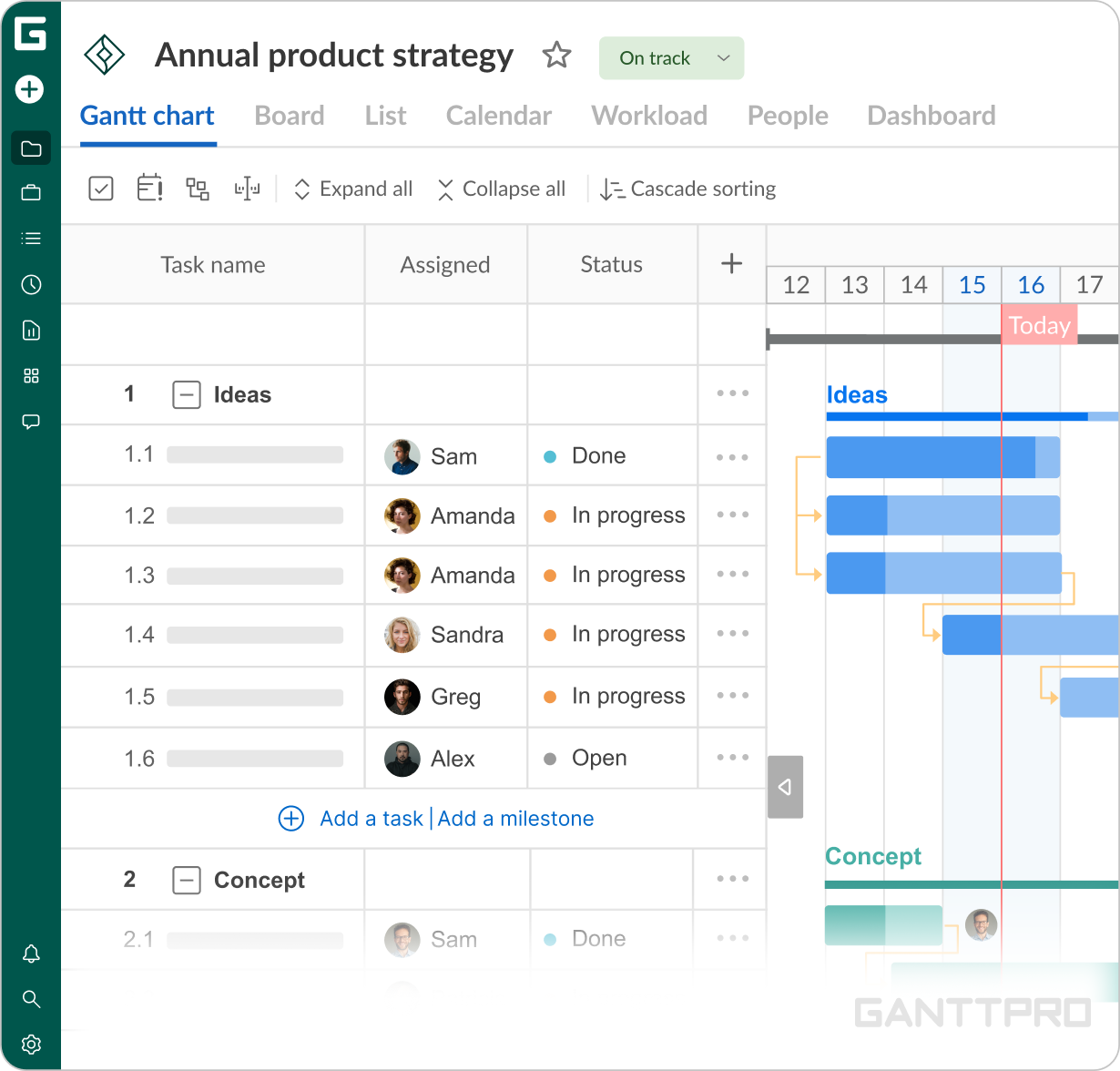
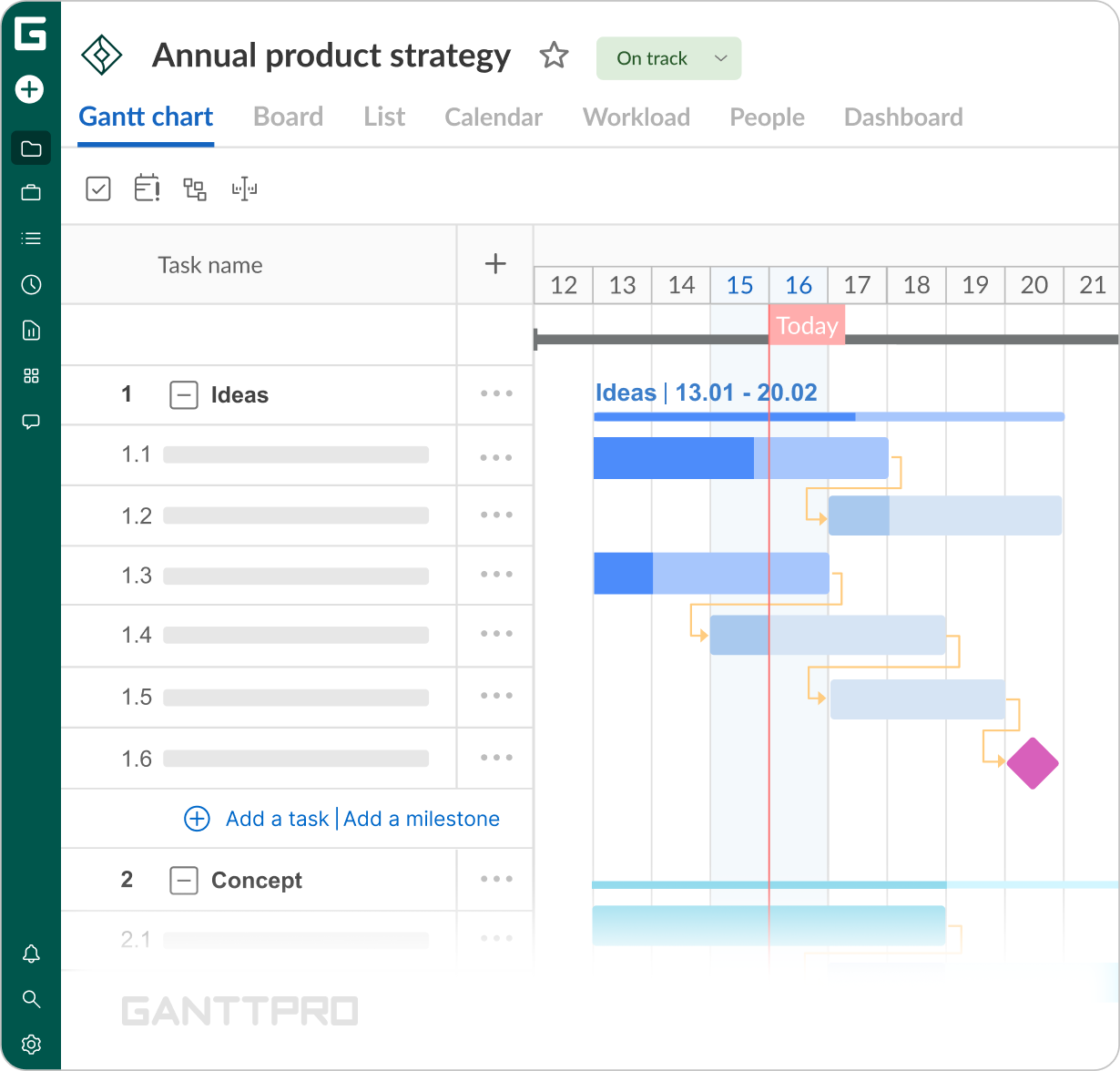
“The projects I run are fairly straightforward. They’re not as complicated as some of the projects I’ve managed in the past. What I need now is a simple tool that lets me present timelines, task activity, and the WBS to my clients. I export the plan and then use it in a PowerPoint presentation to show the task breakdown, Gantt chart, and Waterfall chart. I use GanttPRO as a light-touch project management tool rather than one of the more in-depth and expensive toolsets like Microsoft Project.”“The way my typical workflow looks in GanttPRO is I create a work breakdown structure in Excel and then import it into the software. That’s how the planning is structured, including the labour effort estimates and the resources required. I generally take it from the spreadsheet, put it through the import function, and then manually go through and sequence the tasks according to the season.
Impact
What does your work look like now with GanttPRO?
Since 2023, GanttPRO has been a simpler, more affordable tool for the projects George currently manages. Together with Excel’s data import, it allows him to create detailed work breakdown structures, sequence tasks, and prepare materials for client presentations.