

CoSTAR Live Lab: bringing multiple R&D programmes into one planning space with GanttPRO
“GanttPRO helps us keep it all in one place, allocate time effectively, and make sure we’re delivering strong projects.”
A story about a research and development unit bringing R&D programmes into one planning space to allocate time effectively and catch scheduling clashes early.

Company overview
Company: CoSTAR Live Lab
Roles interviewed: Glen Kelly, Programme Manager
Project types: research and development projects
External pressures: coordination of several workstreams, delivery requirements tied to funded programmes, risk of scheduling overlaps
Tool history: spreadsheets
Problems hinted at: messy planning with spreadsheets stored in different locations, no single source of truth
Summary
Company Background
What does your company focus on?
CoSTAR Live Lab is a research and development unit at the University of York.
“We've used GanttPRO in two main areas. The first was the build and fit-out of the centre, including construction, procurement, installation, and preparation for opening. But primarily, we use it for the delivery of R&D projects.
Besides that, we run funded programmes where companies bid for funding and then come into Live Lab to test R&D projects for the creative industries, including technology around live performance, gaming, and related areas.
With multiple activities running at once, we plan everything from onboarding and delivery to on-site time and research. So what GanttPRO does is help us keep it all in one place, allocate time effectively, and make sure we’re delivering strong projects.”
Glen Kelly, Programme Manager at CoSTAR Live Lab, describes the value GanttPRO brings to project coordination and why its intuitive, visual approach works for their R&D programmes.
I’d say the user interface is probably my favorite part of the software, along with its overall intuitiveness and simplicity of use.
Struggle
How did your approach look before GanttPRO?
Solution
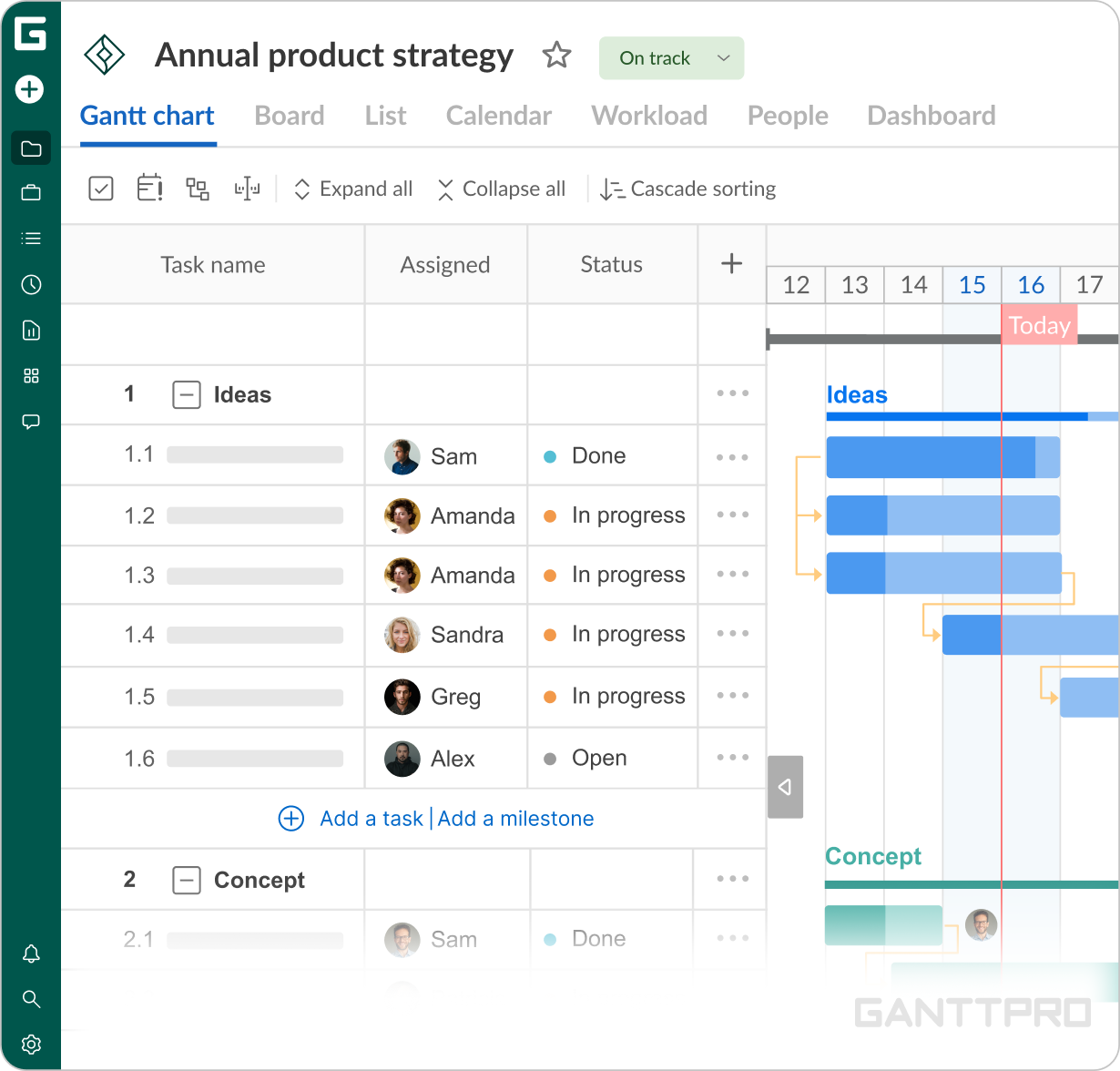
“The part I appreciate most about GanttPRO is how intuitive it is and how easy it is to manage tasks, subtasks, and different workstreams. You can either click, drag-and-drop, and set deadlines with start and end dates for each task. Everything is very visual as well.
It’s easy to spot any overlaps or clashes, for example, if two companies might be on site at the same time.
So I’d say the user interface is probably my favorite part of the software, along with its overall intuitiveness and simplicity of use.”“Microsoft Project is definitely a bit more complicated. It's more industry standard and a bit older now compared to other tools on the market. It definitely does what it needs to do, but the learning curve can be a bit more steep if someone's new to the profession or new to the project management software. Whereas I feel like GanttPRO is quite a bit easier to pick up and learn very quickly, so that's why I like it.”
Impact
What does your work look like now with GanttPRO?
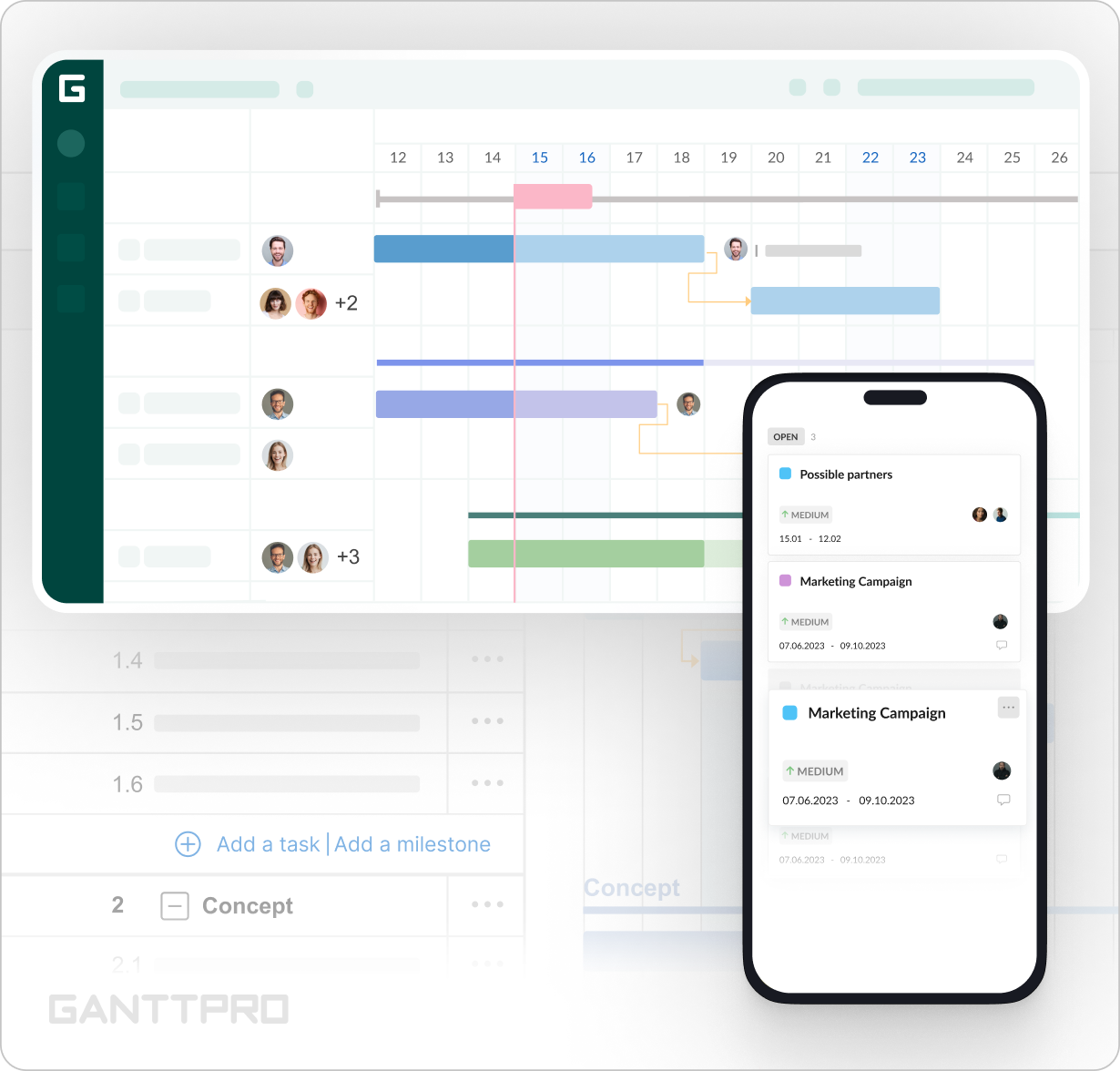
With GanttPRO, Glen can keep R&D projects in one place and allocate time more effectively across different stages of delivery. A clear timeline overview makes potential overlaps and scheduling clashes easier to spot which is extremely important in the context of keeping numerous activities on track.