
Avid Core: planning public-sector projects in GanttPRO without the complexity
“GanttPRO checks all the boxes in terms of being able to develop your work breakdown structure and visualize it in the Gantt format.”
A story about how GanttPRO has been helping to build a clear timeline with a simple intuitive approach and manage government-related and public-sector clients.

Company overview
Company: Avid Core
Role interviewed: Amanda Roberts, Partner and Chief Operations Officer
Project types: government contracting, event planning, developing communication schedules, program management office support
External pressures: client and reporting schedules requirements
Tool history: Microsoft Project
Problems hinted at: complexity of Microsoft Project, lack of clear timeline
Summary
Company Background
What does your company focus on?
Avid Core is a consulting and services company that helps organizations, especially public-sector clients, run projects and communicate them clearly. Their work also includes larger program management, GIS management, and budget and financial analysis initiatives as well as smaller communications and outreach projects.
“I originally was doing everything from working on projects to managing the business. Now, I'm primarily doing business development, and I still use GanttPRO to create a project schedules for proposals. You have to build that out before you even propose on a project or start getting to work”, described Amanda Roberts, Partner and Chief Operations Officer.
Today with GanttPRO, Avid Core structured their public-sector projects in a clear practical way without unnecessary complexity.
Struggle
How did your approach look before GanttPRO?
Before GanttPRO, Avid Core was a Microsoft Project user, however, it was lacking simplicity and a user-friendly approach that they needed from a tool. “We wanted to look into something that was a little bit more user-friendly, that provided a good snapshot of scheduling.”
Amanda’s experience with GanttPRO started off almost 5 years ago with a trial version: “It was very simple: I tried the trial first and then just ended up purchasing the license as it was the functionality that I could use longer term.”
“GanttPRO checks all the boxes in terms of being able to develop your work breakdown structure and visualize it in the Gantt format.”
For Amanda, GanttPRO is primarily a strategic planning tool than a daily planner, however, the bigger the project, the more frequently the tool is being used. “For the most part, we build out the plan. And then we update it at strategic checkpoints.”
Solution
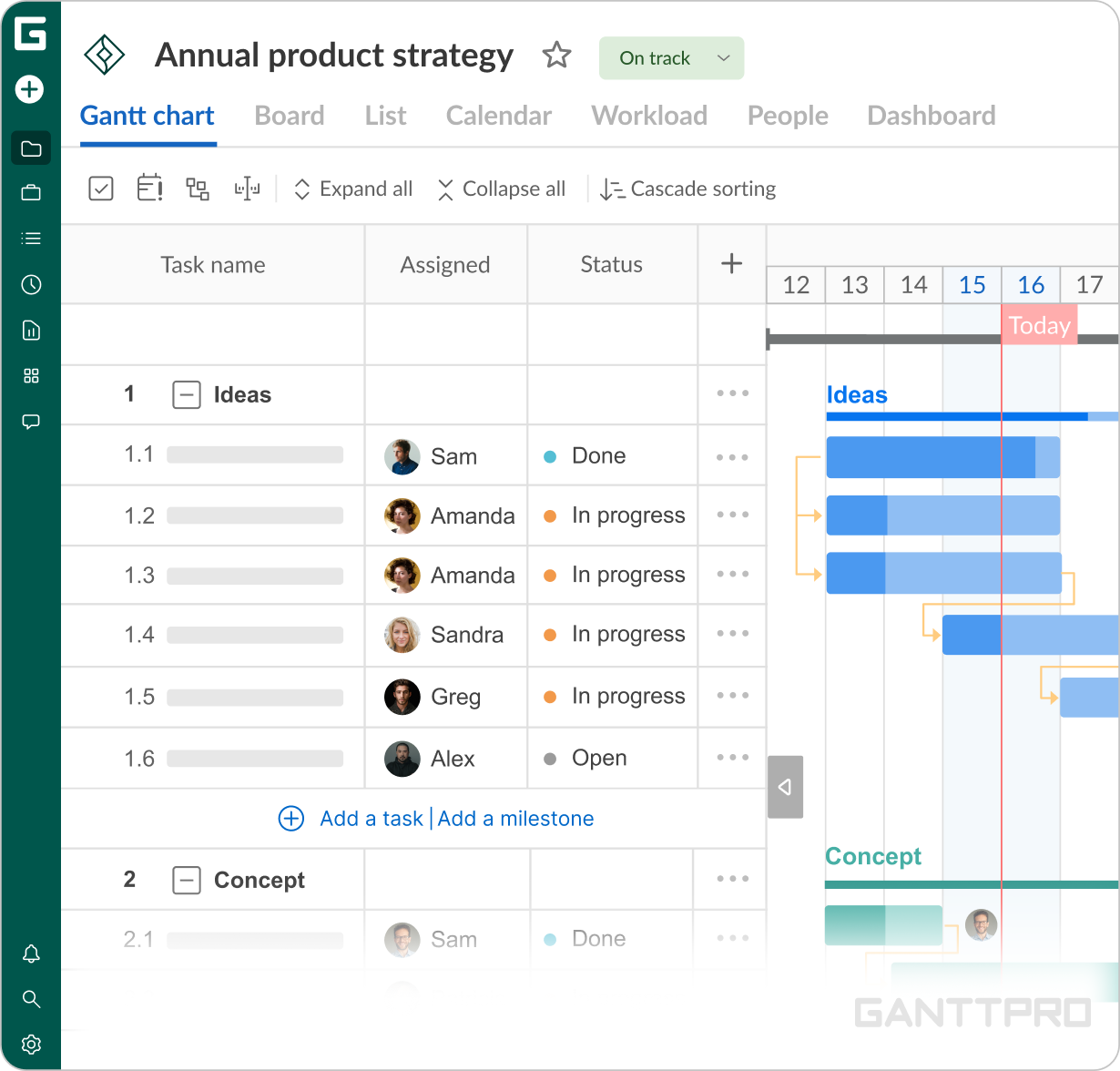
Amanda’s GanttPRO use is pretty straightforward – Gantt chart view is her go-to. Start date, end date, and duration are the fundamentals to keep the work run clear and simple. “The Gantt chart is what our workflow needs the most and then just *exporting it into PDF or Excel if we need to share it.”
*It’s also possible to share a project via private link in a guest mode which allows to track changes in real time.
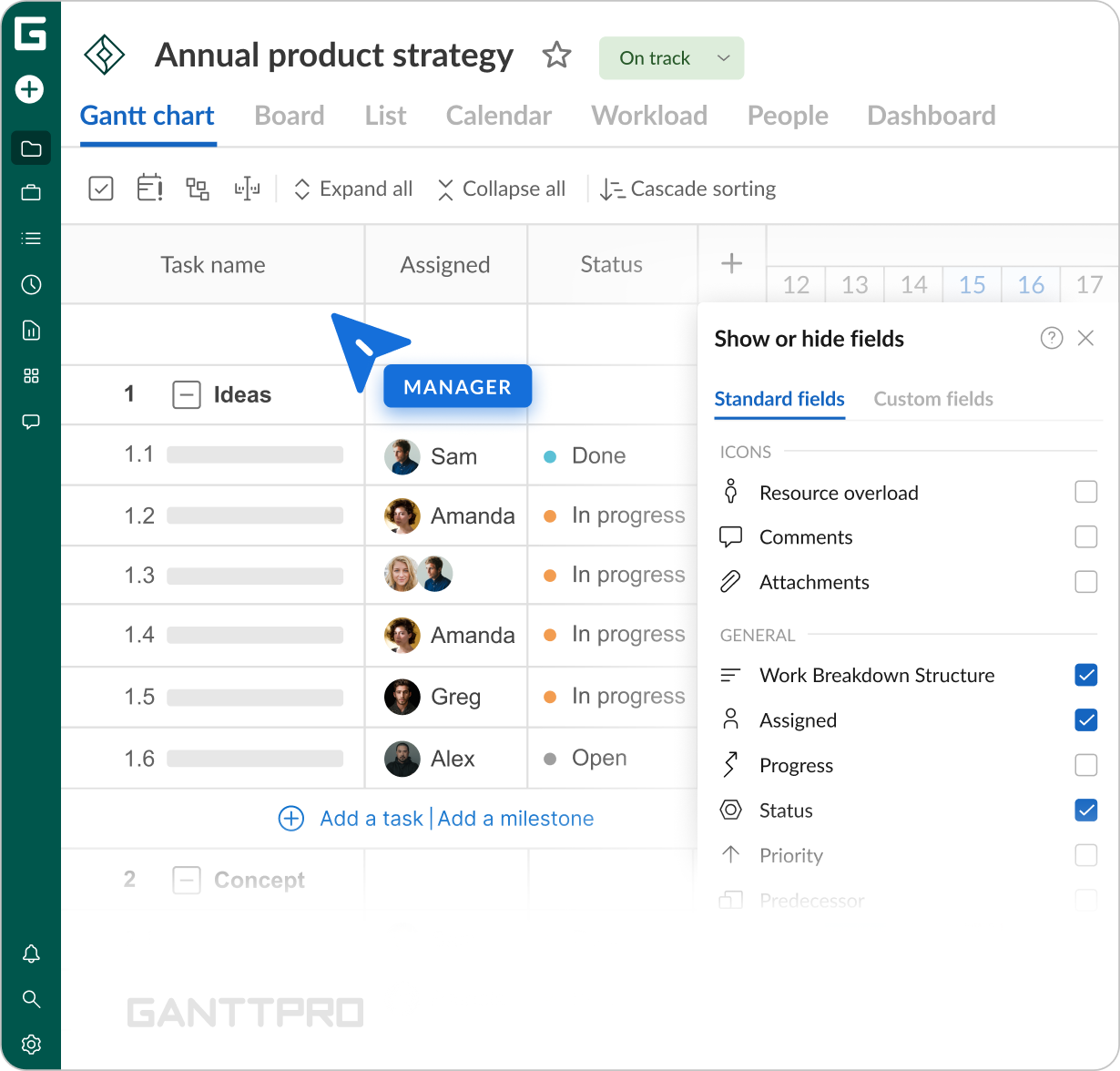
“The minute I was able to log in and create the schedule that I needed to create, it was doing its job. There are little nits in terms of the technology but there's nothing really complicated.”Amanda and her team have one special ongoing project in which GanttPRO is being used a bit deeper than usual. With custom fields reporting to a client and internal tracking became easier. “There is a status column where we were reporting “opened” or “closed” and for timelines control we used date column. So we could report to the client or decide on the task if it could be moved forward. And of course this whole structure allows us to quickly see who is responsible for completing that task.”
User-friendly interface is the stand-out detail of GanttPRO for many users. And it’s showing especially compared to other PM tools. From Amanda’s perspective, that’s exactly why it was chosen: “I’ve used MS Project but I think Project is much more complicated. Here, everything is pretty intuitive. I've never even taken training to use GanttPRO. I just kind of logged in and figured out that it does what I need it to do.”