
Kah Lip Phua: keeping professional and personal projects organized with GanttPRO
“I use GanttPRO to plan, schedule, and manage my projects visually. Its interactive timeline, automated task dependencies, critical path tracking, and resource workload help me stay on top of everything.”
A story about a consultant project manager using GanttPRO to visually plan, schedule, and manage both professional and personal projects.

Company overview
Company: Kah Lip Phua
Roles interviewed: Kah Lip Phua, Consultant Project Manager
Project types: public sector and personal projects
External pressures: resource and manpower constraint, rising expectations
Tool history: Excel
Problems hinted at: chigh cost, limited user-friendliness, and reliance on a Microsoft Project desktop application
Summary
Company Background
What does your company focus on?
Kah Lip Phua is a consultant who focuses on public-sector projects in engineering and infrastructure fields, managing five to six initiatives at a time. Beyond his professional work, he also uses GanttPRO to organize personal tasks, including family schedules and other day-to-day commitments.
“Overall, I use GanttPRO to plan, schedule, and manage my projects visually. Its interactive timeline, automated task dependencies, critical path tracking, and resource workload tools help me stay on top of everything.”
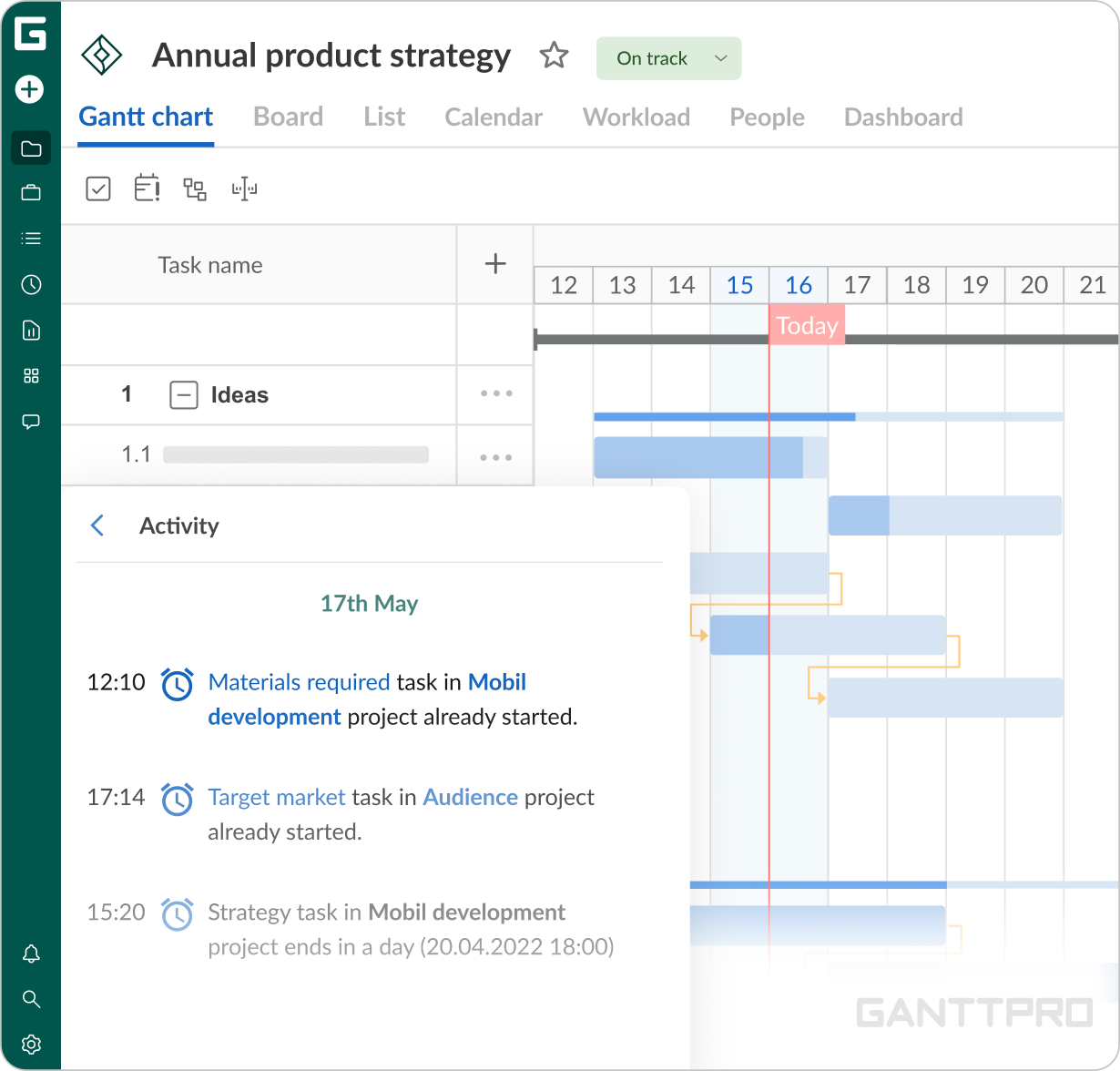
GanttPRO’s reminders filled a key gap left by Excel, making it much easier to stay in control of the milestones.
Struggle
How did your approach look before GanttPRO?
Prior to GanttPRO, Kah Lip was building his project structures in Excel but this approach was missing one important functionality – reminders.
“Being able to receive notifications was one of the main reasons I wanted to implement a software alternative to Excel. That’s how I started looking for a new tool. GanttPRO visibly made it much easier to monitor my activities.”
Solution
Notifications play an important role in Kah Lip’s work as they give the sense of control and as a result reduce the risks of missing important elements.
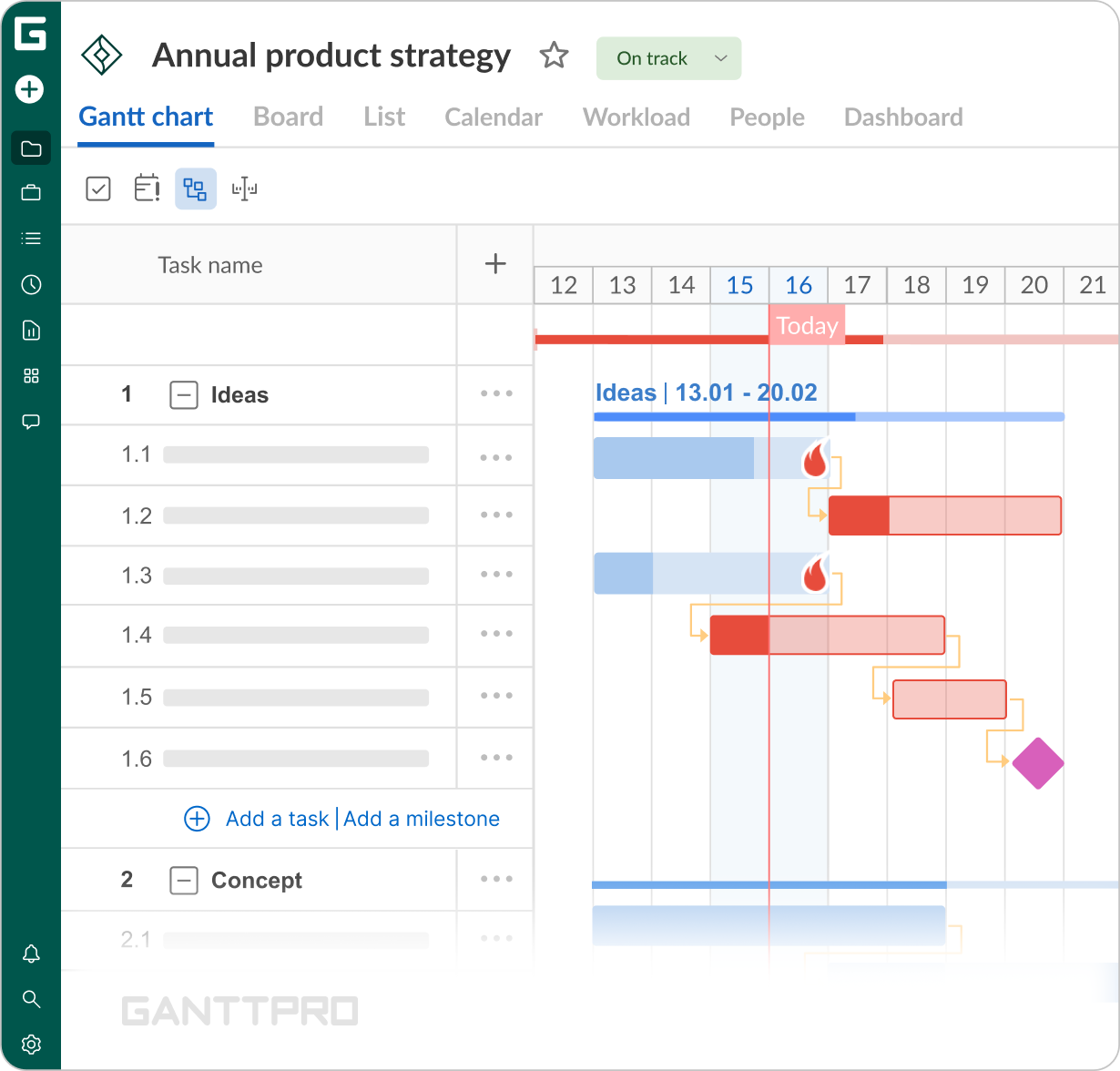
“GanttPRO’s reminders filled a key gap left by Excel, making it much easier to stay in control of the milestones.”In public-sector engineering and infrastructure projects, spotting potential bottlenecks and easing the pressure of looming deadlines are very hard to achieve without a structured overview.
“The overall logic and layout of the Gantt chart give me the visual clarity my work requires. I’d also highlight a few of the features I use most: with My tasks tab I get a clear overview of everything, with dependencies I link related tasks and update the timeline whenever something changes, with critical path – identify which tasks can affect the project completion date, and rely on resource workload for capacity planning.”
Impact
What does your work look like now with GanttPRO?
Moving from Excel to GanttPRO has given Kah Lip a more visual and proactive way to manage five to six initiatives at once and keep his personal and family commitments organized in one space.