
Advertising company
uses GanttPRO
to get an efficient budget and team management
“Planning a full week of work for my team is now really easy with GanttPRO.”
A story about how GonnaBe switched from spreadsheets to GanttPRO to plan work weekly and manage budgets together with team workload.

Company overview
Company: GonnaBe
Role interviewed: Łukasz Wielądek, Project manager
Project types: marketing and advertising projects
External pressures: weekly team planning, budget estimation, keeping task details and progress under control
Tool history: Spreadsheets and email
Problems hinted at: limited team and workload management, risk of losing task details without a structured plan
Summary
Company Background
What does your company focus on?
GonnaBe is a marketing and advertising agency that was founded in 2002. We work with different kinds of ads: ATL with an unconventional approach to conventional media, BTL, digital whether it online, mobile, etc., social, and events.
It was really easy to learn how everything works in it.
Solution
How did you start using GanttPRO?
As a project manager, I have been working in the advertising agency in Warsaw for 7 years. We haven’t used any kind of management software before, just email and spreadsheets.
Finally, I decided to find a project management tool and switch to it. This is how I found GanttPRO. It was really easy to learn how everything works in it.
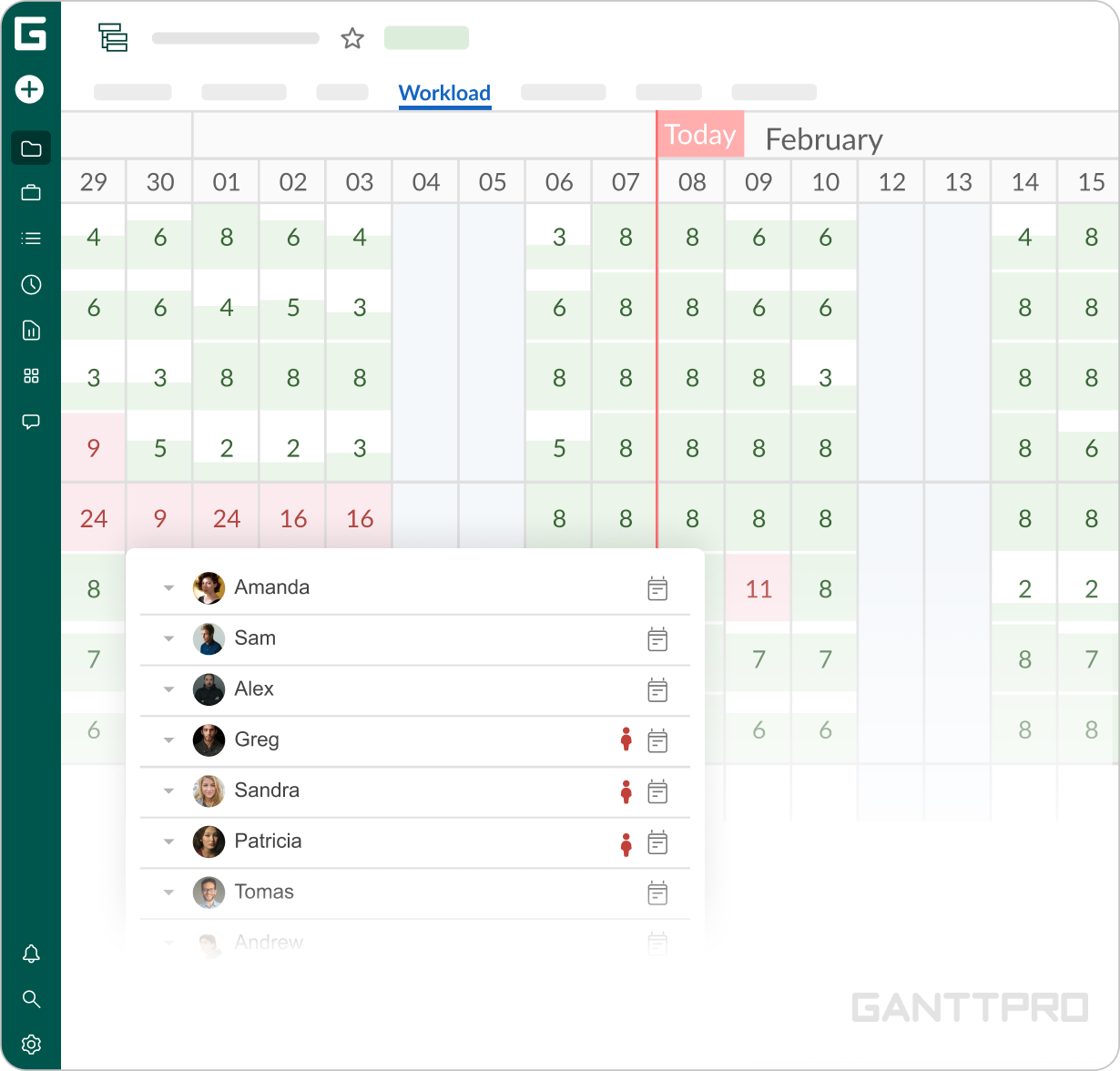
Resource workload is a nice feature because you can see how many hours a person has and adjust the workload to these hours. I tested a little bit of other similar software. For example, TeamGantt. I figured out that it was not good for my needs.
In particular, TeamGantt has no function of team management like GanttPRO has in its resource workload feature.
Favorite features
It really helps when you have to set a budget for the project and see how much time it will take. It’s a basic feature but it works very nice in GanttPRO.
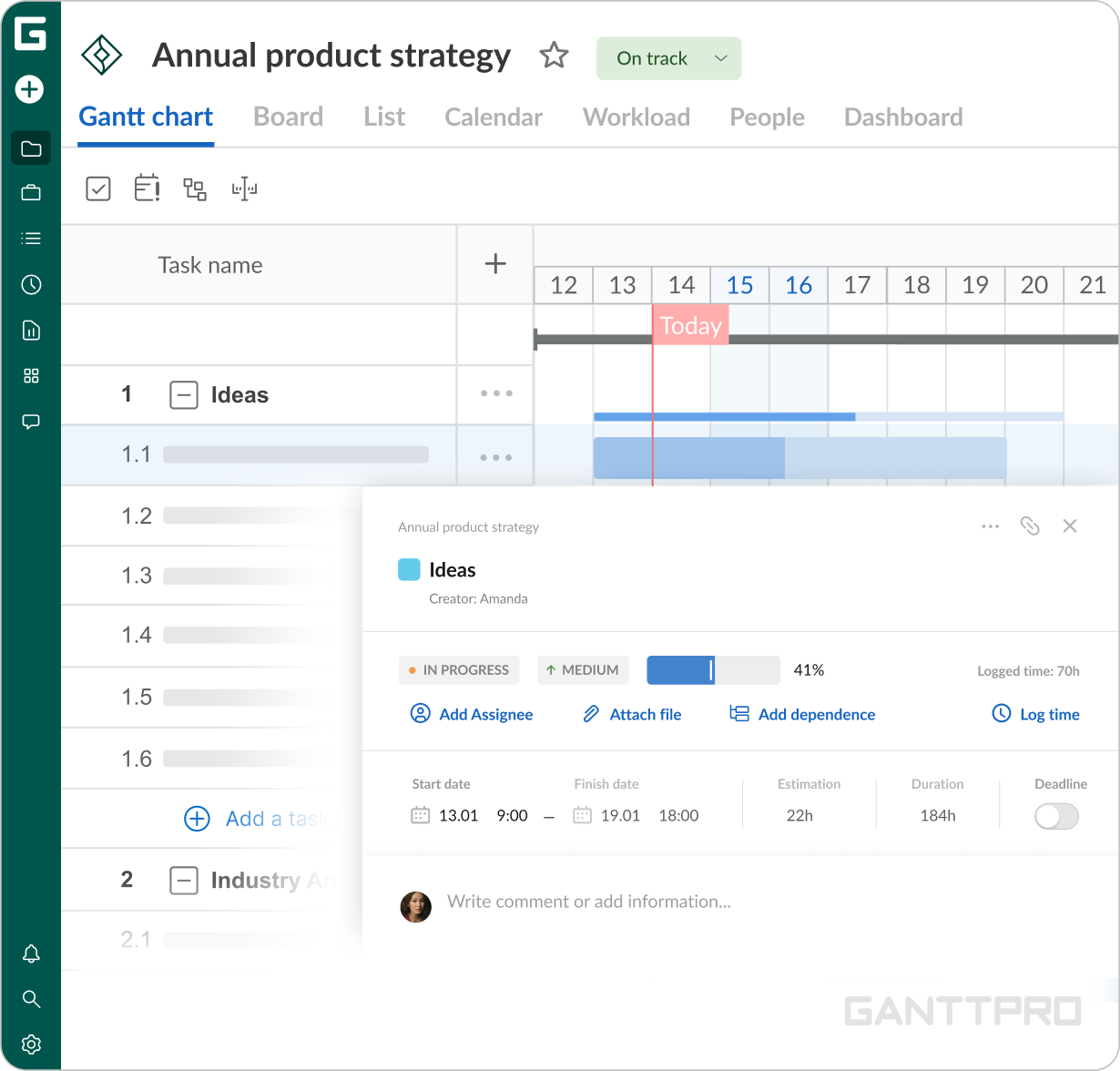
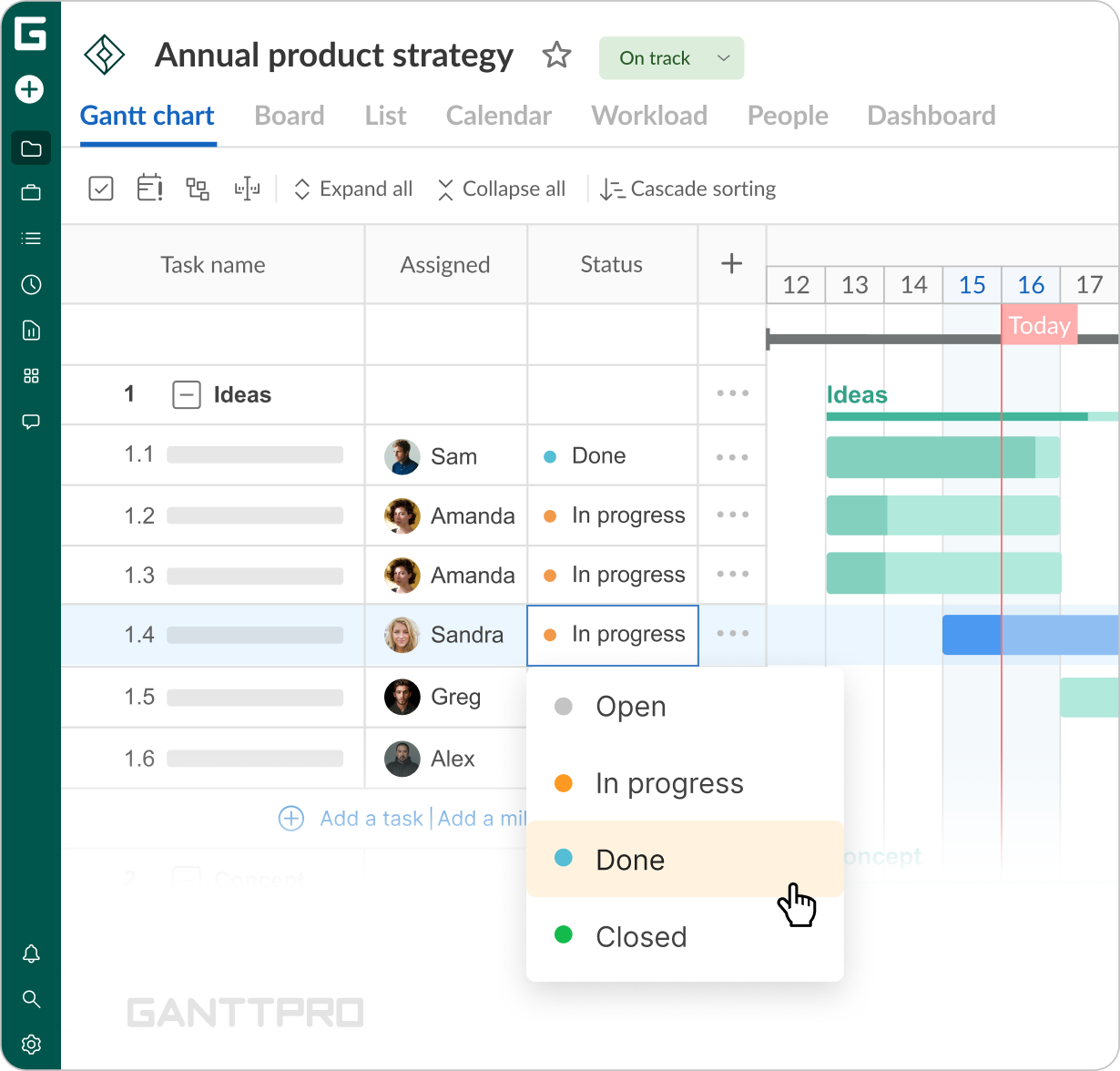
With GanttPRO, I never lose the details of my tasks. I know when they start and end as well as their current progress status.
This is a nice feature because you can see how many hours a person has and adjust the workload to these hours.