

Experienced project manager works with resources and shares schedules with third parties
“I use GanttPRO for everything – for my work, study, and personal projects.”
A story about Université Laval bringing more structure to project scheduling and resource planning with GanttPRO.

Company overview
Company: Université Laval
Role interviewed: Allan Cid, engineer, experienced project and program manager, studying marketing at Université Laval
Project types: work, study, and personal projects
External pressures: need to persuade stakeholders with clear schedules, resource availability across multiple projects, plan presentation to third parties without “desktop tool” friction
Tool history: Microsoft Project and other desktop/downloadable tools
Problems hinted at: installed tools were inconvenient and not presentation-friendly, needed simple sharing and visibility of resource workload across projects
Summary
Personal background
How would you sum up your experience?
I can use GanttPRO everywhere, it doesn’t matter the field. GanttPRO has all it needs to have.
Struggle
How did your approach look before GanttPRO?
Favorite features
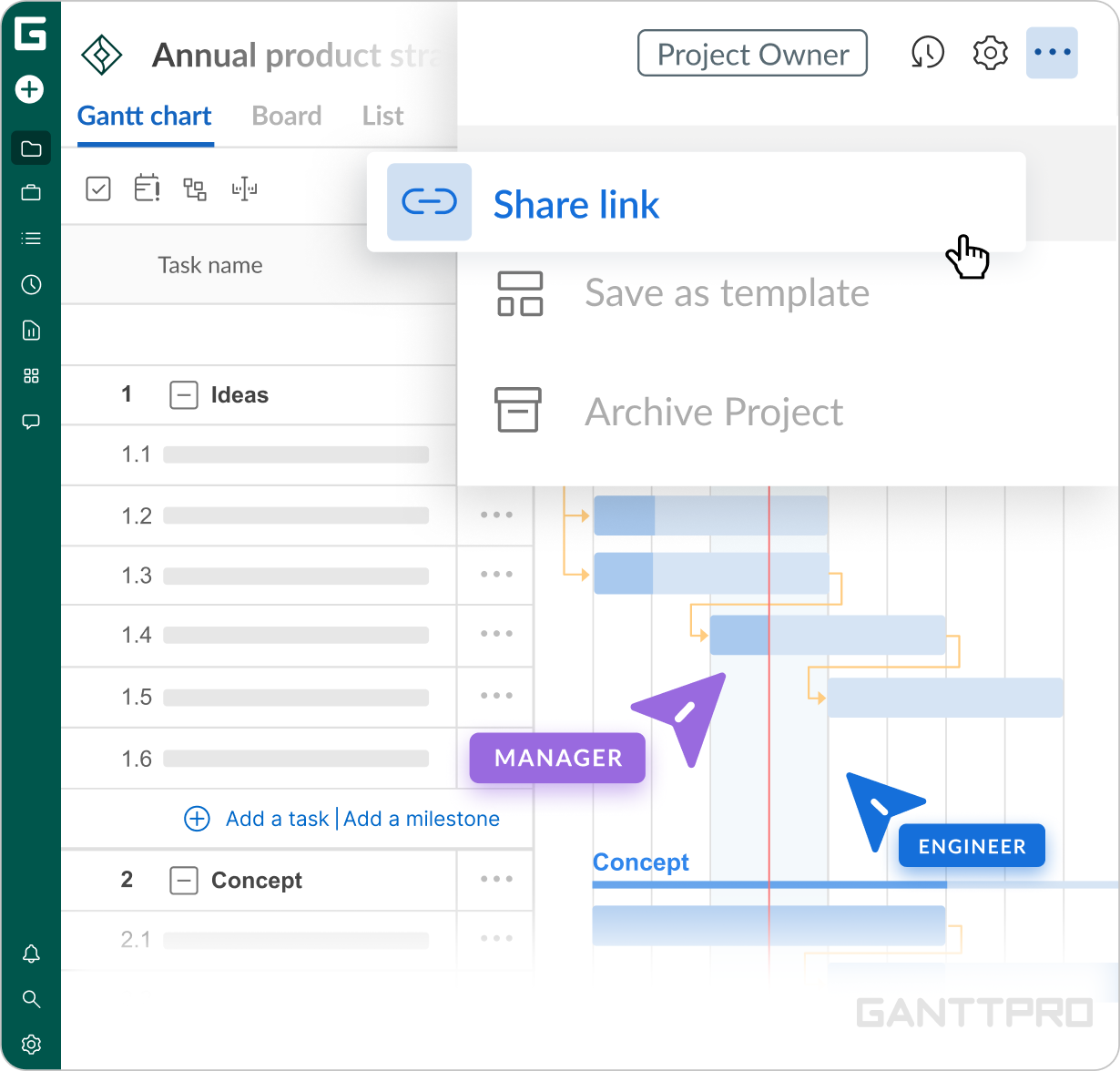
That’s what I like the most. If I have a meeting with someone, I don’t need to create a presentation. I create a link and send it. That’s how I show what we need to discuss.
Also, it helps me present my charts to stakeholders directly. The schedule will look very professional. Actually, I can easily share it with anyone: stakeholders, team members, clients, etc. That’s amazing.
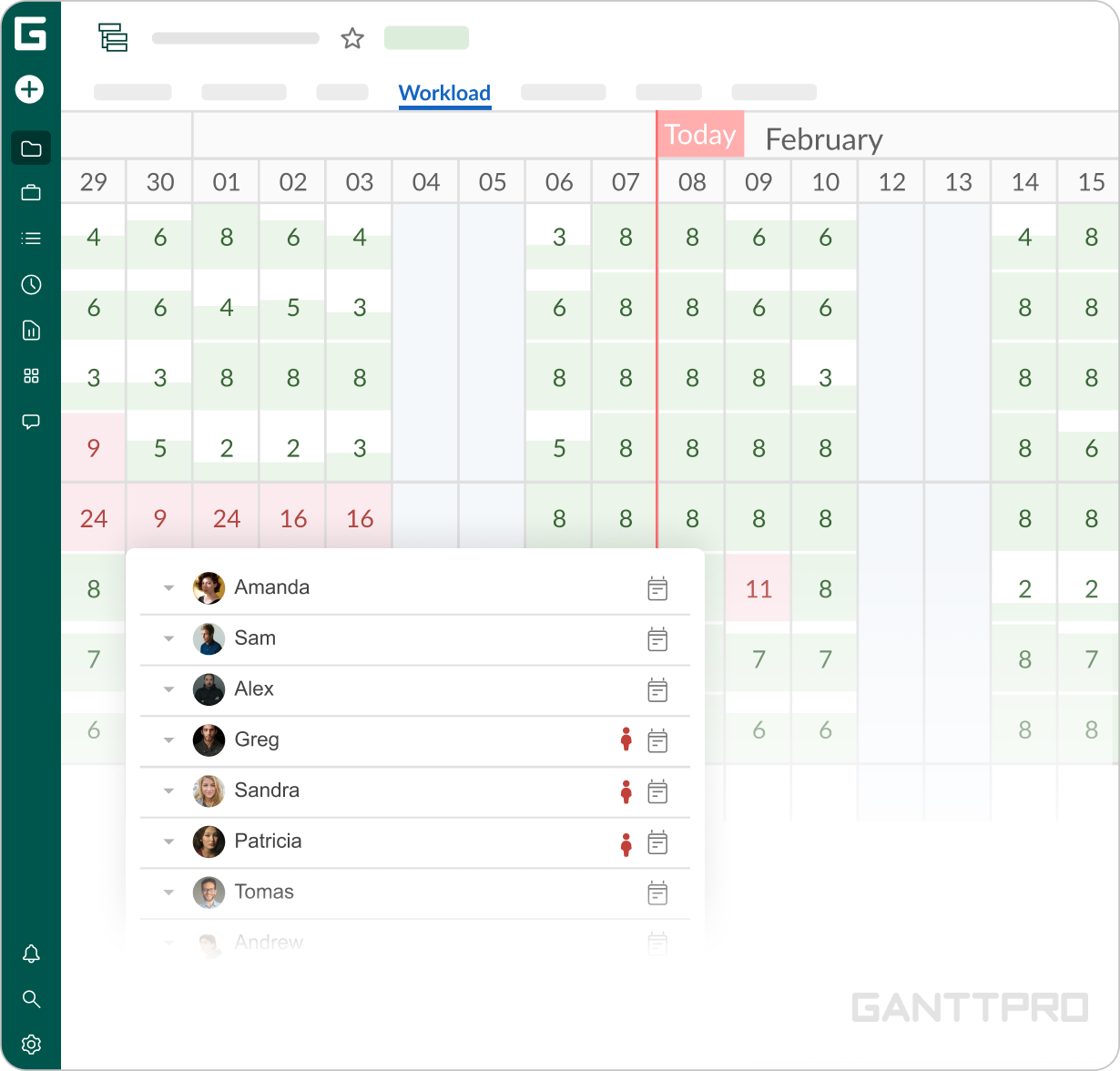
I also like that I can export it to different formats like, for example, PDF.I like that I can create a workload for my team. This way, I can measure whether I give too much workload to a worker on a project or not.
Also, GanttPRO sorts out the hours used in different projects. So, if I have a worker working on Project A, Project B, and Project C, I can see how his workload looks like for a week or a day and reassign tasks if needed. That’s great.
It’s great to see what you’re doing. Actually, you can use GanttPRO as a managing tool as well.
Impact
What does your work look like now with GanttPRO?
I can say that I have been using GanttPRO throughout my whole career.
“I use GanttPRO for everything. For my work, study, and personal projects.”
See for yourself: I used to be a deputy director of the Research Department at UC Timber Innovation Center and a productivity analyst at LAN Airlines. Now, I manage a building construction project and study marketing at University and plan to get a PhD. And GanttPRO has always accompanied me. I can use GanttPRO everywhere, it doesn’t matter the field. GanttPRO has all it needs to have.