
Tere.Tech: a decade of focused planning with GanttPRO
“I did quite a deep research about alternatives and I just honestly couldn't find anything else that was focused and provided a great Gantt chart. That’s why GanttPRO was a perfect match.”
A story about how simplicity, focus, and browser accessibility turned a Gantt tool into a decade-long planning standard.

Company overview
Company: Tere.Tech
Roles interviewed: Christian Kurmann, architecture and project lead
Project types: banking and financial platform projects (from upgrades to full-scale implementations), personal projects
External pressures: high financial stakes, uncertainty at pre-sales stage, variation in project size and complexity, need for alignment across stakeholders
Tool history: Microsoft Project
Problems hinted at: overloaded project management tools
Summary
Company Background
What does your company focus on?
Tere.Tech's work includes a broad spectrum of activities with a core in banks and financial institutions. The projects vary from small upgrades to large new banking platforms, so that the implementation can take weeks with a budget ranging from tens of thousands to several millions.
Christian, architecture and project lead, uses GanttPRO for strategic planning purposes, as well as for personal ones. “The most fun project I've done, I took up Gantt and I made a project plan for a family event, and it worked! I love GanttPRO, this is where it really works actually. They were all really surprised to get a project plan, but hey, they managed!”
I did quite a deep research about alternatives and I just honestly couldn't find anything else that was focused and provided a great Gantt chart. That’s why GanttPRO was a perfect match.
Struggle
How did your approach look before GanttPRO?
Christian started using GanttPRO from the moment it was launched back in 2015: “I was searching for alternatives to Microsoft Project as MS Project was such a pain to use and I wanted a single–purpose dedicated tool. For me that meant that the product is focused and doesn't try to be many things at once. In my opinion, it also means that chances are that it won’t end up a chaotic experience with a learning curve, which is unnecessary.”
“I did quite a deep research about alternatives and I just honestly couldn't find anything else that was focused and provided a great Gantt chart. That’s why GanttPRO was a perfect match.”
Now, it is mostly used for planning the project for the client's introductory commercial step to get resource allocations and then do checkups and readjust the plan to check if all components are aligned.
Solution
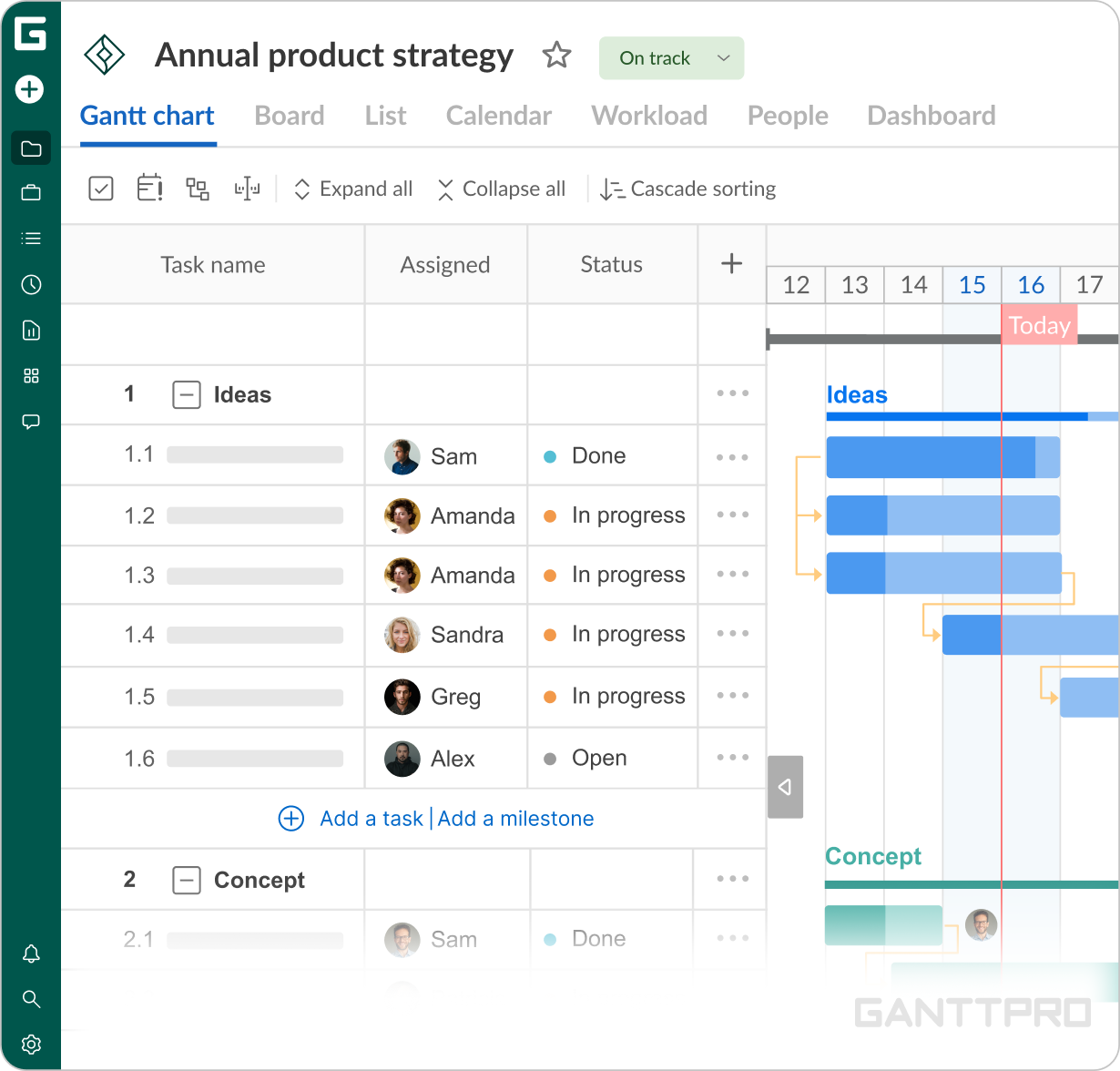
Christian has been using GanttPRO for more than a decade as a high-level instrument, “simple, intuitive and not overloaded, that’s the way to describe”. For him, a clear Gantt structure combined with a quick start is exactly what he needs from a project planning tool. “I always just start up. We don’t use any templates as we have developed our own framework based on the previous projects, fitting different project environments.”
Unlike other platforms which offer templates, that’s enough for the team to move straight into planning. “I was familiar with Gantt methodology before and GanttPRO provided a very smooth entry point. Many platforms had Gantt chart templates but most of them were completely unusable, so that you start considering Excel which is in fact unusable too.”For Christian and his team, a browser-based approach removes the need for complex software and enables easier sharing with stakeholders. “I was basically looking for an MS project alternative, but the thing is, their tool has to be installed, so the browser accessibility became a breaking point for us in GanttPRO”.