
Product design company streamlines workflow: from requirements gathering
to results
“GanttPRO makes all the tasks and milestones clear for clients and saves lots of time for the team. We started to plan every single project there.”
A story about streamlining project planning, balancing workload, and sharing clear client-facing timelines with GanttPRO.

Company overview
Company: Design for Human Nature
Role interviewed: Anika Albrecht, Project Manager and Consultant
Project types: multi-stream design projects
External pressures: client-facing timeline clarity (clients were overwhelmed by overly “designed” timelines), parallel workstreams, managing several projects and clients at once, staying within 8-hour workload limits
Tool history: designer-created timelines for clients (manual approach)
Problems hinted at: too much time spent creating client timelines, clients not understanding them, need of clearer coordination across projects and visibility of workload and capacity
Summary
Company Background
What does your company focus on?
Our portfolio is very diverse, from classical graphical design, communication design and product design to architectural development in terms of exhibitions, workspaces, and other interior design projects.
The special and connecting aspect of our work is the focus on the human being and its internal and external nature. No matter how different our design challenges are, everything we design is always for humans in the end. That’s why we’re called design for human nature!
“In GanttPRO, we’re able to actually give different rights to designers in our team and manage them on the cost level.”
Solution
What is the biggest benefit you get from GanttPRO?
We were looking for a tool to share our project timeline with customers and then easily edit within our team. Previously, our designer drew the timeline for customers. It was good and bad at the same time. On the one hand, the timelines were very attractive. We drew them showcasing not only the length but also their importance and connections. But we found that most of the clients were a bit overwhelmed with the diagram and didn’t really get what we had put in it.
“GanttPRO made all the tasks and milestones clear for clients and saved us a lot of time, so we decided to switch to the tool. We started to plan every single project in GanttPRO.”
I set up each new project in GanttPRO and then just update it in-depth on the go and see what our next steps are. Designers’ costs and rights vary depending on a project, so we wanted to manage them within a PM tool.
“In GanttPRO, we’re able to actually give different rights to designers in our team and manage them on the cost level.”
We needed clear workflow coordination with an overview of all the projects in progress.
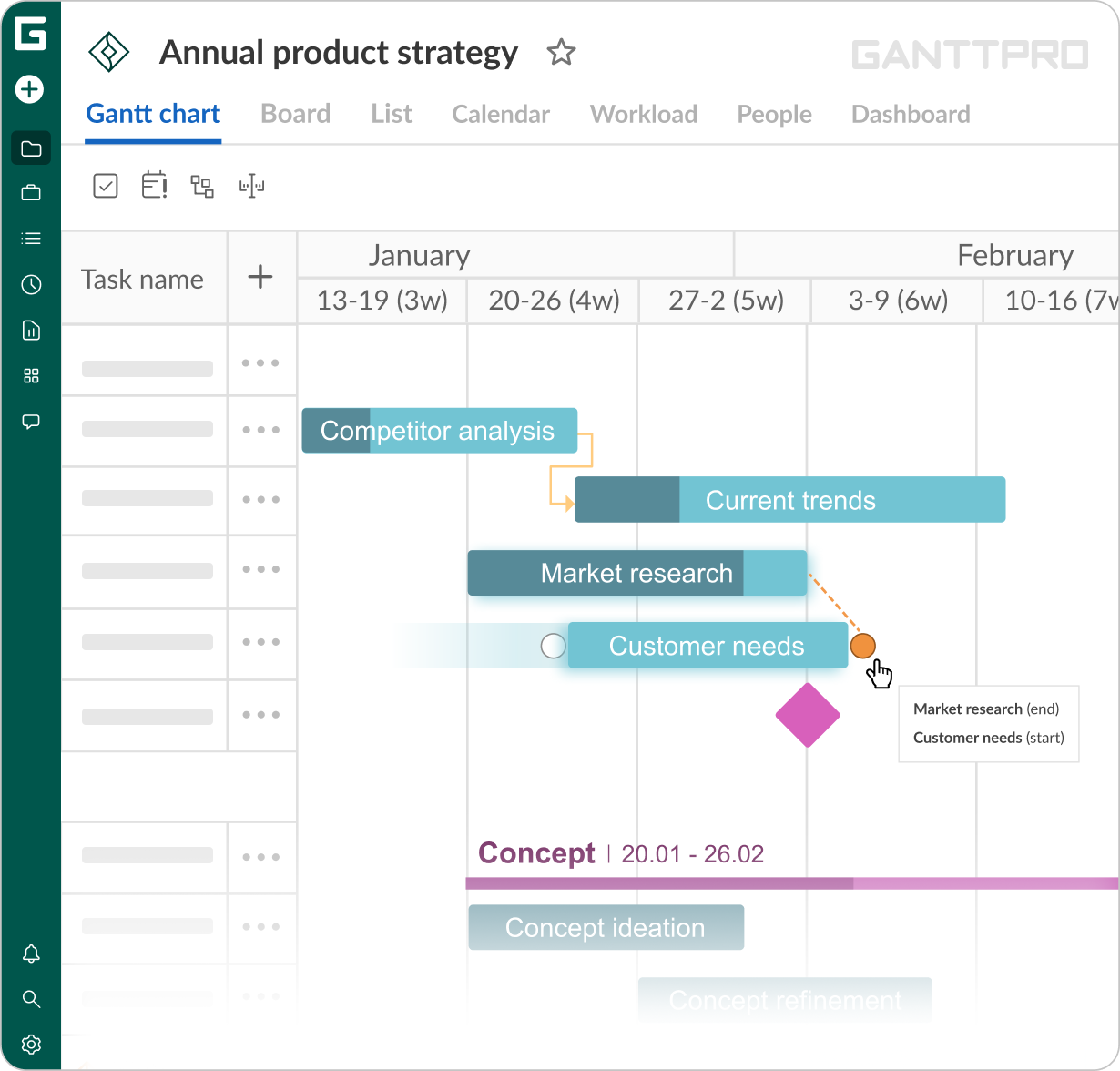
In GanttPRO, I like the way we can link different parts of the project together. We get all the project streams run in parallel. So, we set each project for a customer and then split it into several subprojects and then tasks. This way we have every single task we need to do in one overview, which is great!
“It’s definitely very helpful because I manage three projects and clients at the same time. Very overwhelming, a lot of stuff going on, but using Gantt charts, I can always be updated and see where we’re at for every project.”
Favorite features
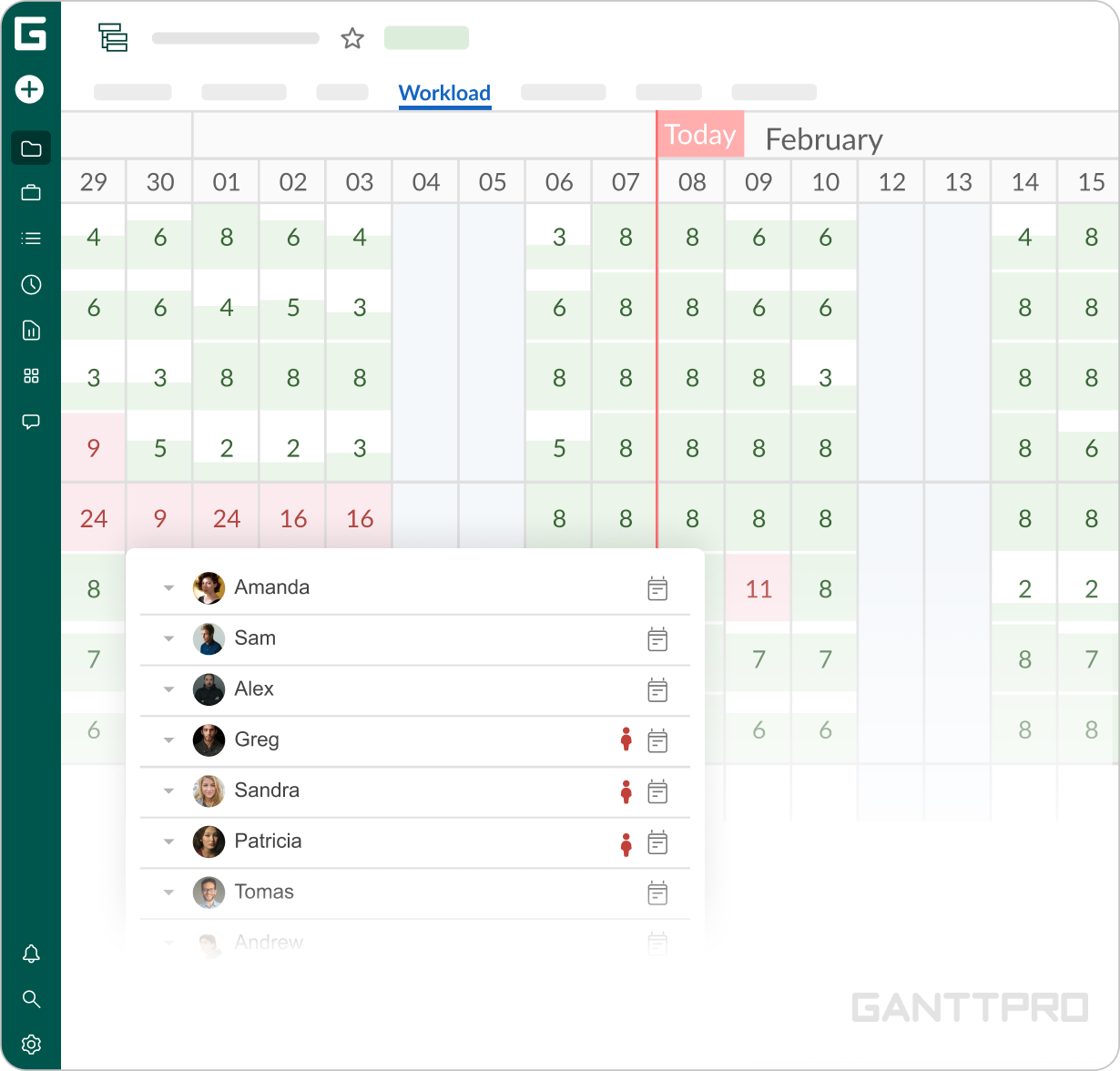
We’re currently using GanttPRO for projects where we’re working on a new work environment. It’s a big company we develop office spaces for. And at the same time, we upgrade the branding for this company. Those two streams are running in parallel and it’s very helpful to use GanttPRO and see how many designers are working on tasks, and control if they have more than 8 hours planned for some days.
It’s a very helpful overview because we can unintentionally exceed 8-hour limits and GanttPRO helps us to timely notice it.Once my tasks are linked, I can check the Auto scheduling mode and my whole plan will move when I change time frames of any task in a chain. And in case I want the tasks’ time frames to be changed independently, I just uncheck the Auto scheduling mode.
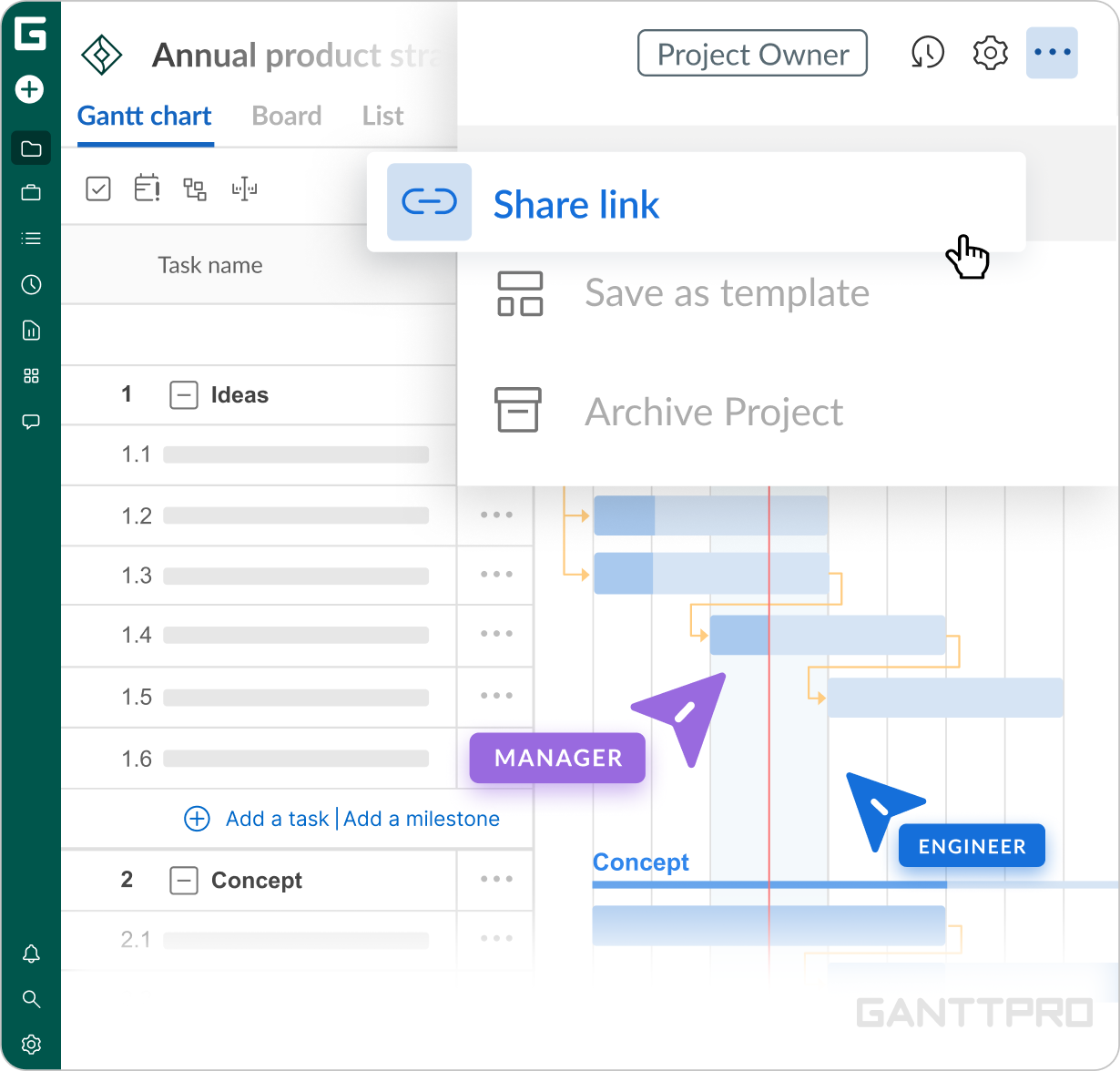
This is how I can share the link with a customer and the project will appear in a static unchangeable format. So, even if we keep editing the project internally, it doesn’t affect the reporting version of the sheet we sent to our customers in the very beginning.
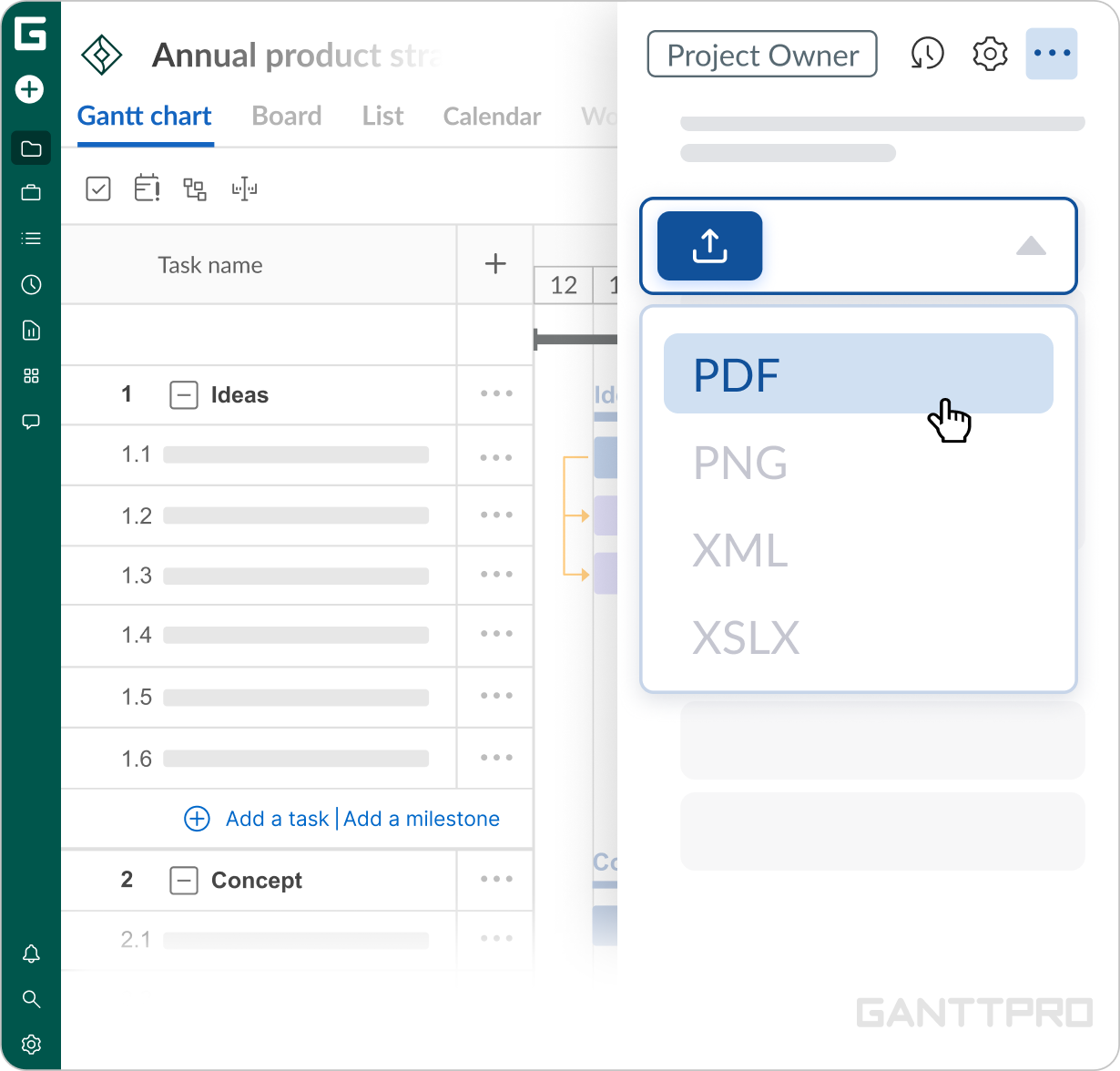
Sometimes, we export projects to our top-managers to show the initial set-up of a plan. When needed, we print it to show to a client.