

MagMod uses GanttPRO to streamline projects involving product launches, complex engineering,
and large IT deployments
“GanttPRO provided the full spectrum of features without feeling overwhelming or being too expensive.”
A story about product launches with GanttPRO’s templates, critical path, and workload planning.

Company overview
Company: MagMod
Role interviewed: Ben Emmons, Director of Special Projects
Project types: product launches, complex engineering work, large IT deployments
External pressures: department complexity – different departments with different needs, need to set up projects fast, CSV imports from other planning systems, complex plans that require critical path together with resource and workload control
Tool history: Microsoft Project
Problems hinted at: need of one flexible tool that can handle both quick simple projects and heavy dependency with resource planning
Summary
Company Background
What does your company focus on?
"It's a perfect replacement for Microsoft Project"
Solution
How did you start using GanttPRO?
We needed a flexible project management tool since multiple departments had differing requirements and project complexity. For example, some projects were very short and needed to be initialized quickly, others were imported from external planning systems using CSV, and others were very complex requiring critical path, resource management, and workload monitoring.
GanttPRO provided the full spectrum of features without feeling overwhelming or being too expensive. Coming from a Microsoft Project background, I loved that Gantt was front and center as the primary view. Being a browser-based, cloud-managed service was icing on the cake.
Favorite features
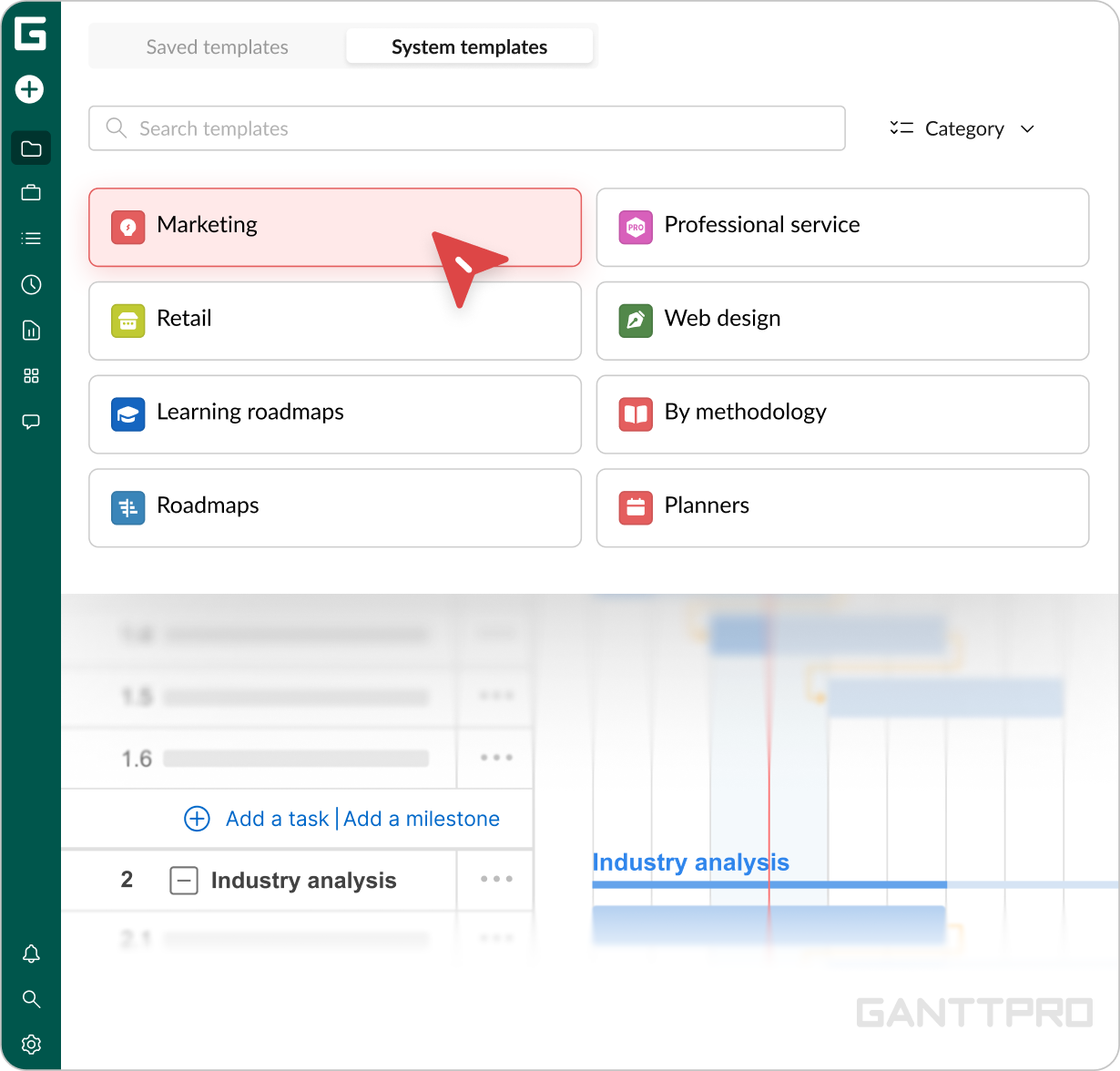
Project templates: our product launches follow a complex, structured process. Converting this into a reusable project template has saved us a lot of time and effort.
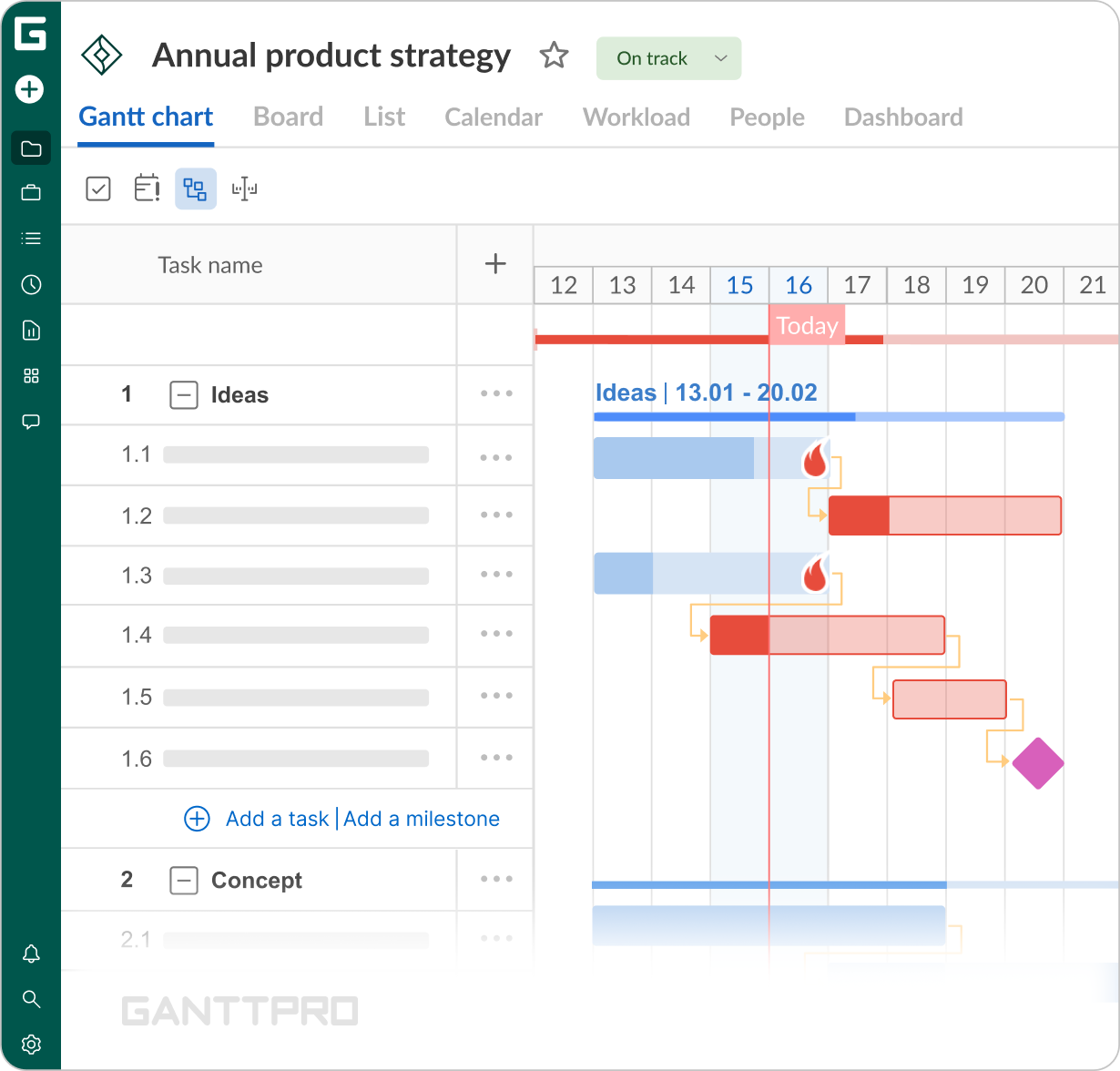
With large, complex projects, sifting out the critical from the noise is often challenging. GanttPRO can automatically calculate and display a project's critical path with a click of a button.
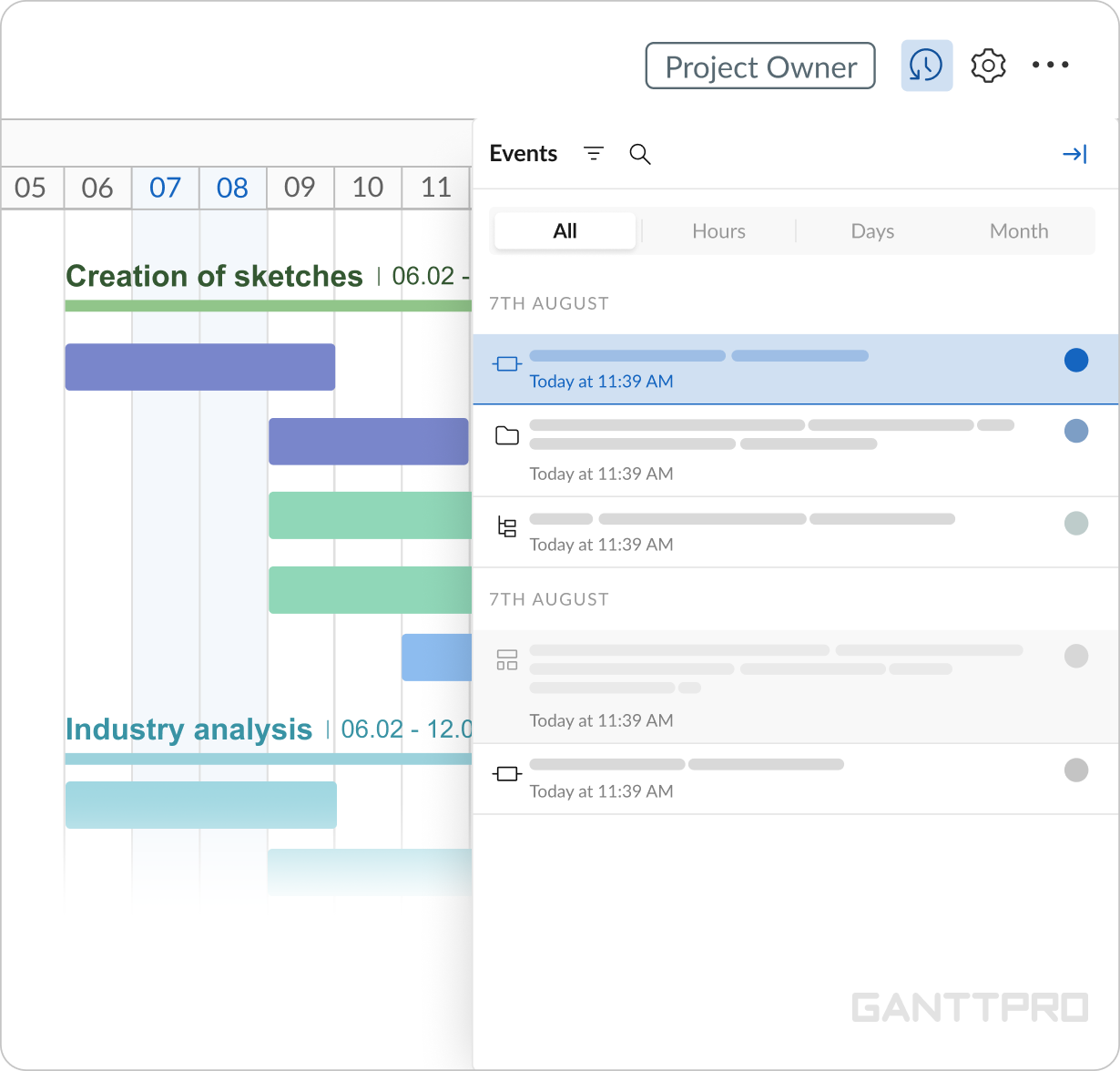
Let's face it, we've all made mistakes. Depending on dependency complexity, modifying one task can trigger lots of unexpected changes. Historically, this meant periodically saving copies of your project as a worst-case rollback option, often losing hours or days of unrelated changes.
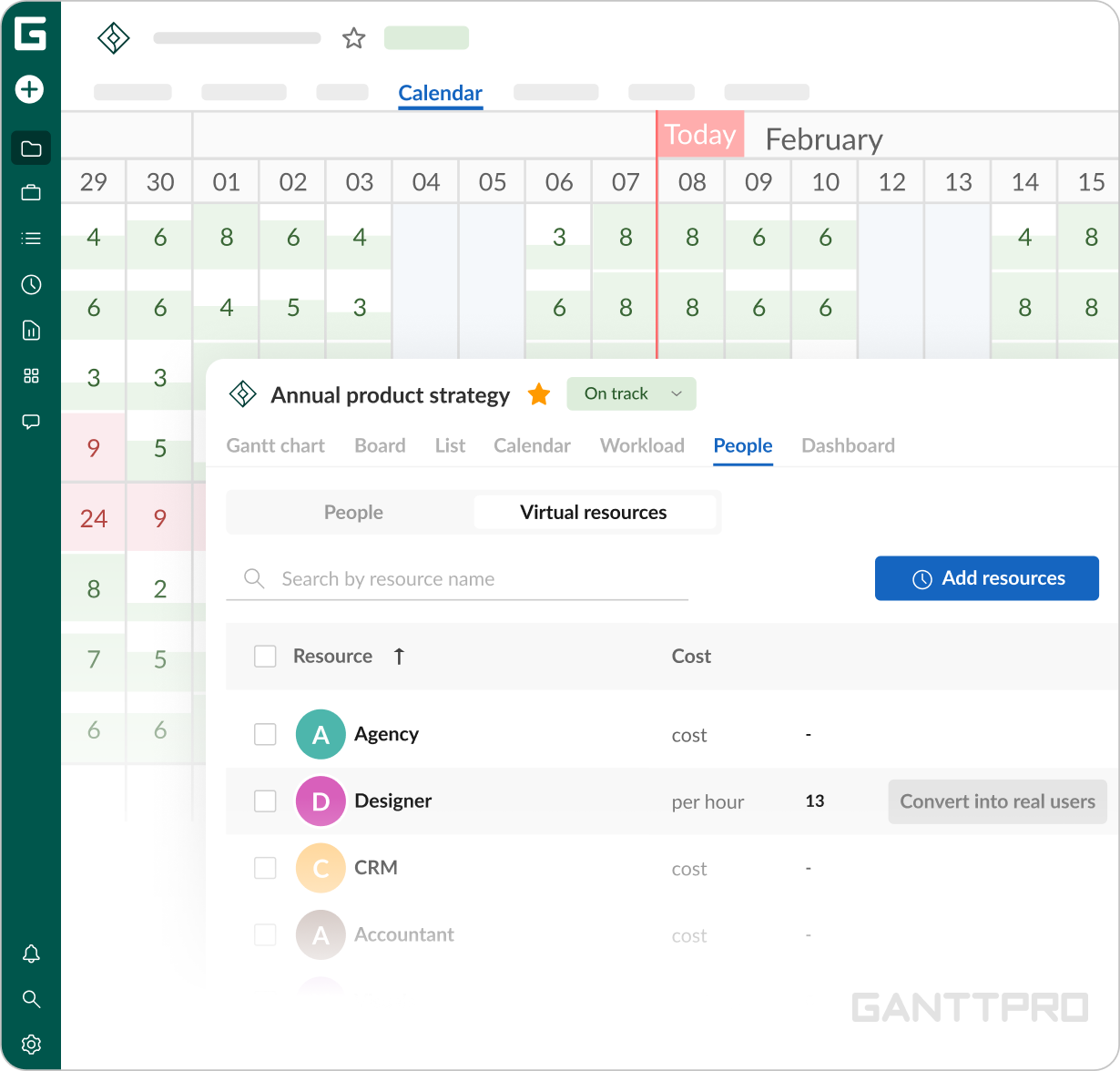
GanttPRO has an incredibly powerful history feature similar to expensive tools, such as Adobe Photoshop. Without modifying your project, it allows you to visually walk through all changes made over time and then choose a specific point to rollback. A huge win for peace of mind!Add team members is great but sometimes you have TBD hires, consultants, or want to run through some what-if scenarios without using up your plan quota. GanttPRO gives you unlimited virtual resources that are great for planning purposes.
Impact
What does your work look like now with GanttPRO?
GanttPRO does one thing well: project management. It doesn't try to be an instant messaging platform or a content management system or an intranet portal; it simply provides an intuitive, attractive interface for tracking tasks, dependencies, and resources. It's a perfect replacement for Microsoft Project (especially if your organization is Apple-based).
It's also very cost competitive, coming in cheaper than Scoro, Workzone, Celoxis, 10,000ft, Wrike, Monday, Asana, and TeamGantt, while giving you an impressive array of features, such as critical path, lag, drag/drop schedule adjustments, and gantt+kanban views.