
E-commerce company plans projects in GanttPRO
to get more predictable
and achievable timelines
“GanttPRO offers powerful Gantt chart functionality, with well-structured dependencies and a clear Work Breakdown Structure.”
A story about Supernova moving from Google Sheets to GanttPRO to manage complex dependencies and deliver more predictable project timelines.

Company overview
Company: Supernova
Role interviewed: Lloyd Stephens, Global Operations Director
Project types: product development workflows for client brands
External pressures: large team, global setup (offices across countries), complex dependency-heavy planning
Tool history: Google Sheets
Problems hinted at: dependencies were impossible to manage in Sheets, other tools didn’t handle dependent subtask ordering smoothly
Summary
Company Background
What does your company focus on?
With a powerful combination of product development and marketing, Supernova creates outstanding innovative Health, Beauty, and Fitness products.
Their portfolio of direct-to-consumer brands includes Sand&Sky, bodyboss, Coco&Eve, and SkinnyMint. Headquartered in Singapore, with offices in the UK, Australia, and India, they speak 20 languages and are located on 4 different continents, ready to grow their brands.
"GanttPRO has an extra advantage of being able to do everything we need and includes automated resource planning, email reminders, and additional features."
Struggle
How did you start using GanttPRO?
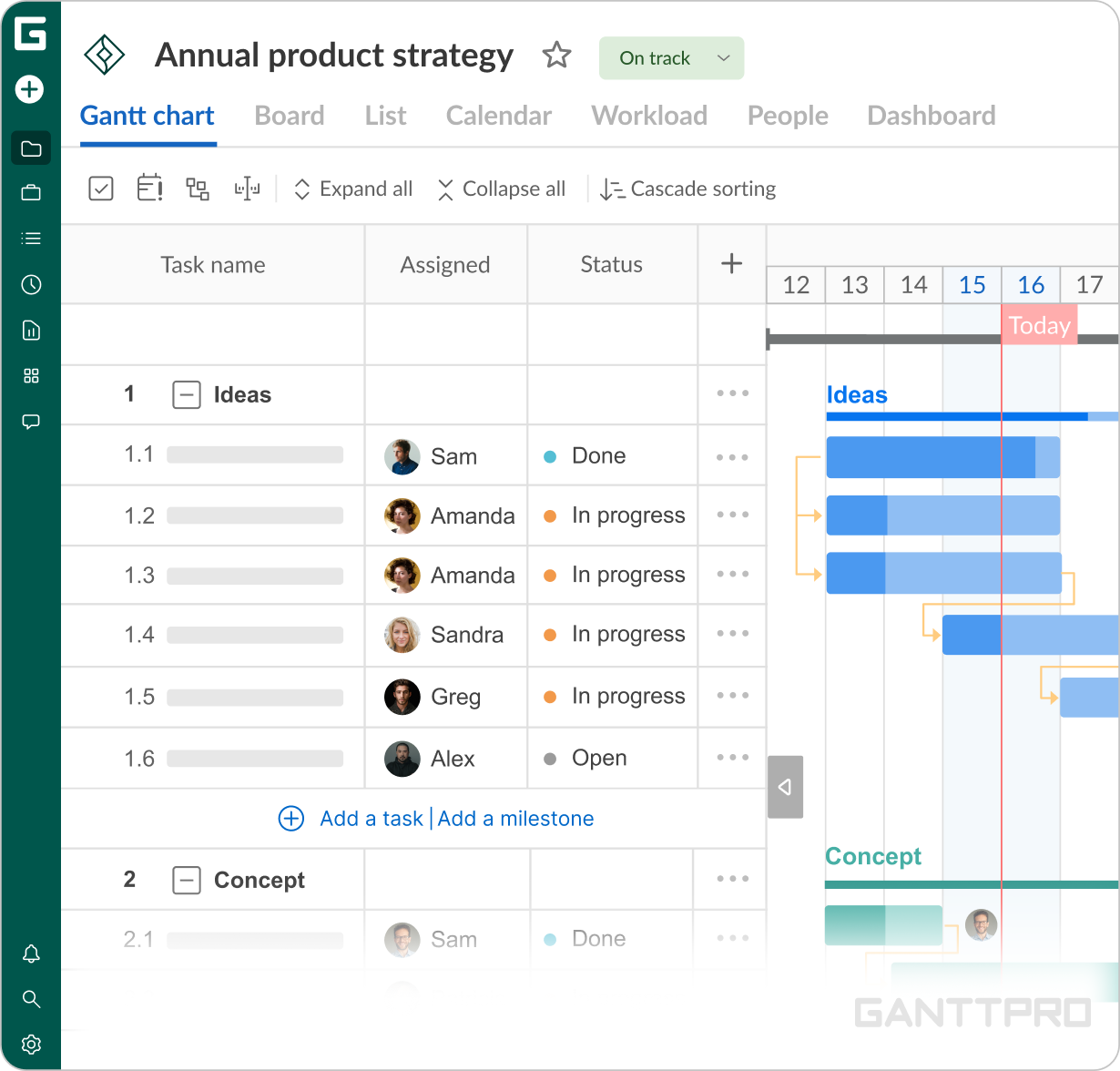
We have a large product development team. Previously, we have been trying to manage projects in Google Sheets, and it had been tough. Managing the complex dependencies was impossible. So, I conducted research and GanttPRO was the clear tool of choice. I could finally map out our projects and manage the timelines accordingly.
Personally, I was looking for something to replace MS Project that I had experience with. We also had experience with other tools like Wrike and Mavenlink.
GanttPRO has an extra advantage of being able to do everything we need and includes automated resource planning, email reminders, and additional features.
Favorite features
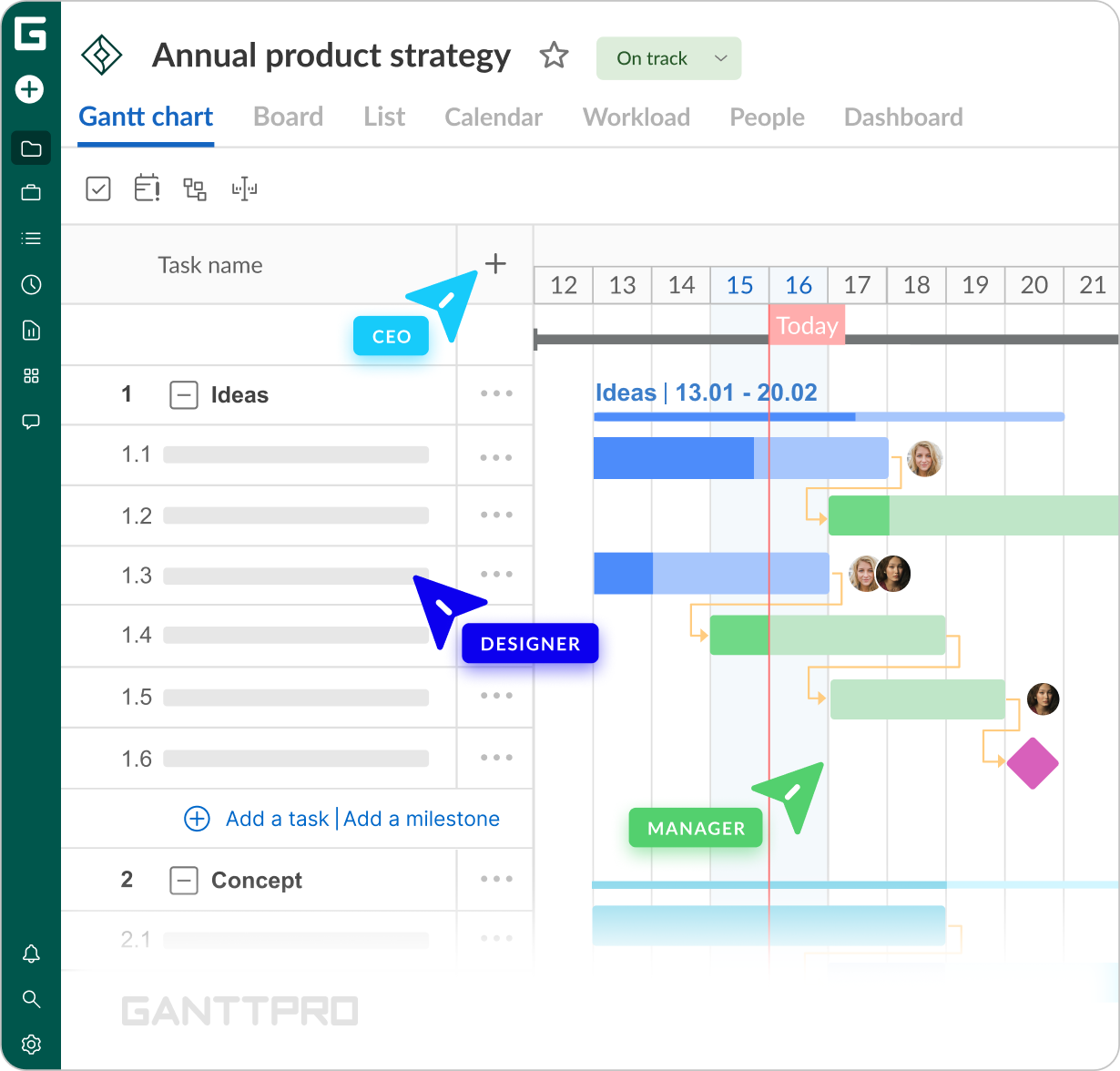
“We use Gantt charts very extensively. We create tasks and link them with dependencies.”
“When we assign people to tasks, we like that notifications remind them about assignments and updates via email. Also, we use comments and attachments to track progress and reasons for changes.”