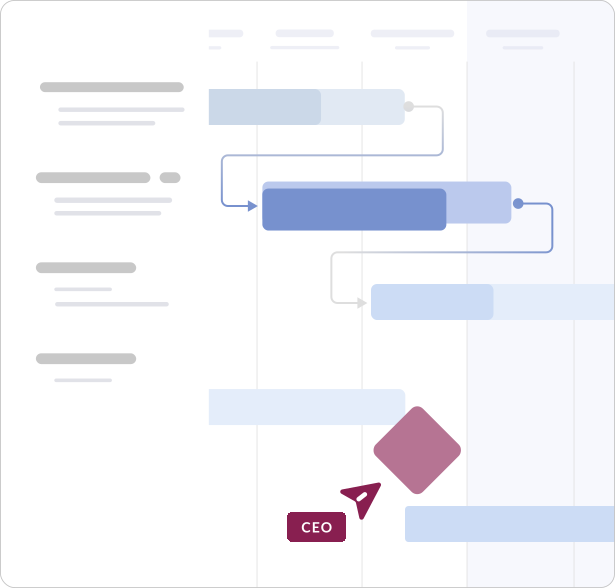

Commercial Construction Budget Template
Break down costs into manageable categories and allocate finances for labor and materials. Customize the template to display your own project tasks and activities.


Why choose a commercial construction budget template?
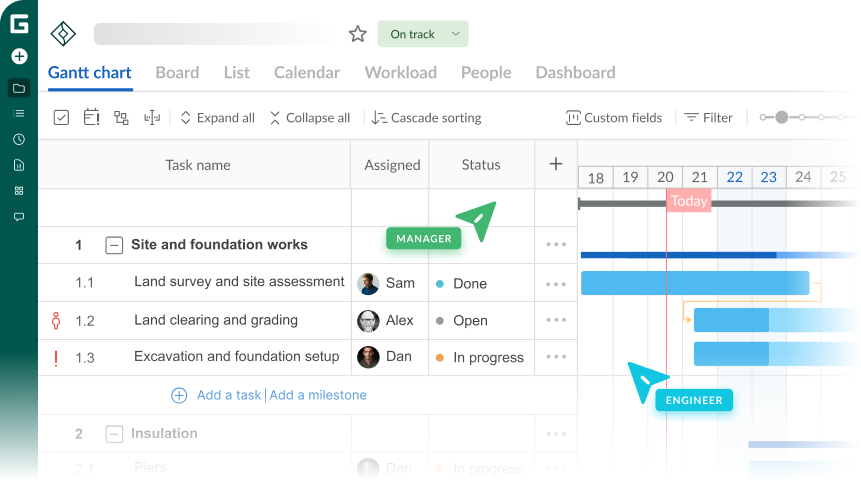
All costs in one place
Bring your financial plans to life with the robust GanttPRO commercial construction budget template.
Organize different stages of your construction budgeting, initiate tasks, track progress, set deadlines, and get a clear picture of your upcoming spendings.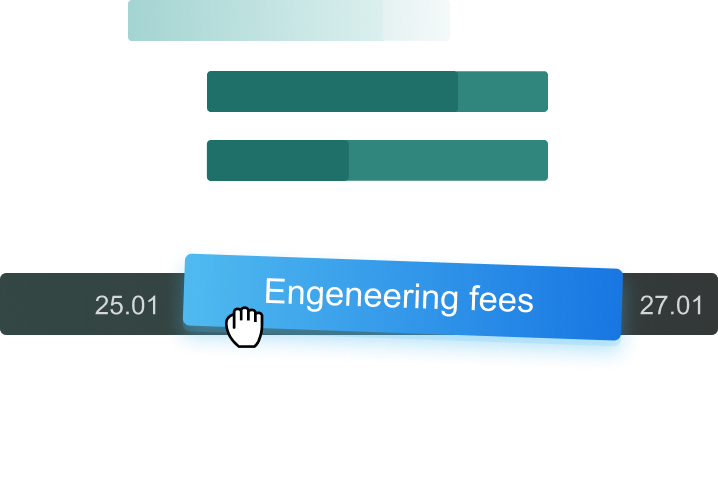

Budget risks regulation
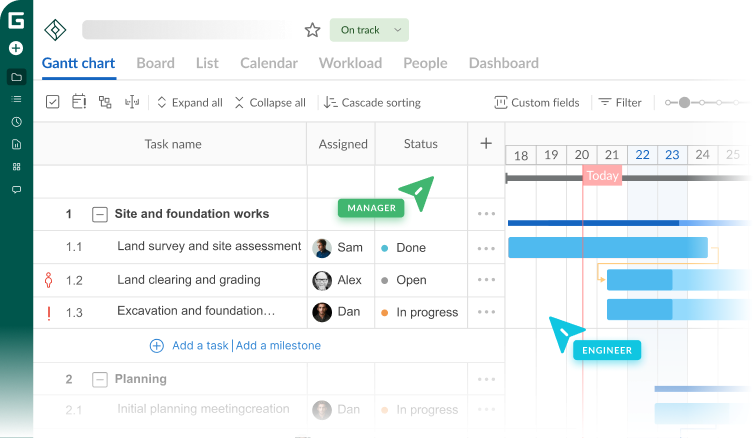
Get a big-picture view of your commercial construction budget visualized on a handy Gantt chart. It keeps your financial resources on track attaining your business strategy and goals.
The GanttPRO template also shows how to keep all team members aware of risks and potential blockers.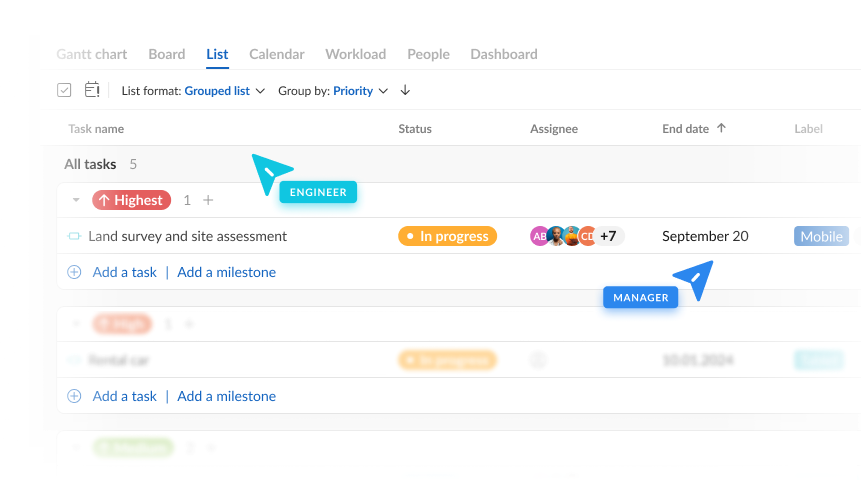
Collaboration
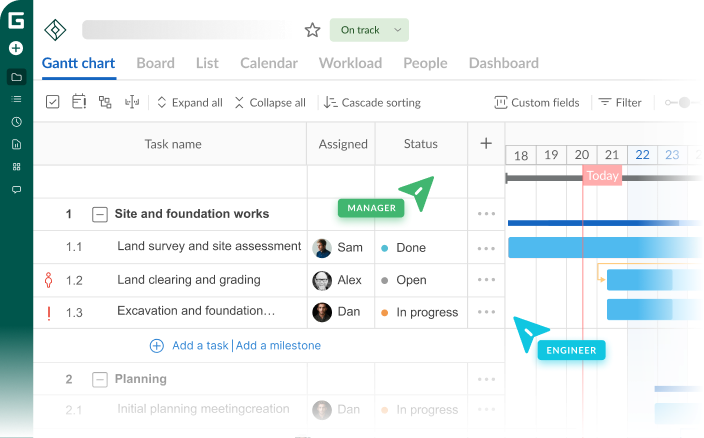
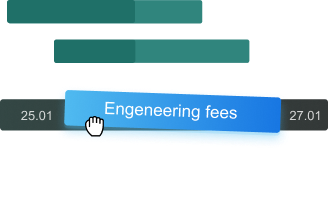
Take advantage of real-time collaboration and control all necessary information related to your commercial construction budget.
Delegate tasks, share files, leave comments, and keep all your finances under control.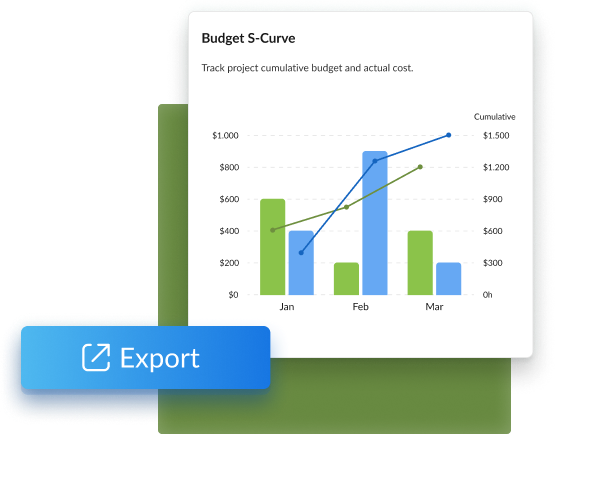
Shared access
Share your commercial construction budget template with the team, partners, subcontractors, or vendors if needed.
Export the template by choosing any format from PDF, PNG, XML, or Excel.
More construction templates
- Free construction templates in Excel, Google Sheets and GanttPRO
- Residential Construction Schedule Template
- Residential Construction Budget Template
- Construction Project Management Template
- Hotel Construction Budget Template
- Restaurant Construction Budget Template
- Construction Project Startup Checklist Template
- Construction Statement of Work Template
- Construction Project Timeline Template
- Building Project Management Template
- Construction Project Report Template
- Construction Budget Template
- New Home Construction Budget Template
- Home Building Budget Template
More FREE Gantt chart templates
Create your ideal template in case you haven’t found the one for your needs.







How to create a construction project plan using construction templates?
Commercial construction budget template consists of typical ready-made tasks. This template gives you a pre-defined structure of your construction project.
You can easily import and export Excel files to work with your tasks online, manage dates, track progress, and estimate construction budget.You can use ready-made typical tasks or create new ones, as many as you need, defining start and end dates for them and making your project visually appealing in minutes. Make a hierarchy of your assignments – simply turn them into groups adding subtasks.
Besides tasks, the construction project template includes milestones – significant events that show how your project is developing. Create them where needed and be sure you are moving towards your goals.
With the ease of drag & drop function, connect your responsibilities and milestones with dependencies. The auto-scheduling function will automatically adjust your construction project if you change dates of dependent tasks in your timeline.With the ease of drag & drop function, connect your responsibilities and milestones with dependencies. The auto-scheduling function will automatically adjust your timeline if you change dates of dependent tasks in your timeline.
Based on cost values of your tasks and resources, estimate your construction budget. Our construction template allows for precise budget calculation with no missed tasks and cost values.